Home > Palworld > How To Write On Sign In Palworld (Signboard Crafting)

How To Write On Sign In Palworld (Signboard Crafting)

Published Date :

Whether you play multiplayer with friends or simply play on your own, Signboards are a necessary item in Palworld. In Palworld, players can write on Sign which will allow them to either convey a message to the group while they are off exploring, label some important item or memo for themselves, or even use it to warn any intruders if they are yet to remove Wanted Status.

Signboards are pretty useful and they come quite easy once you unlock them with Technology Points. To write on sign in Palworld, players will simply need 10 Wood pieces and then they can make their own Signboard. Once you’ve gathered the necessary resources, you can choose where you’d like to place this item down.

How to Leave a Memo or Write on Sign in Palworld
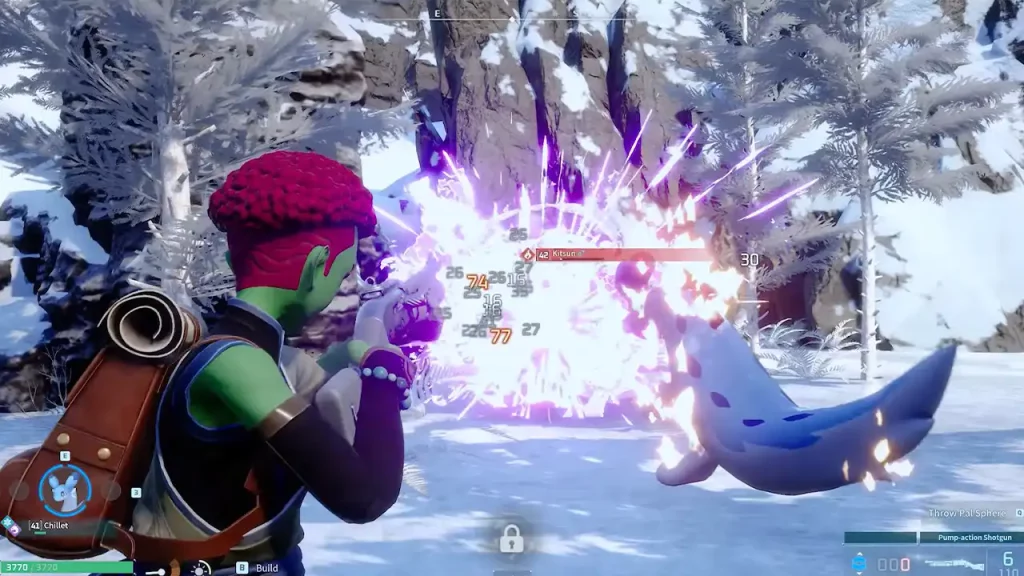
Pals can build a Signboard to Write on Sign in Palworld. (Image Source: Steam)

Once you place down your Signboard, you can do a bunch of useful things as we mentioned. It’s pretty easy to write on sign in Palworld since all you need to do is place the Signboard and then interact with it. Once you do a text box will pop up where you can leave a memo for the rest of your party or label any necessary items.

Many players have been known to put up a Signboard outside their base to welcome visitors. However, many have used it to warn off NPCs who might be looking for them. Since you can place the board anywhere on the base, it’s a useful method one can use for a number of things.

Can’t Write on Sign in Palworld on Xbox

Unfortunately, Xbox players don’t have the option to Write on Sign in Palworld yet. This is some sad bug that is not allowing the players to do so. While there is no way to fix it unless Pocketpair rolls out a patch, there is something you can try instead. If you are playing multiplayer with someone on PC (crossplay is allowed between Xbox and Game Pass players), you can ask them to leave the memo that you wish to write on the Signboard.

That’s all there is to it on writing on Signboard in Palworld. If you found this guide useful, do check out our other Palworld guides right here at Gamer Tweak.


  • Power a City Codes (August 2026)

    Power a City Codes (August 2026)

    Published Date :

    Power a City is all about keeping a growing city supplied with electricity. You can build generators, connect your power network, upgrade your equipment, and expand your operation as the city’s energy needs increase. Managing everything well can take time, so free Cash and other rewards can give your progress quite a boost. So, here… Read More

  • Fight in a Streamer University Codes (August 2026)

    Fight in a Streamer University Codes (August 2026)

    Published Date :

    Fight in a Streamer University takes place inside a chaotic streamer-themed campus where players settle rivalries through fights. You can take part in 1v1 battles, crew fights, and other brawls as you try to climb the ranks. Anime Spins can give you extra options between battles, so it is worth redeeming the available codes while… Read More

  • Mog or Die Codes (August 2026)

    Mog or Die Codes (August 2026)

    Published Date :

    Mog or Die starts you off as a weak character and lets you build your stats before challenging NPCs and other players in Mog Battles. You can collect items like Milk, Hammers and Picture Frames to improve your character and work toward taking on tougher opponents. If you don’t want to miss out on free… Read More

  • Evolve and Survive Codes (August 2026)

    Evolve and Survive Codes (August 2026)

    Published Date :

    Evolve and Survive is a Roblox survival game where you fight, stay alive, and work toward unlocking stronger forms. Losing can get you back to square one, which makes Gold, Revives, and other resources useful when you’re trying to keep progressing. In this guide, you’ll find all the working Evolve and Survive codes available right… Read More