Emotes and gestures provide a sort of human touch and fun segment to any game. Hence, including them has become a trend in recent games, and Watch Dogs Legion is no exception. However, apart from the fun segment, emotes are now also becoming a part of in-game tasks and objectives. Watch Dogs Legion also has an achievement trophy titled “You Don’t See Me” that requires you to emote to break through the pursuit of level 5. Here’s how you can emote in Watch Dogs Legion.
How to Emote in Watch Dogs Legion
Press and hold left on the d-pad to emote in Watch Dogs Legion. This will bring up an emote screen that will display all the available emotes. Simply move to any emote you want to perform using the right analog stick. Now, just release down on the d-pad and the job will be done. Once you release down the d-pad, your character will perform the emote that you had selected.
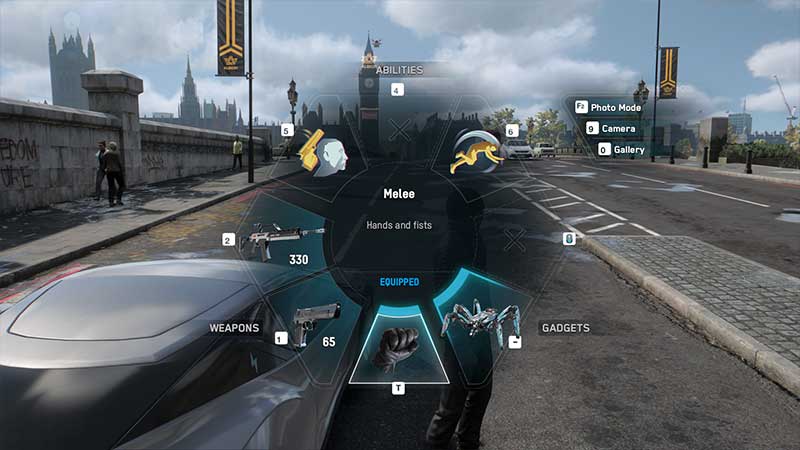
There are no additional emotes available in Watch Dogs Legion. Hence, you don’t have to look around to add more moves to your collection. You can use emotes as and when you want, be it for fun or to fool around drones. Yes, you read that right. You can fool police drones using emotes but only with a living statue character. In fact, it is a part of the “You Don’t See Me” trophy that we talked about earlier.
To unlock the You Don’t See Me trophy achievement, you have to recruit a living statue character and then escape a pursuit of level 5 using him or her. It is a rare trophy that you can brag about in front of your friends.
That’s everything you need to know about how to emote in Watch Dogs Legion. This was just about the fun segment, but to conquer the game, you will have to learn about various other stuff. For instance, you will first have to read about how to hack as hacking is the base of the game. Next, you will also have to learn how to crouch and how to sprint in Watch Dogs Legion so that you are able to move around quickly.