
Home > Gaming Guides > Wuthering Waves (WuWa) > Wuthering Waves FPS: How To Uncap Frame Rate

Wuthering Waves FPS: How To Uncap Frame Rate

Published Date :

Although Wuthering Waves had the option for 120 FPS during its open beta, there were numerous reports of glitches which is why it was removed in the full release. However, those who want a better frame rate to experience the game are left frustrated due to this. As a result, they are looking to unlock FPS in Wuthering Waves so they can have any frame rate that their monitor can run.

The glitches have inadvertently commandeered the FPS even though many were finding it to be quite useful. While there is no official way to get more than the 60 FPS cap at the time of writing, there are mods that will help elevate the UI experience of the game. Since you are looking to uncap your FPS in Wuthering Waves, this guide has covered all you will need.

How to Unlock FPS in Wuthering Waves
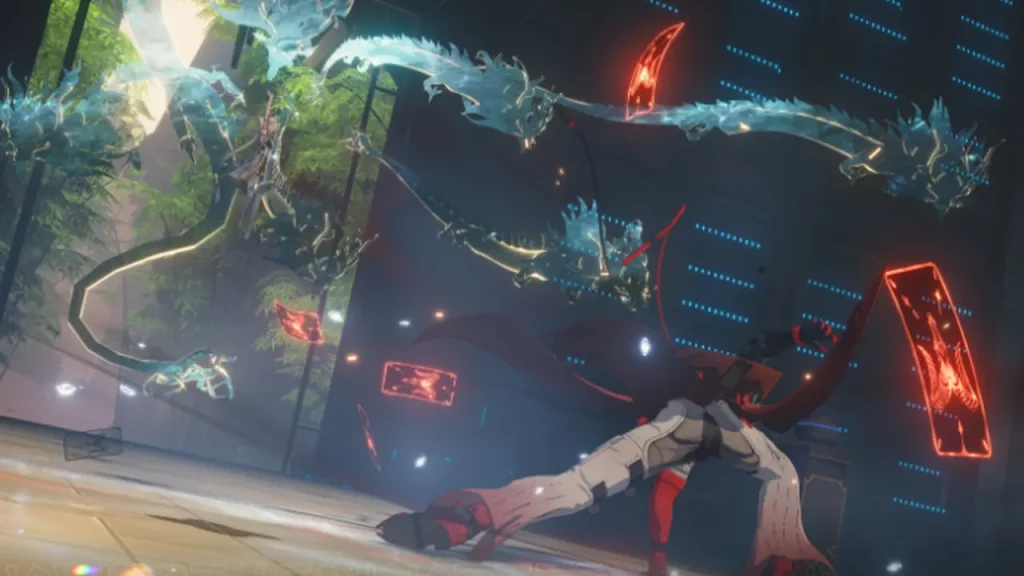
How to Unlock FPS in Wuthering Waves
Image via Wuthering Waves

The only way to unlock FPS in Wuthering Waves is via third-party applications and mods since the game has currently capped it at 60 FPS. Since there were glitches with higher frame rates, the developers wanted to provide a non laggy game experience. Although there is a possibility that the developers will work on those and release better graphics options with one of the future updates, it might take longer than players would want to wait for.

To uncap FPS in WuWa, players can look to get the FPS Unlock mod from Nexus Mods or the FPS Unlocker on GitHub. While these mods are safe to use in WuWa, you should know that they will make certain changes to your game files so only try these if you have certain technical know-how.

Additionally, there is no clarity on whether the developers will dole out punishments for using these mods or not so only use them if you are aware of the possible risks involved.

That’s all you will need to unlock FPS in Wuthering Waves and get better frame rates. If you found this guide helpful, do check out our other Wuthering Waves guides in our dedicated section while you are here at Gamer Tweak.


  • GTA 6 Sprint Control Change: Rockstar Ditches Button Mashing?

    GTA 6 Sprint Control Change: Rockstar Ditches Button Mashing?

    Published Date :

    Rockstar is making a small but important change to how players sprint in GTA 6. The new instalment appears to be moving away from the button-mashing controls used in earlier GTA titles and switching sprinting to the left stick. This means running around Vice City should require fewer repeated button presses when playing as Jason… Read More

  • Dungeon Lootr Codes (September 2026)

    Dungeon Lootr Codes (September 2026)

    Published Date :

    Dungeon Lootr is a Roblox hack-and-slash game built around challenging dungeons, different classes, builds and plenty of loot. You can fight enemies, collect better gear, upgrade your weapons, and use different abilities as you progress and codes can give you useful items such as Luck Potions, Forge Stones, Aspect Gems, and Coins. If you don’t… Read More

  • U7BUY Steal a Brainrot Items Review: Pricing, Delivery Speed, and Service Quality

    U7BUY Steal a Brainrot Items Review: Pricing, Delivery Speed, and Service Quality

    Published Date :

    When playing Roblox Steal a Brainrot, you will be aware of the frustration it causes. You need a unit that actually earns $/sec, but those units have such low probability of appearance that you can only find one of them in 0.1% of cases. Many hours of farming sometimes lead to days, and still, you… Read More

  • MM2 of The Locust Codes (September 2026)

    MM2 of The Locust Codes (September 2026)

    Published Date :

    MM2 of The Locust is a Roblox horror game where you are trapped inside a dangerous nest with a giant creature hunting you. Your goal is to survive, find your way around the map, and escape before the Locust catches you. You can also collect Keys during your runs and use them to get different… Read More







