Building your farm while taking on monsters and dragons in your quest for magic will become tedious as you progress further in Sun Haven. However, you don’t have to do all of it independently since there are some useful console commands you can still use in the game. If you are looking for the complete list of Sun Haven console commands that you can use, this guide has covered everything you will need.
Players can use the Cheat Enabler mod via Nexus Mods to get easy access to console commands since it beats the original method in the game. Although many players have had trouble with the mod after the recent updates, it seems to be working currently, and players can download and install the latest updates from there. However, before you do that, remember that the mods will change specific game files, so ensure you have some technical know-how before using it to avoid complications.
All Sun Haven Console Commands to Use
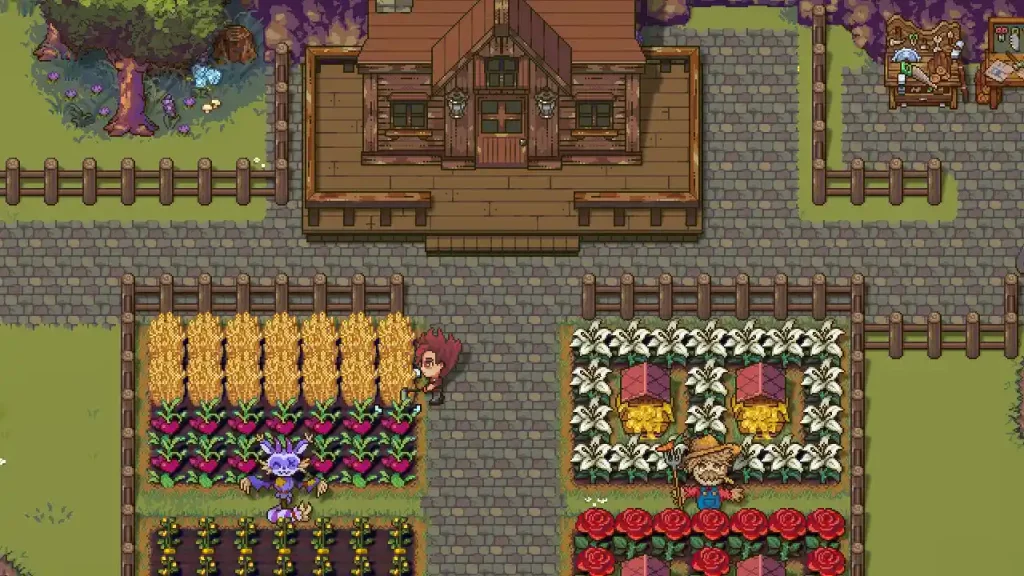
These are all the Sun Haven console commands that you can use in-game right now:
- /adddevitems
- /addexp
- /additem
- /additem
- /addmoney
- /addpermenentstatbonus
- /addstat
- /addtime
- /allitems
- /despawnpet
- /enabledaycycle
- /getrelationships
- /getstat
- /godmode
- /noclip
- /resetalldecoration
- /resetanimals
- /resetcharacterprogress
- /resetfarminginfo
- /resetfoodstats
- /resethelpnotifications
- /resetinventory
- /resetmail
- /resetmoney
- /resetpermanentstatbonuses
- /resetprogress
- /resetquests
- /resetrelationships
- /resetskills
- /resetworldprogress
- /sendmail
- /setcharacterprogress
- /setday
- /setdaya
- /setdayb
- /setdayrain
- /setdayspeed
- /setexp
- /sethealth
- /setmana
- /setmaxfoodstats
- /setnpcquest
- /setpreplaceddecorations
- /setrelationship
- /setseason
- /setstat
- /settime
- /setuiactive
- /setuiactivebutactionbar
- /setworldprogress
- /setzoom
- /skipday
- /skipday
- /skipintro
- /skiptonpccycle
- /skiptoworldquest
- /skiptoworldquestnelvari
- /skiptoworldquestwithergate
- /spawnpet
- /startquest
- /teleport
- /unlockmines
Once you add the necessary values along with the command, you should get the output you are looking for. That’s all you will need to know everything about the Sun Haven console commands. If you found this guide helpful, check out our other Video Game Guides in our dedicated section while you are here at Gamer Tweak.