Home > Steam Guides > Why Is My Steam Deck Tracking Number Not Working?

Why Is My Steam Deck Tracking Number Not Working?

Published Date :

Due to some reason, the Steam Deck Tracking Number is not working for those who have ordered it. This, indeed, is a matter of concern as several customers have addressed this issue on the Internet. While you can neglect this issue by assuming it is a glitch, I can assure you it certainly isn’t like that. To clear out your confusion and put an end to your concern, here’s why your Steam Deck Order Tracking Number (or ID) is not working.

Why Steam Deck Tracking Number is Not Working?

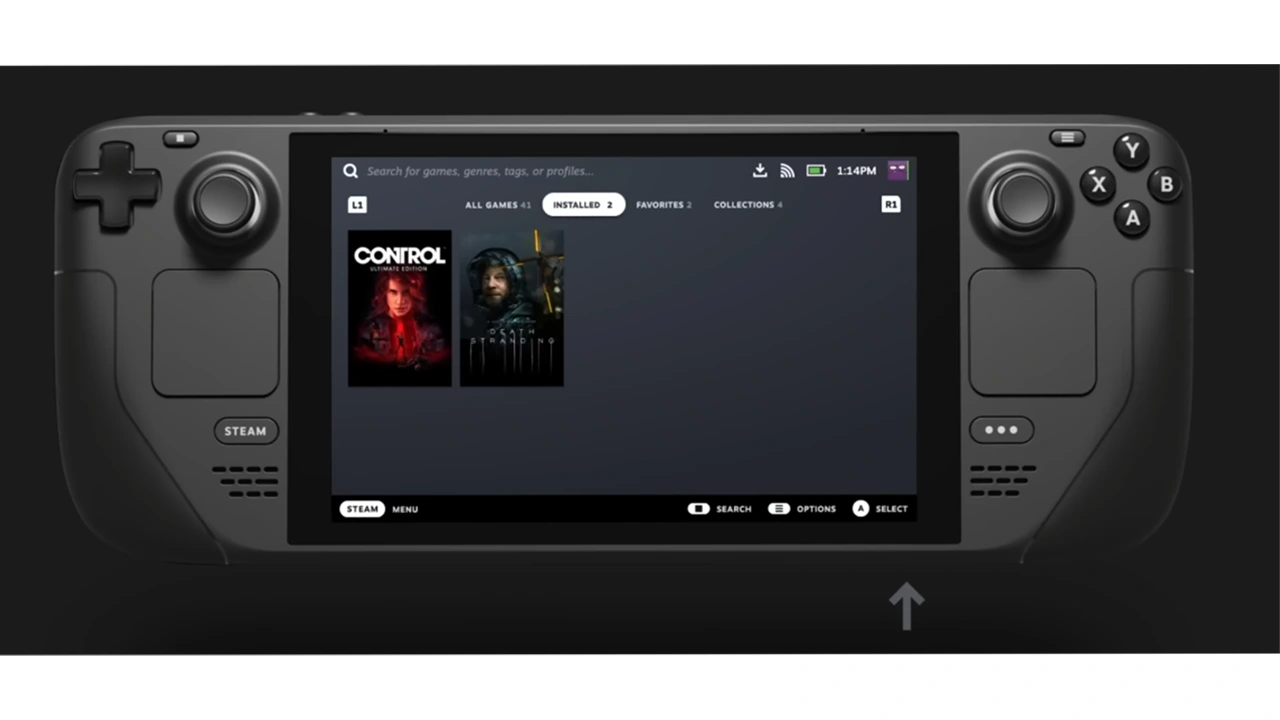
When you order a Steam Deck, it takes a while for it to get shipped to the respective Courier Company. As soon as the handheld is shipped, it gets a Tracking Number and you are updated about it. However, one thing that you must know about the process is that the packages need to be scanned by the Courier Companies. Only then the Tracking Number will work.
why steam deck tracking number or ID is not working

In this case, any Courier Company like GLS, FedEx, DHL, etc. needs to scan the Steam Deck so that its info is inputted into the system. After that, you will be able to use the Steam Deck Tracking Number provided to you. According to several users on a Reddit Post, it takes at least a day or two for the packages to get scanned.

How to Track Steam Deck Delivery Status

Checking the Order Status of your Steam Deck is relatively very easy. Just follow these steps to know the order status:

  • Go to the Steam App or Website and click on your username on the top right.
  • From there, select Account Details > View Purchase History.
  • Navigate and select Steam Deck to check its Shipment Details.

Anyway, now that you know why your Steam Deck Tracking Number was not working, I hope you sigh in relief. For a regular Steam user like you, we have a bunch of Video Game-related guides. Feel free to access them on our website.

  • 100 Days At Sea Codes (July 2026)

    100 Days At Sea Codes (July 2026)

    Published Date :

    Surviving in the Bermuda Triangle is easier said than done when you’re constantly searching for supplies, expanding your raft, and defending yourself against dangers lurking in the ocean. 100 Days At Sea codes can make the journey a little smoother by rewarding free Pearls, giving you the chance to unlock Classes and Companions faster. Here’s… Read More

  • +1 Muscle to Arm Wrestle Codes (July 2026)

    +1 Muscle to Arm Wrestle Codes (July 2026)

    Published Date :

    Winning arm wrestling matches gets a lot easier once you start building up your Muscle, collecting stronger pets, and unlocking more Win boosts. +1 Muscle to Arm Wrestle codes make that journey a little shorter by giving you free Wins, Muscle, Boosts, Eggs, and even exclusive pets, helping you reach new milestones faster than other… Read More

  • Giant Simulator Reborn Codes (July 2026)

    Giant Simulator Reborn Codes (July 2026)

    Published Date :

    If you want some free Gold, you definitely need to redeem these Giant Simulator Reborn codes! These rewards will help you upgrade your giant much faster as you defeat enemies and grow stronger. Since this game revolves around training your character, collecting pets, and increasing your size to take on tougher challenges, every extra bit… Read More

  • Gakuran Codes (July 2026)

    Gakuran Codes (July 2026)

    Published Date :

    Gakuran codes are something many players look for after jumping into the game’s action-packed school battles. Inspired by classic delinquent manga and anime, Gakuran lets you fight rival students and explore an open-world campus filled with challenges. Find out if there’s a way to unlock free in-game rewards and speed up your progression. Last checked… Read More