Jay Won aka Sinatraa is an American Valorant player who is a member of the team Sentinels. The former Overwatch player’s achievements will leave you awestruck. This is why many players are currently searching for Sinatraa’s Valorant Settings so that they can replicate their favorite streamer’s playstyle. Here are his crosshair settings, keybinds, sensitivity, DPI, gear information and more.
Valorant Sinatraa Settings 2024
Check out Sinatraa’s mouse settings, keybinds and also his hardware, video settings, and more.
Sinatraa Hardware Gear/Equipment
- Monitor – OMEN BY HP 24.5″
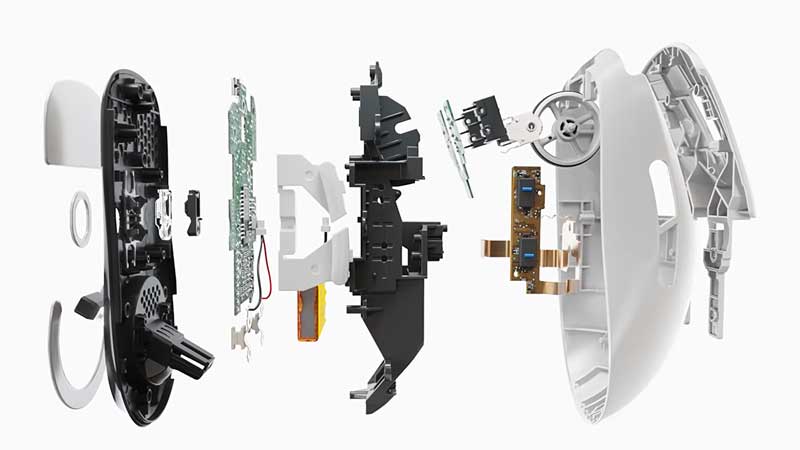
- Mouse – LOGITECH G PRO X SUPERLIGHT
- Mousepad – LOGITECH G640
- Keyboard – LOGITECH G PRO X MECHANICAL KEYBOARD
- Headset – JBL QUANTUM ONE
- CPU – INTEL CORE I7-10700K
- GPU – NVIDIA GEFORCE RTX 3080
- RAM – HYPERX PREDATOR RGB 32GB
- Case – CORSAIR ICUE 465X RGB
Sinatraa Mouse settings (Sensitivity, DPI & More)
- DPI – 800
- Sensitivity – 0.387
- eDPI – 309.6
- Hz – 1000
- Scoped Sensitivity M. – 1
- Windows Sensitivity – 6
Sinatraa Valorant Keybinds
- Walk – L-Shift
- Crouch – Caps Lock
- Jump – Space Bar / MW Down
- Use Object – F
- Use/Equip Ability: 1 – E
- Use/Equip Ability: 2 – Q
- Use/Equip Ability: 3 – C
- Use/Equip Ability: Ultimate – X
- Equip Primary Weapon – 1
- Equip Secondary Weapon – 2
- Equip Melee Weapon – 3
- Equip Spike – 4
Sinatraa Valorant Crosshair Settings
- Color – Cyan
- Outlines – On
- Center Dot – Off
- Inner Lines – 1 / 3 / 1 / 3
- Outer Lines – 1 / 1 / 0 / 1
- Fade / Movement / Firing Error – On / Off / Off
Sinatraa Valorant Map
- Rotate / Fixed Orientation – Rotate / Based on Side
- Keep Player Centered – On
- Minimap Size – 1.1
- Minimap Zoom – 0.9
- Minimap Vision Cones – On
- Show Map Region Names – Always
Sinatraa Video and Graphics Settings
- Display – Fullscreen
- Resolution – 1920×1080
- Frame Rate Limit – Unlocked
- Material Quality – Low
- Texture Quality – Low
- Detail Quality – Low
- UI Quality – Low
- Vignette – On
- VSync – Off
- Anti-Aliasing – MSAA 4x
- Anisotropic Filtering – 8x
- Improve Clarity – Off
- Bloom – On
- Distortion – On
- First Person Shadows – On
Be sure to play around with these settings to suit your preferences. Not all settings are for you. You can see some settings like Anti-Aliasing and Anisotropic Filtering are set to MSAA 4x and 8x respectively. If your system isn’t able to handle these settings feel free to tone it down such that it aligns perfectly with your system’s performance.
These are just the settings of one professional player. In addition, you can always try other professional players’ settings until you find what works best for you. And if nothing works you can always make your own set of settings as they are tailor-made by you for you.
That sums up the settings Sinatraa uses. However, if you still are unable to get those headshots with these settings, try using TenZ’s settings in Valorant and get that Radiant you have been wanting for so long.