If you’ve started playing this third-person shooter and want to know how to improve your gaming experience, here’s the Scavengers Stutter and Lag fix. Most games end up having some stuttering or lag issues, especially in early access and it’s normal because the developers do push out updates that will fix them eventually. Until then, follow the steps given below to stop these problems while playing on PC.
Scavengers Stutter and Lag Fix
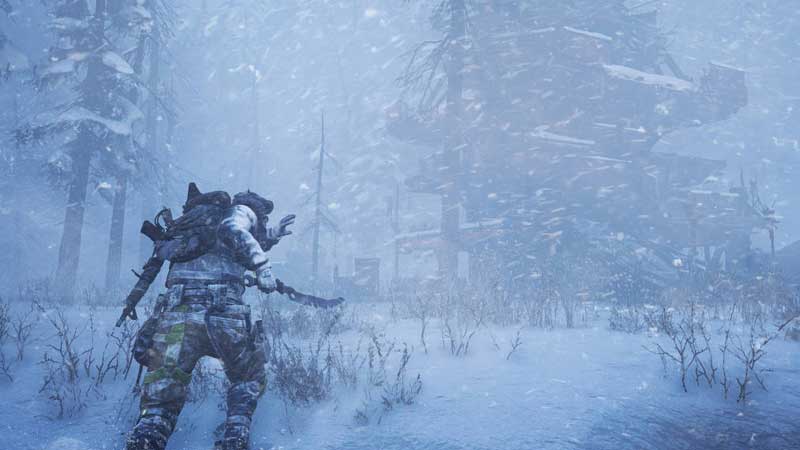
PC players can do the following things to solve the stuttering and lagging issues.
- Close other games that can cause an interference in this one.
- Close Chrome or other apps that may be open.
- Update your graphics card drivers.
- For a better performance, avoid Windowed mode and play Fullscreen.
- If the lag and stutter is unbearable, lower the graphics.
In case none of these options work, you can wait until the developers improve the game and optimize it to suit PC players better. The devs are collecting feedback from players as well as monitoring response so that the final launched game is amazing. In case you find any more technical issues, you can submit a ticket to the Player Support Team. You can also join their Discord server and directly communicate to the Community team and provide bug reports and feedback.
Scavengers PC Minimum Specs
Here are the minimum specs required for Scavengers, as posted by the devs:
- Windows 10 PC
- Processor: Core i5-6500 or any equivalent
- Graphics: NVIDIA GeForce GTX 760 / AMD Radeon R9 380
- RAM: 8 GB
- DirectX: Version 11
That’s all you need to know about how to fix Scavengers stutter and lag.
Scavengers is a free-to-play action shooter developed by Midwinter Games. The environment is familiar yet unexplored. Players compete to strategize and survive in a hostile wasteland which is freezing. You get to go on expeditions where explorers can survive and even dominate. You get access to special abilities, weapons and overcome challenges in style and meanwhile, don’t forget to keep warm. Stay tuned to our Guides to know more about this game.