
Now that the Straw Hats will appear in the form of a JRPG, many fans of the manga and anime series want to explore the journey of the King of the Pirates. The game invites a lot of adventure and one of the twists of the game is the saving part. Many players are wondering how to save the game in One Piece Odyssey to continue their exploration from the same place next time. Whether players will like it or not, the format to do so is a little different and borderline old school. So if the saving part of the game have you concerned or confused, this guide is all you will need.
How to Save in One Piece Odyssey
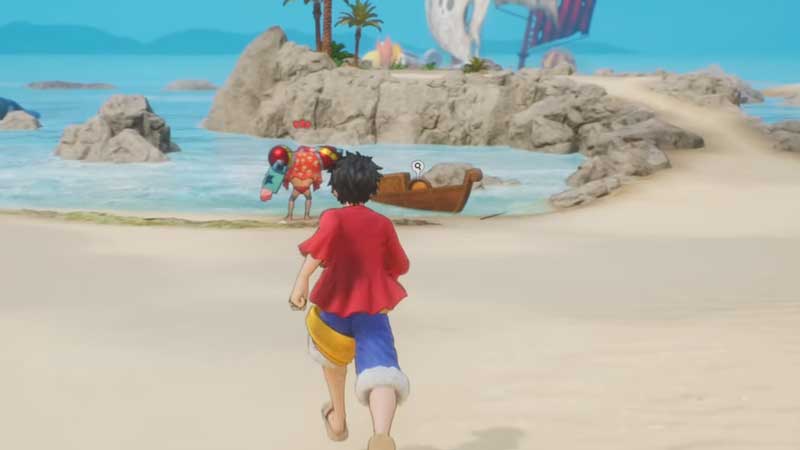
While the adventures of Monkey. D. Luffy is certainly going to be exciting even in the JRPG, some of the mechanism takes an old turn. Yes, the game-saving is quite different compared to the last few JRPGs that many players have encountered. Hence, it can be a little cumbersome on the how-tos. And so we recommend you read below as we will remove that confusion for you.
Unfortunately, there is no save button or manual save feature when it comes to One Piece Odyssey. There will be numerous Save Points where you can save the game. So before leaving the game, make sure you reach one of them. Fortunately, the game does autosave quite a lot to avoid any errors or mishaps with your progress. However, you should not rely entirely on that.
Even if you die, you will respawn back at the last place you saved. That is, the last save point you visited in One Piece Odyssey. Hence, you can understand the importance of the save points so make sure you remember them well. Although many players would not like this mechanic, the nature of it might be appreciated by a few.
That’s all there is on how to Save the game in One Piece Odyssey. If you are interested in playing the demo, here’s how to download the One Piece Odyssey Demo.
With the new year setting in, check out our 2023 Game Release Calendar for more games that you can look forward to.











