
Home > Alan Wake 2 > How To Manually Save Game In Alan Wake 2

How To Manually Save Game In Alan Wake 2

Published Date :

One of the most important features and concerns in survival horror games is how it lets you save your progress. As such, it comes as no surprise if you are looking for a way to manually save your game in Alan Wake 2. This is especially true at the start when the game doesn’t exactly tell you how it is done.

This game does support an auto-save feature, which is very crucial as most of the time you die unexpectedly. But since it is automatic you can’t always rely on it especially if you are about to exit the game as you may lose some progress and have to redo certain areas. So here is how saving works in this game.

How to Manually Save in Alan Wake 2
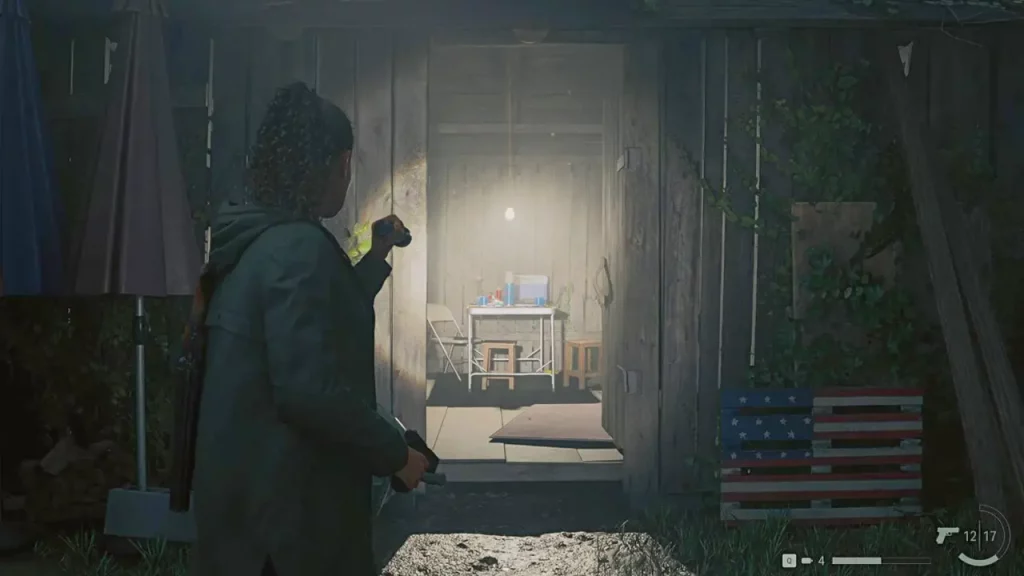
Image Credits: Epic Games

To save your game you have to go to the Break Room and interact with the thermos. You can think of it as the typewriter in Resident Evil games as their workings are quite similar. It is easy recognize the room as it will have bright light emanating. Simply walk over to the Thermos and you get two options:

  • Quicksave
  • Manual Save

Quicksave overwrites your previous checkpoint save. While using manual save lets you pick a save slot that you want to use. You get only three slots to choose from.

An important thing to remember is that Break Rooms aren’t available from the start. In order to unlock them you will have to play for around an hour or more. When you reach the second chapter you should come across your first Break Room and thus you can use it.

How to Use Auto-save

Auto-save takes place whenever you reach certain checkpoints in the game. Look out for the Game Saved prompt on the top right corner of the screen. It is highly recommended that if you are about to end your play session then you do so at a break room as auto-save might not let you continue from the exact place where you left.

With that, you now know how to manually save the game and how auto-save works in Alan Wake 2. Be sure to also check our Alan Wake 2 section to get more help on other topics of this game.


  • GTA 6 Players in Australia May Need Age Verification Due to New Online Safety Rules

    GTA 6 Players in Australia May Need Age Verification Due to New Online Safety Rules

    Published Date :

    Australian players could have an extra requirement to meet before accessing Grand Theft Auto VI’s online features. Under the country’s updated online safety regulations, games classified as R18+ may need to verify that players are adults instead of relying on a simple age confirmation (as per news.com.au). If GTA 6 falls under those requirements, Rockstar… Read More

  • Tactical Swat Simulator Codes (July 2026)

    Tactical Swat Simulator Codes (July 2026)

    Published Date :

    This action-packed game is all about completing objectives, clearing the area, and stopping hostile suspects, and while you’re at it, you can earn plenty of cash. Luckily, Tactical SWAT Simulator codes also give you free Cash that can be put toward new gear and upgrades, helping you strengthen your loadout before heading back into the… Read More

  • Roblox Chameleon Codes (July 2026)

    Roblox Chameleon Codes (July 2026)

    Published Date :

    Meccha Chameleon’s virality is bringing similar games to Roblox, and this one’s called Chameleon! Blending into your surroundings is the key to staying hidden, but unlocking new cosmetics and customization options makes every match even more enjoyable. Roblox Chameleon codes give you free Coins that you can spend on new skins and other in-game items,… Read More

  • Reclone Codes (July 2026)

    Reclone Codes (July 2026)

    Published Date :

    Reclone is a sci-fi stealth horror game where you get on a research spaceship and survive the dangers that lurk. This means, you need all the boosts you can get which is exactly what Reclone codes provide! If you’re running short of Tokens or cash, make sure to redeem them quickly so that you have… Read More







