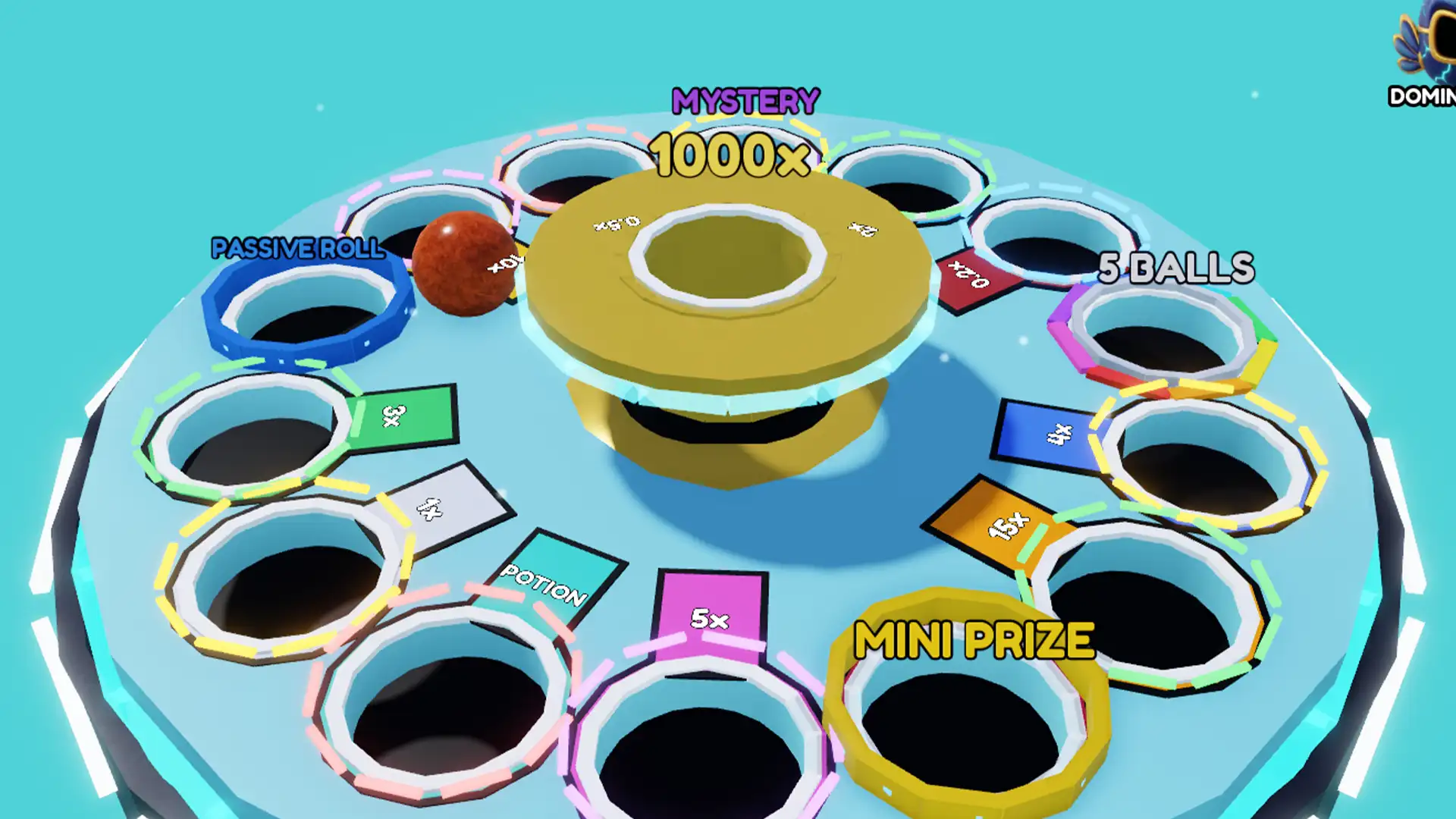
Roblox has finally arrived at PlayStation, although this isn’t as smooth a ride as it is on the other platforms and even on PS5 to some extent. A lot of users on Reddit and X (formerly Twitter) share their experience about playing Roblox on PS4 which was filled with laggy gameplay, inability to load properly, and other similar performance issues.
Now, till the developers fix the problem, follow this guide and try the methods mentioned below to possibly fix the issue to some extent.
Fix Roblox Slow Loading and Lag on PS4
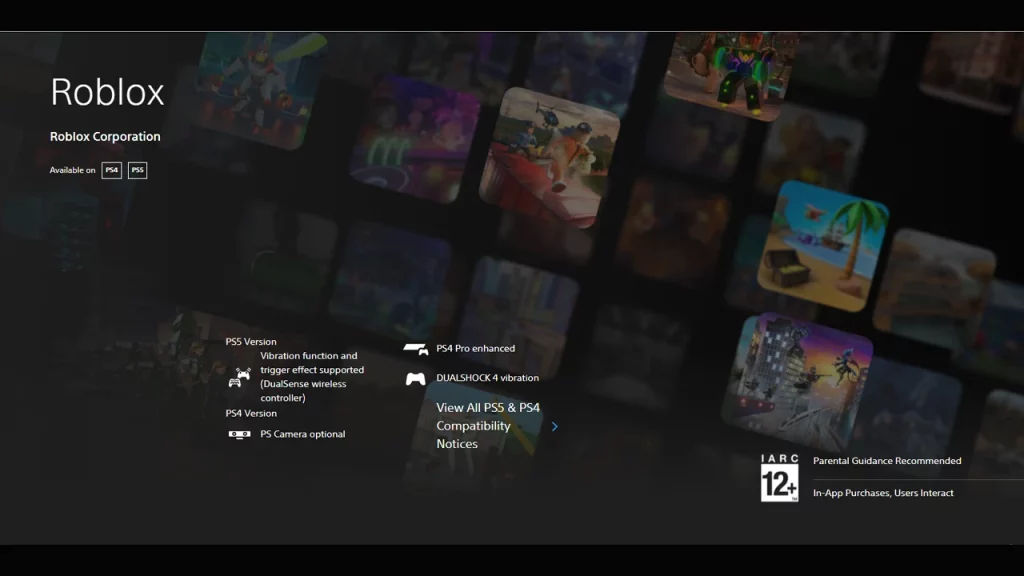
To put it clearly, this is a problem from the Roblox side. The game platform needs to be optimized properly to run seamlessly on the PS4. As the game was recently launched on the PS platform, we would expect the developer to address and fix this issue as soon as possible. For the time being, below are some of the things that we can do for our side to make it a bit playable.
Check Internet Connection
This can help with Roblox PS4 slow loading & lag problems. For this, make sure to have your console connection a stable internet connection with decent speed. To improve the performance, you can try to change the DNS settings to the Google server 8.8.8.8 primary, 8.8.4.4 Secondary from the console’s Wi-Fi advance settings menu.
Reduce Graphics Quality
As the game isn’t well optimized with the PS4 console, it results in laggy and choppy visuals with low FPS. In such cases, you can check your Roblox graphics level and reduce it to improve the gameplay.
- If you have Roblox open on your console, and the game running, press the Options button on the controller to bring up in-game settings
- Now, inside the graphics section, toggle the Graphics Quality to lower settings.
Although this will sacrifice the visual quality of the game, on the positive side, the game will run more smoothly in comparison to the previous condition.
That’s everything you need to know about how to fix the Roblox PS4 Slow Loading and lag problem. If you find this guide helpful, check out our dedicated section about Roblox for more such helpful content and guides on many popular Roblox games. Also, you can head to our Tech section for other interesting guides related to the tech world.