
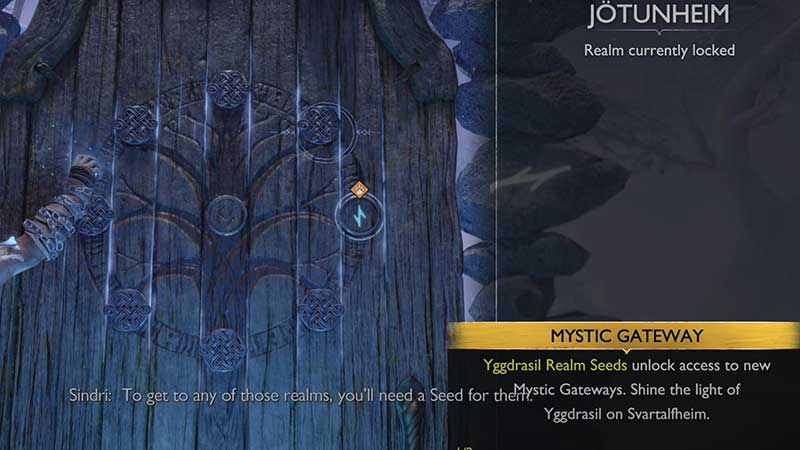
God of War Ragnarok features a way to travel to other realms in the game via the Mystic Gates. The Yggdrasil tree is said to have every realm as its roots and branches and the tree is present in the Realm Between Realms. The Gates will allow you to fast travel between realms. Many players are getting stuck while traveling between realms because the exit door won’t spawn in God of War Ragnarok. Here’s everything you can do to fix this bug.
How to Fix Realm Travel Not Working Issue in God of War Ragnarok
This is how you can potentially fix the realm travel exit door not spawning bug:
- Reload the checkpoint (May need multiple tries)
- Close the game and relaunch it.
- Update the game to the latest patch.
- Uninstall and reinstall the game (Keep reading to know how to ensure you keep your save file)
The first thing you should do is restart the last checkpoint. Pause the game and hit the Restart Checkpoint button under Options.
Once you load the checkpoint, check if you are able to travel between realms seamlessly. But if this doesn’t work for you, close the game and restart again.
The last resort is to uninstall the game and reinstall it. To make sure that your save file is secure, use the PS plus service to sync save data to the cloud. If you don’t have it, unfortunately, you will have to start a new playthrough.
If you are subscribed to PS Plus, you can save your progress in the cloud (it’s one of the benefits) and download it again after your fresh reinstall. To load the save, head to the Load menu option under Options and tab over to the PS4 System. This works for PS5 and PS4.
Why is the Realm between Realm Softlock/Glitch Happening?
As per the Reddit discussion here, many players report that they are facing this issue and a reinstall worked. Here’s a comment by u/Aggravating-Ad6097 that provides more insight into this issue.
According to the comment, if there’s a background download that’s yet to complete, this loading issue may crop up. When you check your notifications, you can see more information about the background download happening. As you let the download finish, there’s a chance the exit door will spawn and the Realm Between realm softlock will be fixed in God of War Ragnarok. This is probably why a full delete and reinstall fixes it, because all the necessary downloads get completed.
That’s everything about fixing the realm travel exit door not spawning bug in God of War Ragnarok. Be sure to check out our wiki page on Gamer Tweak for more related to the game.











