
Many players are getting the Problem Finding Match error in Fall Guys and are looking for a fix. The error says “There was a problem finding a match. Please check the settings and try again.”. These issues are somewhat expected since the game recently became free to play at the time of writing this article. The problem might be because there are suddenly too many players trying to play at the same time. So in this guide let us check the stuck on looking for players screen error.
How to Fix Problem Finding Match in Fall Guys
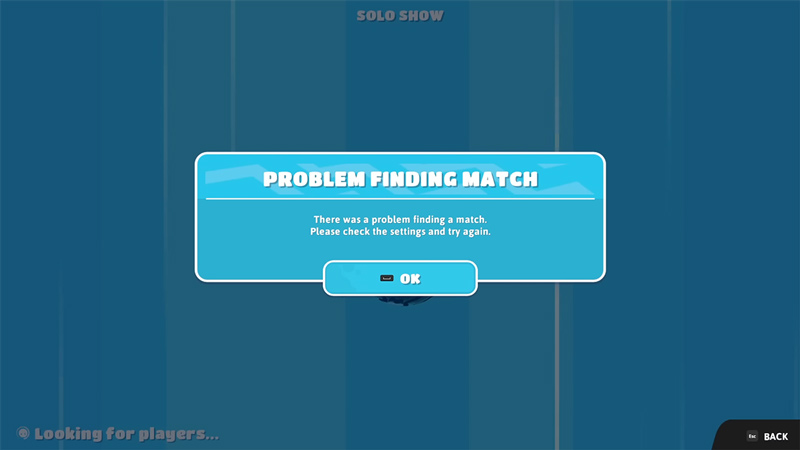
These are some of the fixes you can try to resolve the Problem Finding Match error in this game. With these solutions, you should no longer be stuck on the Looking for players screen.
- Restart the Game: Let’s start with a common fix. Close the game and start it again. Try finding a match and see if you still get the error.
- Restart your PC or Console: Restart the system you play Fall Guys on. Once it starts try playing the game and see if you can get matches.
- Check Server Status: Check out @FallGuysGame on Twitter to see the server status. When facing this issue there is a good chance there might be some problem with the server. It might be under maintenance or it could be that it is overloaded with too many players. Whatever the case may be, the best thing to do is check if the problem is on the game’s end or yours.
- Check your internet: If the game isn’t at fault then it might be your internet. You can quickly check your connection by doing a speed test.
- Refresh your connection: When the problem is with your internet you can refresh it to possibly fix it. For a wired connection, you can plug out and plug in the Ethernet cable. And for wireless connection just restart your router.
- Reinstall the game: As a last resort, you can try reinstalling the game. The game isn’t too big so it shouldn’t take much time.
Lastly, if none of the above fixes work then it is best if you wait. Once the developers fix the issue on their end you should be able to find matches again.
That covers this guide on how to fix the Stuck on Looking For Players Screen error in Fall Guys Ultimate Knockout. If you need help with other things on this game check out our Fall Guys guides.











