Home > Gaming Guides > Download & Install Pokemon Stadium On Switch

Pokemon Stadium: How To Play On Nintendo Switch

Published Date :

Pokemon Stadium is now here for you to play on your Nintendo Switch. This adds another game to the N64 library for the NSO + Expansion pack. Here you can challenge the Gym Leader Castle to fight against all 8 leaders, Elite 4 and Champion of Kanto. There are even different mini-games and other game modes to play. So without further ado here is how you can download and install it.

How to Play Pokemon Stadium on Nintendo Switch
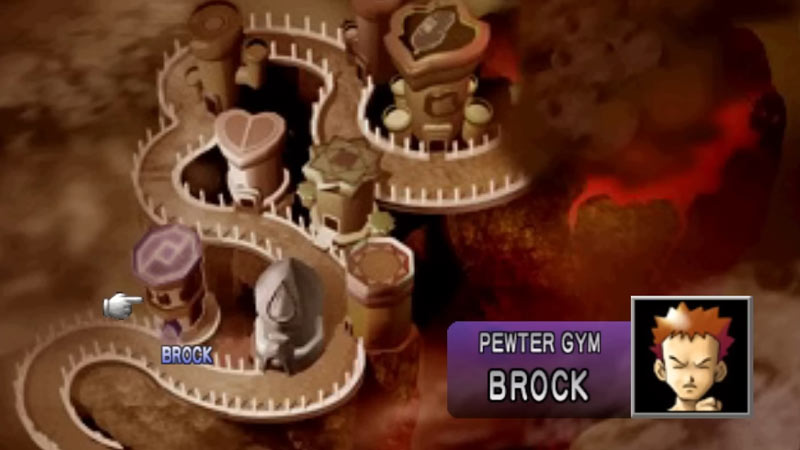
how to play pokemon stadium on nintendo switch

You need the Nintendo Switch Online + Expansion Pass membership to play this or any other N64 game on your Switch. If you already have its subscription, then here is what you have to do:

  1. Start your Nintendo Switch.
  2. Click on the Nintendo Switch Online tab on the home screen.
  3. Select your account.
  4. On the left side under Home, click on NES, SNES, Game Boy, Nintendo 64, and Game Boy Advance.
  5. Under the Game Archives section, go to Nintendo 64.
  6. Here, you can find all the games.
  7. Download and install the Nintendo 64 eConsole.
  8. You will go back to the home screen, wait for the games to download.
  9. Once it is ready click on the Nintendo 64 tile.
  10. Next, you will get the option to select if you want to play “One Player”, “with Everyone”, or play online. Select from them how you want to play.
  11. Here, you can see all the Nintendo 64 games.
  12. Click on Pokemon Stadium and you can start playing it.

In case you don’t have the NSO + Expansion Pack, then you can buy it for $49.99 USD from the official Nintendo website. This is for the individual user. You can get its Family version for $79.99 USD. Once you get or renew your service you should have no trouble playing the N64 games.

That’s all in this guide for how to play Pokemon Stadium on Nintendo Switch. But if you love playing other Pokemon games. Then be sure to check out our Scarlet & Violet, Legends Arceus, and Sword & Shield sections.
  • Heal your Injuries Codes (August 2026)

    Heal your Injuries Codes (August 2026)

    Published Date :

    Heal your Injuries is a JJK-inspired game, where you need math to heal yourself as you get hit by bombs, weapons and more. While playing, you will need EXP and Energy to progress, and thankfully, Heal your Injuries codes drop exactly that! Here’s a complete guide with all the latest rewards and how to claim… Read More

  • Steel Crossfire Codes (August 2026)

    Steel Crossfire Codes (August 2026)

    Published Date :

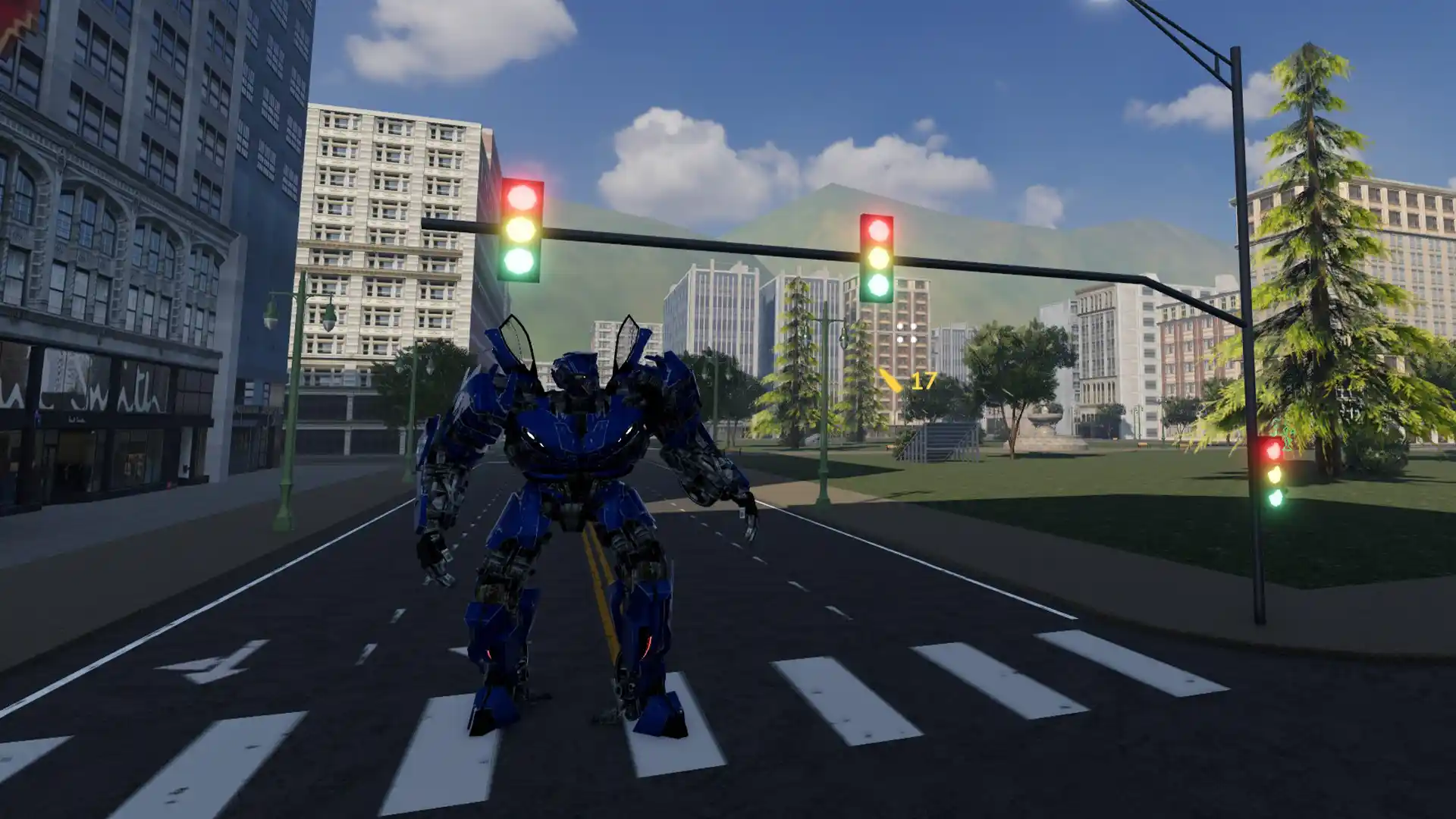
    Steel Crossfire is a thrilling PvP robot-fighting game inspired by Transformers, so yes, you can change into a vehicle, get into Jet mode, and get into some explosive battles. To make things interesting, you can unlock more characters and skins using Shards, which is what Steel Crossfire codes frequently drop! Here’s the complete list of… Read More

  • CookieRun: Crumble Codes (August 2026)

    CookieRun: Crumble Codes (August 2026)

    Published Date :

    The Devsisters Corporation is back with another Cookie adventure, and like other games, there is a code redemption system in CookieRun: Crumble too! This means we can expect to get regular rewards as drops to help you assemble a team of adorable yet powerful Cookies. Here’s a list of everything currently available. Last checked for… Read More

  • Smiles Codes (August 2026)

    Smiles Codes (August 2026)

    Published Date :

    Smiles is a multiplayer survival mascot horror game where you join other players, complete objectives and survive the dangers lurking in the dark. To make the game more interesting, you can unlock emojis, animations, and more that require in-game currency (Fluff), but it can be quite a grind to earn. Don’t worry, you can redeem… Read More