Roblox font changed in 2024 and players don’t like the new one. Many are searching for ways that let you go back to the old font. Since it is done on their end you might feel you are stuck with it. However, there is actually a way to revert these changes.
It is more of a workaround and you need to install 3rd party extensions on your browser. So if you are fine with making these changes then here is a quick guide on what you have to do:
How to Go Back from New Font in Roblox
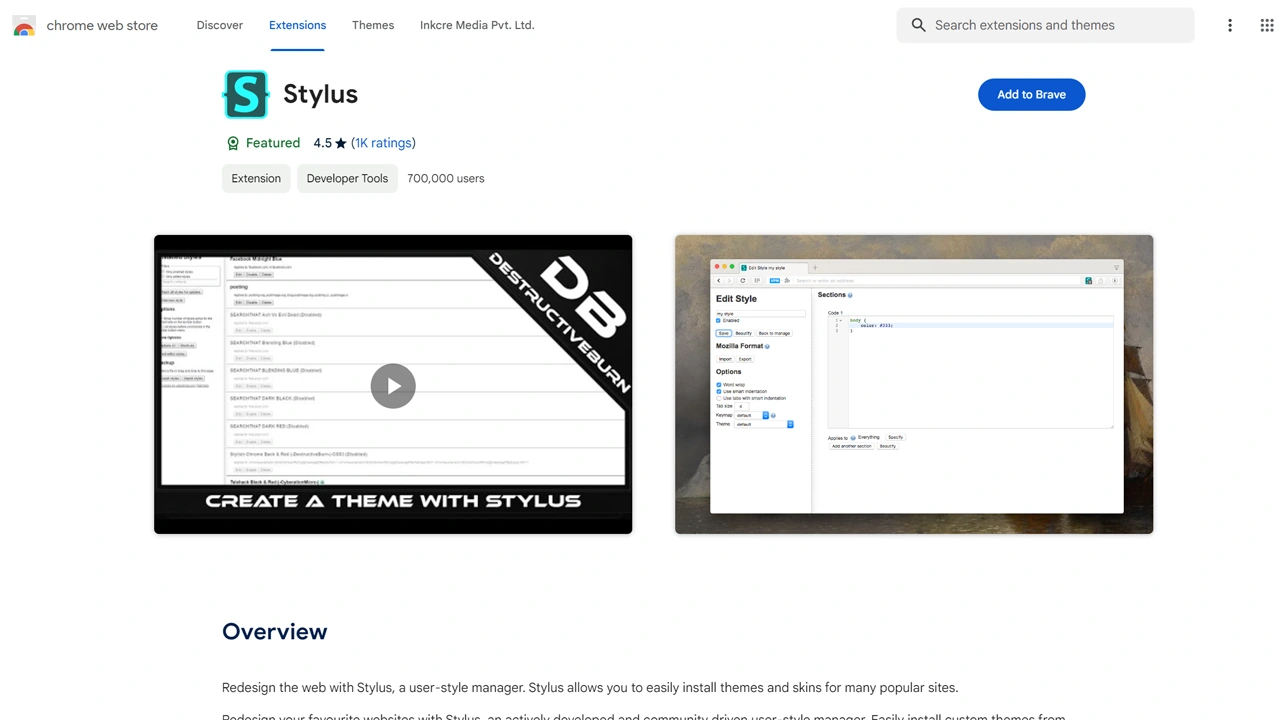
You need to install and use the Stylus extension on your browser to revert the new font changes. Most Chromium-based browsers like Chrome, Brave, and Edge should support it. It is also available as an add-on for Mozilla Firefox. Before we check the whole method, thanks to YouTuber JimOkurku for sharing this method. Be sure to also give their video below a check:
Here are the steps that you have to follow:
- Go to the Chrome Web Store and search for Stylus in Extensions. Install it.
- Next, go to Usersytles World and install the Revert 2024 Roblox font by cocothemii.
- After installing them both open Roblox and the new font should be gone.
How to Revert Roblox Player Font
- Search for Roblox in Windows and click on the open file location open.
- Again, right-click on Roblox Player and choose open file location.
- Go to Content and then the fonts folder.
- Here rename the following files:
- SourceSansPro-Regular.ttf -> Montserrat-Regular.ttf
- SourceSansPro-Semibold.ttf -> Montserrat-Medium.ttf
- SourceSansPro-Bold.ttf -> Montserrat-Bold.ttf
- After that, you should also see these changes inside the Roblox Player.
Do note that extensions can have malware sometimes. Make sure you scan them for viruses and install only the ones that you trust. This is important for your and your device’s security.
Also remember, Roblox may or may not support the use of extensions so it may affect your account. So if you are worried about getting a potential ban, it is better if you avoid reverting these changes. In case, you already have received a ban here is what you can do to appeal and get unbanned.