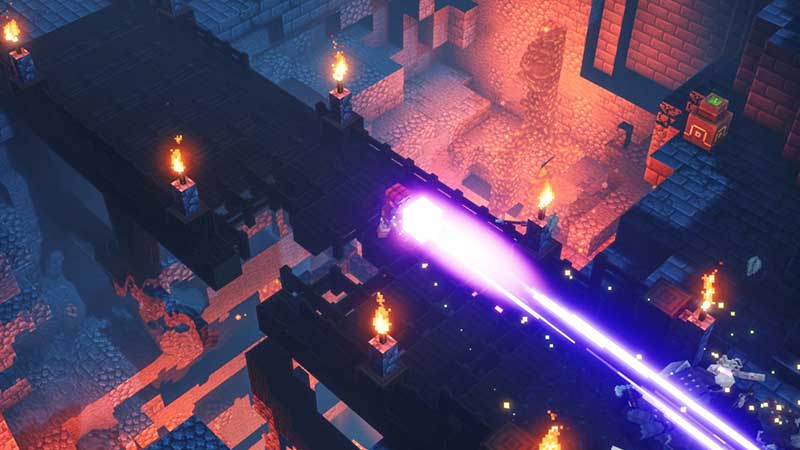
Minecraft players now get a new launcher which makes Minecraft very easy to access. If you play Minecraft, Java edition and Minecraft Dungeons, you can now play them all from the same location. Unfortunately, many players are reporting errors and issues with the launcher where the game fails to start or load at all. Here’s everything you can do to fix the problems.
New Minecraft Launcher Not Working Fix – Game Not Starting & Fails to Load
Here are the reasons that could be behind the New Minecraft Launcher not working issue. You may see the error “Launching the game failed! Unable to copy file. Error details: The system cannot move the file to a different disk drive.” Some others are also getting the “Minecraft Launcher is not available in your account. Error code: 0x803F8001.”
Restart your PC
Before trying out the other fixes, check if the classic ‘turn it off and turn it on’ method works out in this case. Sometimes, it could simply be a one-off glitch that could be potentially solved by restarting.
Check the Compatibility of the Launcher with your OS
The new launcher is designed for Windows 10 and Windows 11 as well as Nintendo Switch, PS4, Xbox One and mobile devices. In case you have a device that is not listed here, chances are that it won’t work. The game won’t start for some players while for others, the launcher won’t launch at all.
New Minecraft Launcher is not supported on Windows 10 in S mode and on ARM devices
As per the FAQ answered by Minecraft regarding: What platforms will the Minecraft Launcher for Windows run on? The answer is Windows 10, version 1903 (May 2019 Update) or newer.
Check if your Antivirus Software or Firewall is Blocking it
Sometimes, these software block access to certain applications leading to connection issues. Make sure to whitelist the new launcher or disable the antivirus/firewall temporarily.
Download the New Launcher Directly from Microsoft Store
As per u/BearGhost1YT on Reddit, it seems that the problem could be related to the launcher from Minecraft.net. If you download the launcher straight from Microsoft store, the issue most likely won’t occur. As per a report from another player who installed the launcher through the Xbox app on Windows 11, they are getting login issues.
Contact Minecraft Support
If you are having a problem with the new launcher and there’s no solution in sight, contact Minecraft support. Describe the problem with screenshots if necessary and you will get your answers straight from the developers.
Install the Old Minecraft Launcher
Here’s a video by DCMX Gaming that shows how you can do it:
Minecraft Unified Launcher vs Minecraft Launcher for Windows?
The Minecraft Unified Launcher will launch Minecraft Java Edition and Minecraft Dungeons and was made for Windows 7 and 8. But the new Minecraft launcher for windows will be able to launch the aforementioned games as well as Minecraft for Windows. It will work on Win 10 and 11. Minecraft: Education Edition uses its own launcher.
This launcher basically consolidates your Minecraft games in one place so that you have ease of access while trying to launch the games. It’s free to use but the games require purchase. You can uninstall the older launcher if you’d like, in order to avoid confusion. But ensure that you have migrated your game mods to the new launcher installation location before you go on and uninstall the old launcher. The mod dev will provide more details regarding the same.
And don’t worry about your save files, the new launcher will detect it and you can continue once you log in.
Hopefully, this helps you get your game started and you can enjoy Minecraft and Minecraft Dungeons without interruptions.