When playing NBA 2k22, you may have often come across the need to change your camera angles. The cameras can make the gameplay experience much more realistic and enthralling. In this guide, we will show you how you can change the different cameras.
How to Change Camera in NBA 2k22?
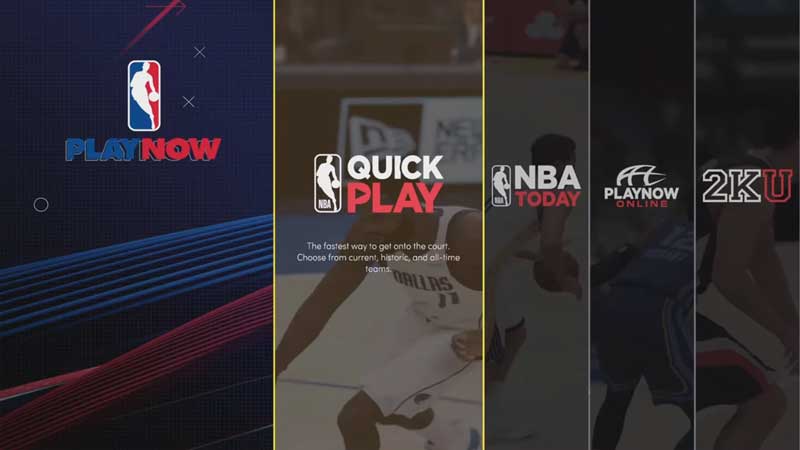
To change the camera angle in NBA 2k22, you will first need to start a new match. To do so, click on Play Now, and then on Quick Match. Once you do so, you will need to pause the said game in order to get into the Settings menu.
In the Settings menu, you will find a list of different options you can tweak to enhance the gameplay experience. Among these, you will find Camera.
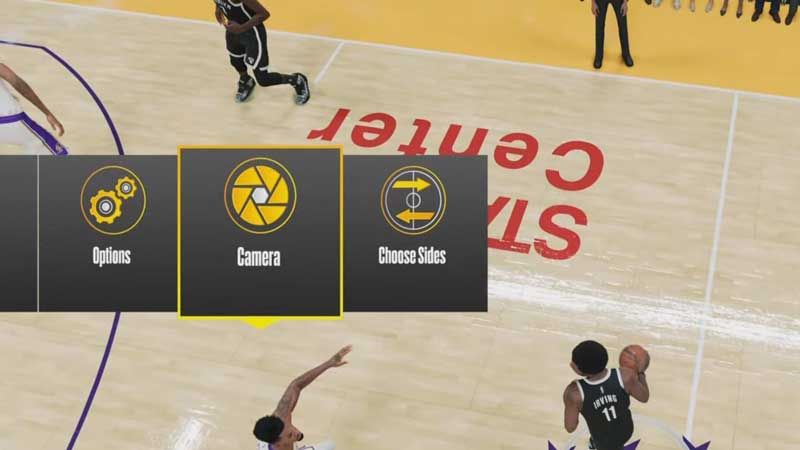
Click on this button to find all of the camera settings in the game. Once here, you will be able to toggle through the different camera angles available in NBA 2k22. Each angle will be unique from the other, with different perspectives adding an exciting element to your view of the game.
You will have the opportunity to choose among the following camera angles in the game.
- 2k
- Broadcast
- Swivel
- 2k Low
- Broadcast Zoom
- Rail
- Drive
- High
- Nosebleeds
- Parametric
- Side
- Skybox
Once you find the camera angle that suits you the best, you will also have the option to tweak the intricate details of the selected angle too. Doing so will help you further customize the camera settings to your exact needs and specifications, making the experience much more personalized. You will be able to alter options like the zoom, flip style, rev angle, and height among others.
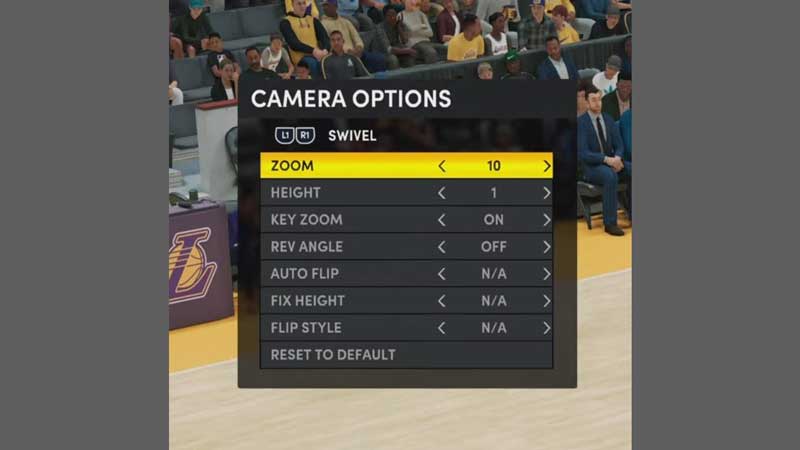
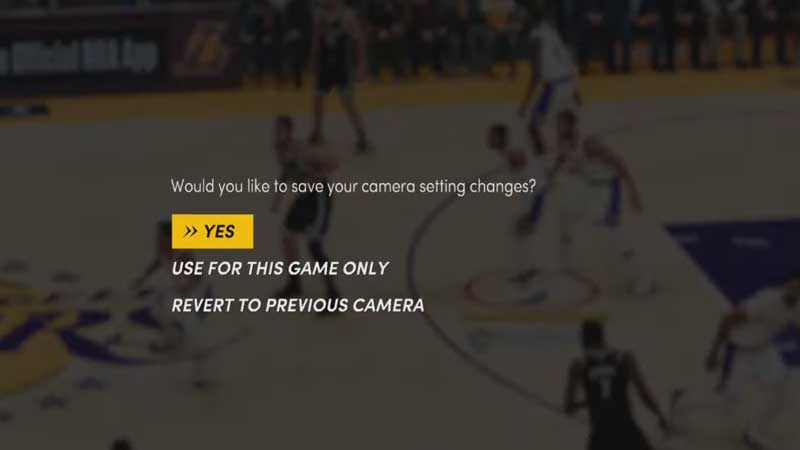
If you are not happy with your tweaks, you can also restore all of the settings to default by clicking on the button at the bottom. After you are done with all of the settings, you can save them. You can either choose to save the settings permanently on your account, or keep the settings specific to the particular game you are playing.
This is how you can change the camera settings in NBA 2k22. As you can see, this process is super simple. With the plethora of options available on offer, you will surely be able to find the best settings that suit you. So, take your time to surf through the options and their fine details before you make your choice.
Now that you are comfortable with the cameras, check out the complete guide on how to shoot in NBA 2k22.