
Aside from a plethora of different Pokemon, there’s a wide range of useful items in Pokemon Go. Mystery boxes are one of these items that were introduced during the release of Pokemon: Let’s Go, Eevee! and Let’s Go, Pikachu! These boxes are integral in catching the steel-type Mythical Pokemon, Meltan, and eventually Melmetal. Although these boxes have been out for a long time, players are confused about getting them. So, here’s our guide on how to get Mystery Box in Pokemon Go.
How to Get Mystery Box for Meltan in Pokemon Go
You can get these boxes by transferring any of the Pokemon to Pokemon: Let’s Go Pikachu! or Let’s Go Eevee! As an alternative, you can also send one of the Pokemon to Pokemon Home. You can transfer a Pokemon to Pokemon Home using the Go Transporter energy in an instance. Follow these steps to transfer a Pokemon using the latter method:
- Launch the Pokemon Go app and select Pokeball.
- Head over to the Settings and scroll till the end.
- Then, select Pokemon Home and link your Nintendo Account.
- You need to log in to your Nintendo account credentials to link your account.
- Once you have linked your account, you will get an option to “Send Pokemon“.
- Upon selecting that option, you can transfer any of your Pokemon to Pokemon Home.
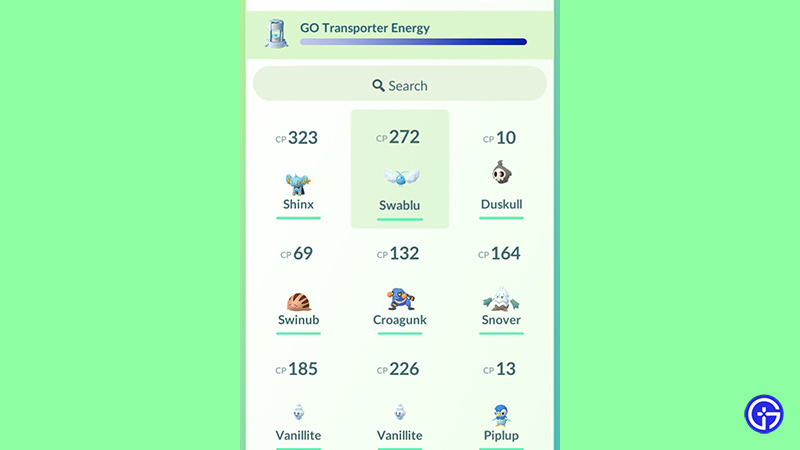
- As you select a Pokemon, click on the Transport option to transfer a Pokemon.
- Then, you will receive a Mystery Box that allows you to catch Meltan.
Mentioned below are the steps to transfer a Pokemon to Nintendo Switch exclusives:
- Similar to the above steps, select the Nintendo Switch option and enable your Bluetooth.
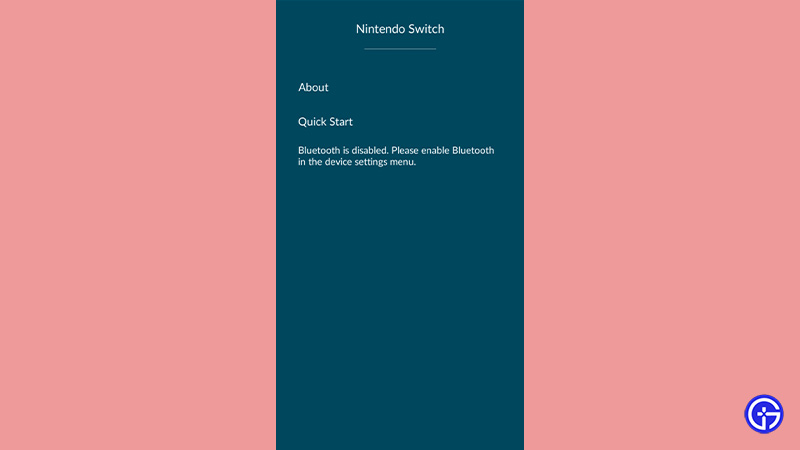
- Select the Quick Start option and make sure to turn on the Pokemon: Let’s Go Eevee! or Let’s Go Pikachu! on Switch.
- Then, log in to the Nintendo Switch and link your accounts.
- Once you have linked the account, transfer one of the Pokemon to Pokemon: Let’s Go Pikachu! or Let’s Go, Eevee!
- You will receive a Mystery Box as soon as you transfer the Pokemon.
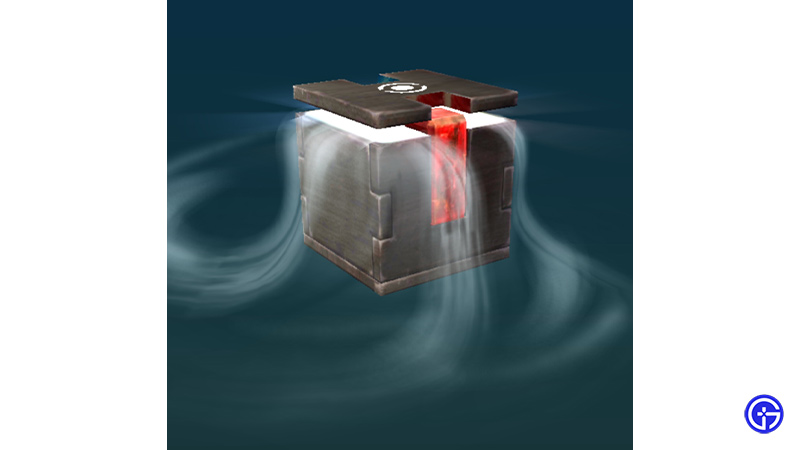
Meltan Mystery Box Pokemon Go
- As you activate the obtained Mystery Box, it will allow you to catch Meltan within a ticking timer of 60 minutes.
- This box is a special type of incense that lures Meltan for 60 minutes. And, you need to capture it before the timer ends.
- While you can use the box again, you need to wait for three days to activate it or transfer a Pokemon again.
- Unlike other Mythical Pokemon, Meltan Pokemon can evolve into Melmetal Pokemon upon feeding it 400 Meltan Candies.
That’s all on how to get a Mystery box in Pokemon Go. If you liked this guide, check out our other guides on our dedicated section for Pokemon Go right here on Gamer Tweak.











