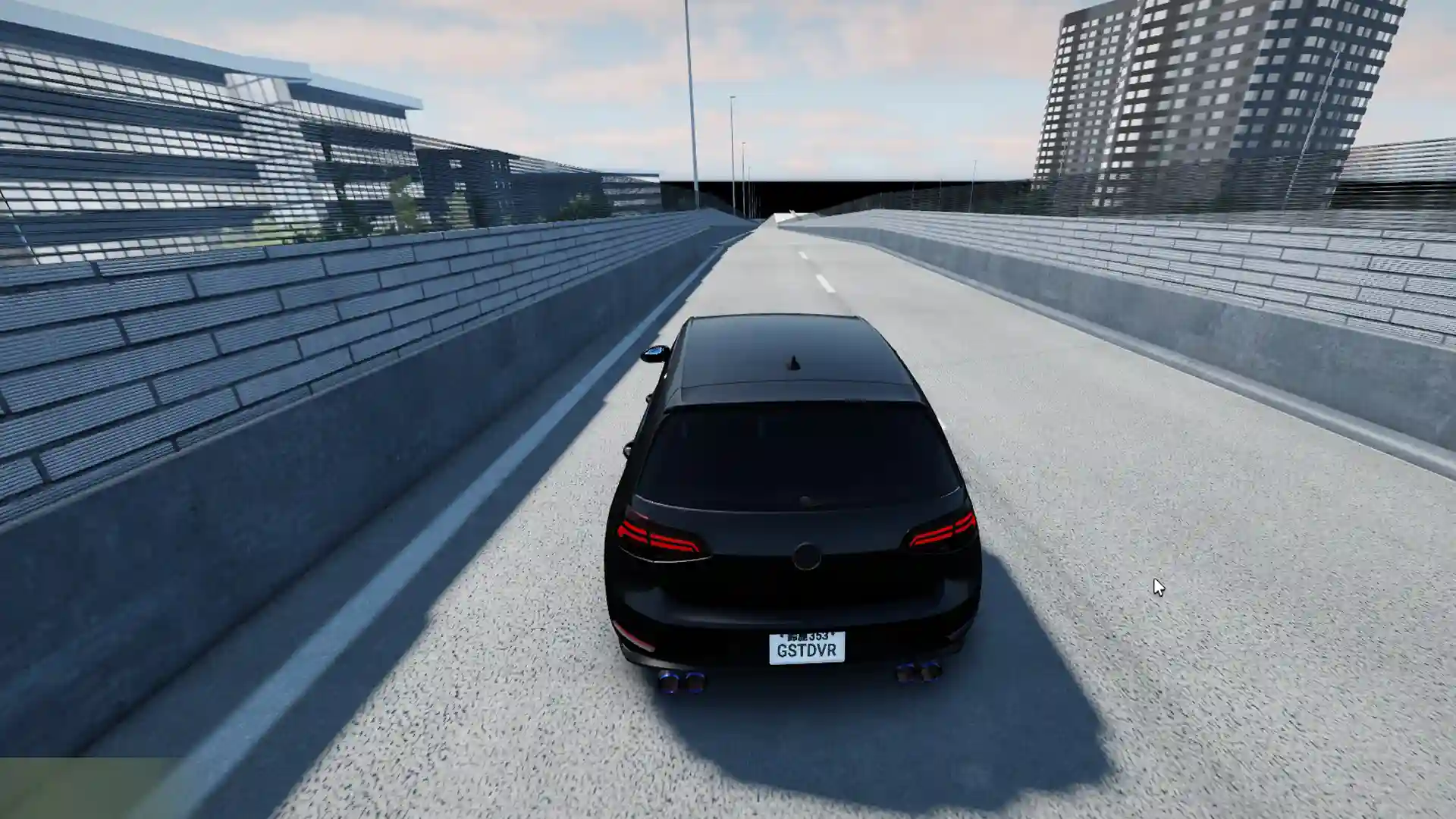
Mojave Valley is an open-world Roblox roleplay game set in California where players can drive vehicles, earn money, and live out realistic day-to-day scenarios. The game focuses heavily on immersion, but redeemable codes still play an important role. You’ll mostly receive free cash or bonuses, helping you afford vehicles and upgrades faster without long grinding sessions.
If you are just starting out or returning after a break, using active codes is one of the easiest ways to get a boost early on.
Active Mojave Valley Codes
Below are the currently working Mojave Valley codes. Make sure to enter them exactly as written, as codes can be case-sensitive. They are only available for a limited-time and can expire without any prior warning, so it is best to redeem them as soon as possible.
- LUNARYEAR
Expired Codes
- NEWYEARS
- HYDROLOCKED
- MOJAVERETURNS
- STREAMPF2
- MIYLOTANKED
- LIKES150
- HALLOWEEN
- LASTWORD
- TANKLATER
How to Redeem Codes in Mojave Valley
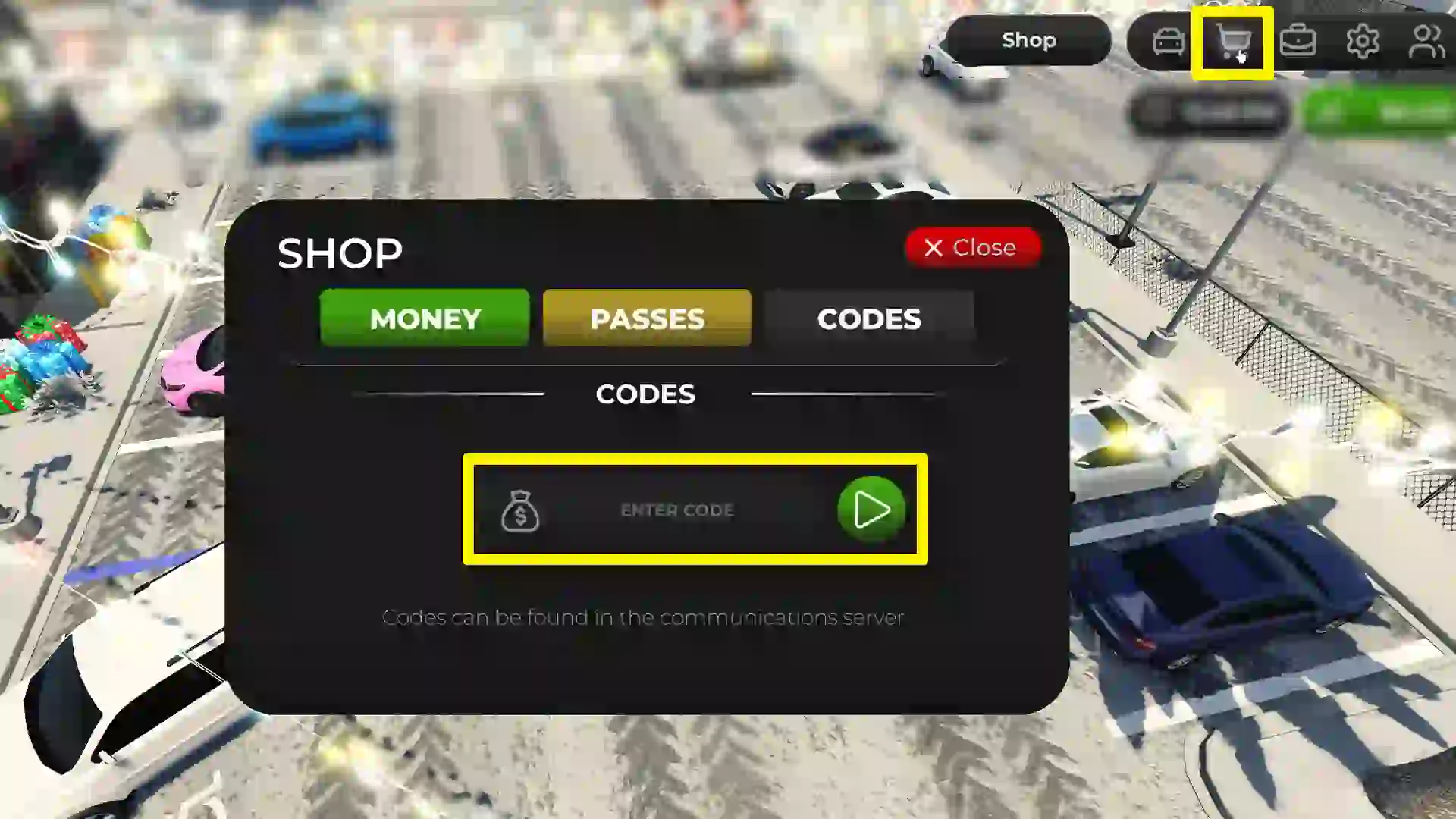
- Launch Mojave Valley on Roblox and wait for your character to load.
- Click on the Shop button at the top right corner of the screen.
- Open the Codes tab inside the shop menu.
- Enter a working code into the text box.
- Confirm to receive your reward instantly.
How to Get More New Codes
New Mojave Valley codes are typically released during updates, seasonal events, or when the game reaches certain milestones. The developers usually share codes through their official Roblox group and Discord server. Checking the game description and update notes also works, as codes are sometimes mentioned there first.
Why is a Code Not Working?
If a code does not work, it is usually because the code has expired or has already been redeemed on your account. Typos, extra spaces, or incorrect capitalization can also prevent a code from being accepted. In some cases, you may need to rejoin the game for newly added codes to function properly.