Despite the fact that MLB The Show 21 was just released, the servers are down due to maintenance. Unlike other titles, this downtime is planned and players have been informed. Here’s how to fix the game’s server error issues that keep showing in MLB The Show 21.
How to Check Server Status in MLB The Show 21
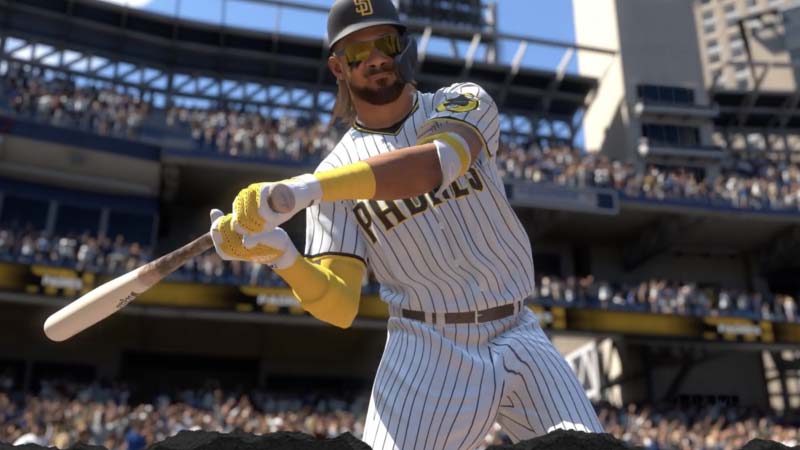
To fix the Server Error in MLB The Show 21, you must:
Check if server maintenance is going on
- The devs will update all server maintenance timings on their official Twitter.
- If there is no information on Twitter, you can check the Down detector for the server status.
Check your internet
- Verify that your console is connected to the internet with a fast and stable network.
Restart the game
- Exit the game in your console. And restart it to check if the issue is fixed.
Reboot your console
- If all the above points are met, then try rebooting your PlayStation or Xbox.
Are MLB The Show Servers Down? (Server Status Now)
The servers for MLB The Show 21 are currently down for maintenance in PS5, PS4, Xbox One, Xbox Series X, and Series S. Since the start of the release, the developers are able to adapt to the errors they are finding, and the game stability is increasing.
The official dev Twitter account sent a five-hour warning tweet five hours before the planned maintenance. The downtime may have come as a surprise to anyone who did not follow the game’s official Twitter account. Users are encouraged to follow the account in order to avoid potential surprises. Fans of the game may want to set up reminders for each new post, which is a perfect way to stay on top of upcoming changes.
While some of these solutions have been shown to work for MLB The Show 21 players, many will continue to experience connection errors. Some of these same errors were seen in MLB The Show 20 as well, and they normally resolve themselves over time.
Once this problem is solved, you will be able to access and play the game. While you are here, check out our MLB 21 tips and tricks that will guide you to master the game easily,