Want to make good profits in Supermarket Simulator? This guide will show you the way! In this game, players can run their own shop and face all the different challenges any shop owner encounters on a daily basis. The first and most obvious goal players must strive to achieve is maximizing their financial gain. However, this is easier said than done, with different hurdles like unpaid bills, less staff, and a small budget, attaining this goal can become frustrating. To help you with this, we have listed several ways you can make more money in Supermarket Simulator. By using these methods, you will be able to boost your sales and avoid going bankrupt.
How to Make More Money and Good Profit in Supermarket Simulator
Stock Basic and Essential Items
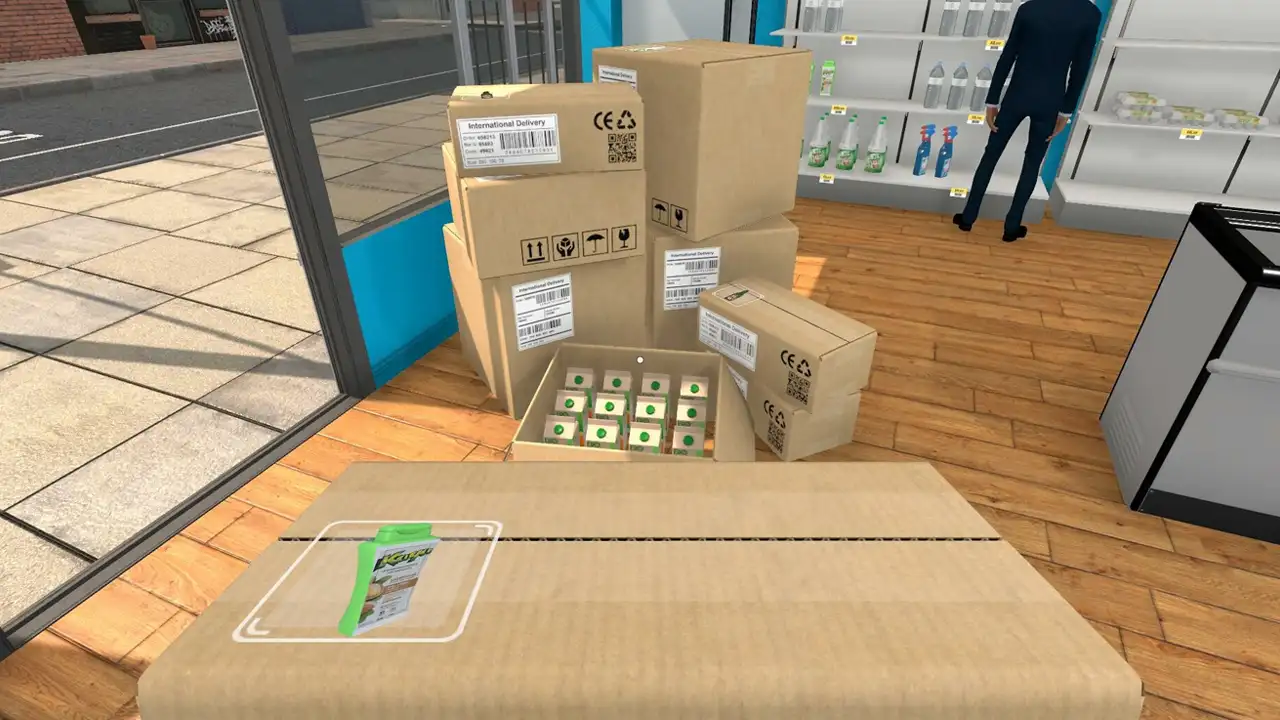
Firstly, although you have been given a limited amount when you first start out, don’t be afraid to spend your money and buy stock. Make sure you are purchasing some of the basic products, at least during the early stages of the game.
Some of the products like flour, pasta, powdered sugar, or sliced bread are cheap and basic, therefore it is important to stock your store with them. However, ensure you are keeping a balance between cheap and expensive products as well. This will directly boost your sales, which will help you earn more profit.
Purchase a variety of Products
Simply stocking up on random products won’t help you earn more money, you will have to strategically plan and order the items that will sell. Although that might sound complicated, all you need to focus on is purchasing a variety of different items.
When a customer comes in, the chances of him buying sliced bread, soda, and yogurt are much higher as compared to him purchasing just 3 sodas or 4 packs of yogurt. Therefore, always make sure there is diversity in your range of products.
Buy Product License
In order to increase the range of items you sell at your store, you will have to keep purchasing Product License. When you buy this, you will be able to purchase and order a list of different and unique items. However, this will unlock based on your Store Level.
Once you are able to get the license you want, purchase it and expand the units of products you buy. By doing this, similar to the point mentioned above, you will be able to sell more items which will directly boost your profits.
Upgrade your Store
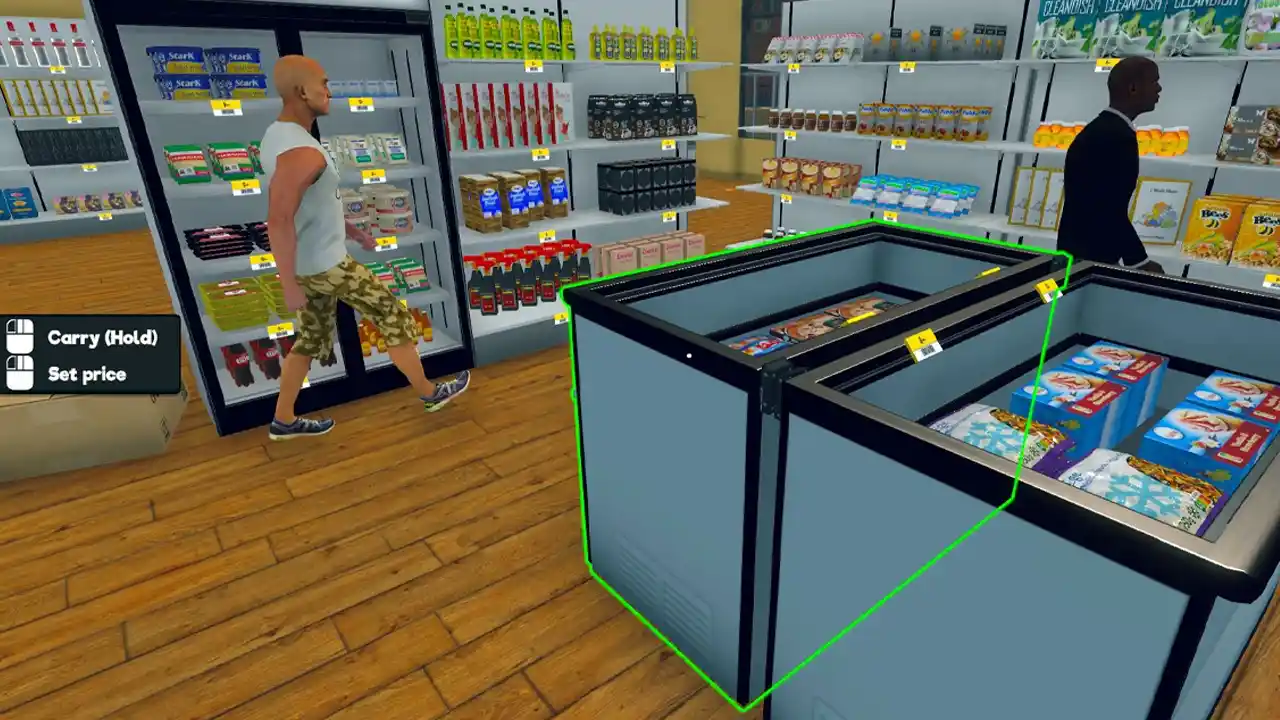
Once you have ordered all the necessary stock, you should have ample of space to organize and place it. As a result, players must ensure that they are upgrading their store by purchasing Sections. By doing this, you will be able to increase the space of your supermarket, which will make it more spacious, allowing you to accommodate more products
Purchase more Furniture
After you have purchased Sections, you will have a ton of space to work with. However, the products you purchase can’t be kept in the boxes they are shipped in, therefore, you will have to buy furniture like Shelf, Fridge, Freezer, and much more.
Once you have them, you will be able to organize all the products. Similarly, a well-stocked store will generate more sales, and you will be able to make more money.
Product Pricing
Finally, the most important aspect of boosting your profits and making more money will depend on your pricing system. We would advise you to either keep the prices the same as the Market Price or increase them by 50 Cents. For example, if a Potato Bag’s Market Price is $5.50, you can sell it for $6.00.
However, we recommend doing this for products that are above $2 – $3. If you simply hike up the prices of cheap products, they will either take a lot of time to sell or won’t sell at all. You will have to strategically price all the products based on the demand for that particular item to maximize your profits.
That’s all you need to know if you want to run a successful business and make more money in Supermarket Simulator. If you are looking for more helpful guides, browse through our Video Games section, available here on Gamer Tweak.