Hoyoverse has some of the best game titles under its name, like Honkai Star Rail & Genshin Impact. While Genshin Impact was available across platforms, recently the Honkai Star Rail was released on the PS5, where you can use your existing Hoyoverse account to carry over the game progress to the PlayStation 5 console as it supports cross-progression. That being said, if you are new to this, follow along with this guide as we will be discussing how you can link Hoyoverse account to PS5 or create a new account and then link to your PSN if you don’t have one or use your existing account to link to PS5.
Link Hoyoverse Account to PS5 – Genshin Impact & Honkai Star Rail
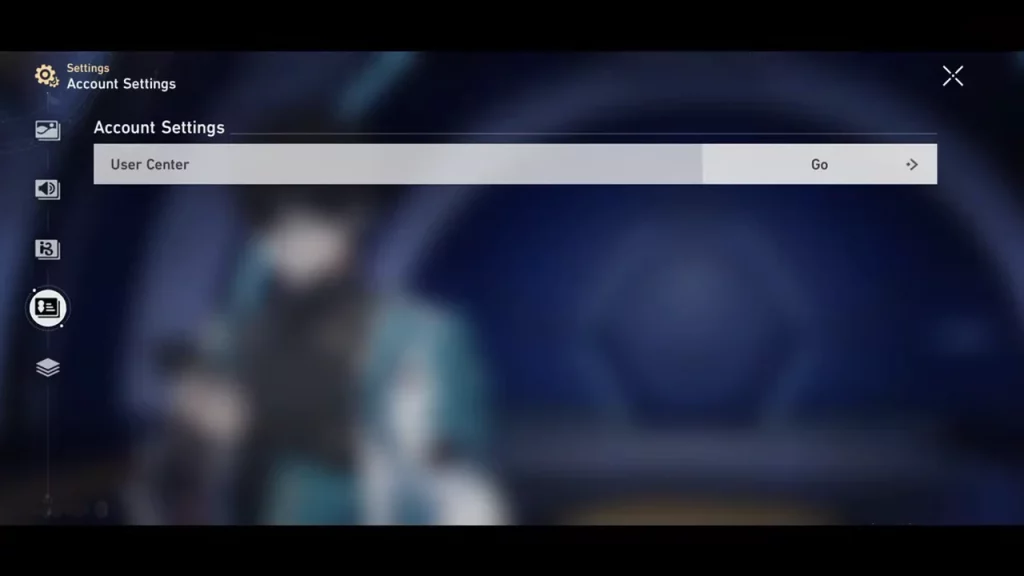
As you start the game for the first time on your PS5, if you are playing for the first time, and you don’t have a HoYoverse account, click on the “Create a HoYoverse account” option on the title screen. Now continue to follow the on-screen instructions to complete the progress, once done the account will automatically be linked to your PSN account.
If you were already playing this game on a different device, or you already have a Hoyoverse account. Choose the “Already have an account, log in directly” option and follow the further on-screen instructions to link your Hoyoverse and PSN accounts. Further, can use the email or QR code scan method to link.
How to Unlink Hoyoverse Account from PSN
Furthermore, if you do require unlinking your account for some reason, maybe to link another account, or you wish to freshly start, you can follow the given instructions step by step to unlink your Hoyoverse account from the PSN.
- First, visit the Hoyoverse Account page on the website.
- Further, use your account credentials to log in.
- Now, navigate to Account Security Settings.
- Further, head to the PSN option.
- Now click on the Unlink button and confirm if asked.
That’s everything covered on how to link Hoyoverse Account to PS5. If you find this guide helpful, check out our dedicated section on these popular Hoyoverse titles like Honkai Star Rail and Genshin Impact for more useful guides and tips.