Home > Gaming Guides > Link Capcom Account To PS4, PS5 And PC

How To Link Your Capcom ID To PS4, PS5 And PC For Resident Evil Re: Verse

Published Date :

You’re going to have to link your capcom ID to your PS4, PS5, or your PC before you and your friends can jump in and play the game together. This is a crucial step as only then will you be able to create your own capcom account to play online. If you have no clue or just want to see how to link your accounts, you’ve come to the right place.

How To Link Your Capcom ID To PS4, PS5 For Resident Evil Re: Verse

To link your Capcom ID To PS4, PS5 for Resident Evil Re: Verse, you will need to install and run the game on your console. As soon as you do it, you will get a QR code, scan this code and you will be taken to a portal that will have you sign up for a Capcom ID. Fill in the details and create a new Capcom account or sign in to your old one if you have it. This will redirect you to a PSN page, where you will have to enter your details once again and this will link your Capcom id to your PSN account.
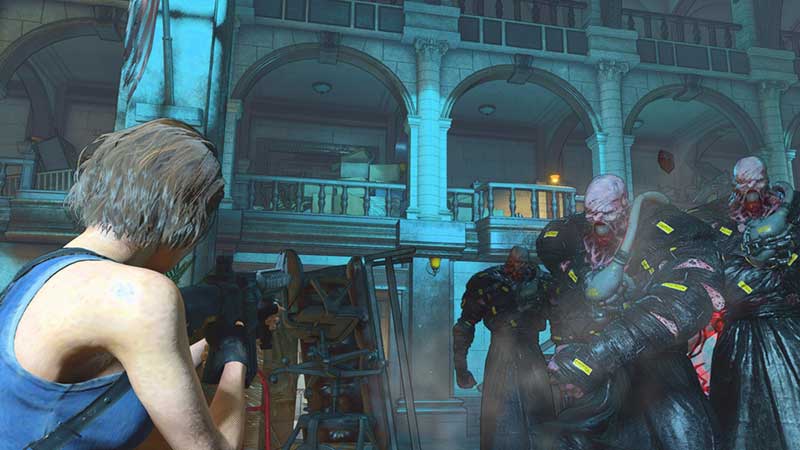
How To Link Your Capcom ID To PS4, PS5 For Resident Evil Re: Verse
To Link Your Capcom ID To PS4, PS5, and PC For Resident Evil Re: Verse. Check here to know more

The process is simple and can be done in a matter of seconds, you can simply use the same email id as your PSN account does so as to help you remember it easily.

Also Read: Resident Evil Village New Showcase Broadcast Coming Next Month

How To How To Link Your Capcom ID To PC For Resident Evil Re: Verse

This is the easiest way to link your capcom ID to PC for Resident Evil Re: Verse, all you have to do is go to the Capcom ID page and create an account there. Once you’re done with that, click on the “external account links” option. Select Steam and it will take you to your Steam page, allow both the accounts to be connected and you will be able to play Resident Evil Re: Verse with your friends.

This is all there is to know about how to link your PSN and PC accounts to your Capcom Id for Resident Evil Re: Verse, while you’re here make sure to check out How To Play As Lady Dimitrescu Of Resident Evil Village In Fallout 4 right here on Gamer Tweak.
  • +1 Speed Evolve Codes (July 2026)

    +1 Speed Evolve Codes (July 2026)

    Published Date :

    Speed-based games on Roblox will always stay popular, and this particular experience is quite addictive! Here, you play as an animal and your goal is to evolve into stronger animals, unlock new worlds, and be the fastest player on the server! +1 Speed Evolve codes offer free Speed and Win Boosts that can make your… Read More

  • Yeet a Brainrot Codes (July 2026)

    Yeet a Brainrot Codes (July 2026)

    Published Date :

    If you’re annoyed at the Brainrot trend, this is your opportunity to “yeet” them into the distance! To launch Brainrots farther, you need better pets, potions, and more rewards, and thankfully, these Yeet a Brainrot codes will come to the rescue. You can easily unlock various Divine Relic Chests, Primeval Relic Chests, Coin/Luck/Power potions, exclusive… Read More

  • Build A Soccer Squad Codes (July 2026)

    Build A Soccer Squad Codes (July 2026)

    Published Date :

    To build your dream team, you’ll need plenty of rerolls and shop refreshes, which is how you can get better cards and complete your collection. Build A Soccer Squad codes can help with exactly that, giving you various freebies so you get more chances to improve your lineup without waiting. Here’s the complete list of… Read More

  • Aura Monster Simulator Codes (July 2026)

    Aura Monster Simulator Codes (July 2026)

    Published Date :

    Climbing an endless staircase might sound simple at first, but the higher you go, the more Aura you’ll need to keep progressing and unlock stronger upgrades. Thankfully, Aura Monster Simulator codes provide free Gems and Aura Boosts, helping you strengthen your character and reach new heights. More specifically, you can use these Gems to unlock… Read More