As a Roblox player, you may have heard of Jjsploit Script and some of your friends may have also downloaded it. If you are curious to know what it is and how to execute scripts with it, this guide will give you the information you are searching for.
What are Scripts?
Scripts are lines of code that are instructions for a game to perform certain tasks. While the game developers will use scripts to build their game, when players use them it is mainly to get in-game boosts, benefits and work as unofficial cheats or hacks. We don’t recommend using these because they can break the game, create an imbalance in multiplayer games and can also get your account banned. Players (if planning on using Roblox scripts) need to do it at their own risk.
What is Roblox jjsploit Script?
JJSPLOIT, as the name suggests, is an exploit that will give you in-game advantages like teleportation, speed, flying, infinite jump etc. It started off as a command-line cheat to a full-blown Lua executor over the years, since its launch in mid-2017. Lua, is a coding language that Roblox uses and it is stored and run from scripts.
Also Read | Best Free Roblox Script Executors
How to Download Roblox jjsploit Script (Link)
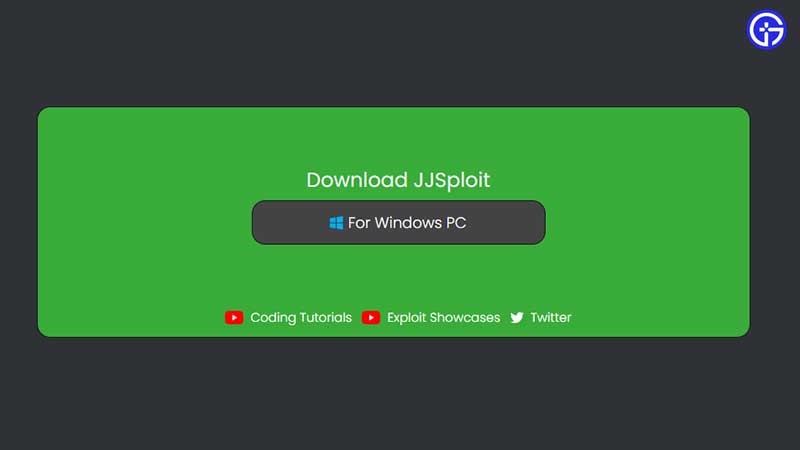
- First, head to wearedevs by clicking here. Download the file for Windows PC.
- Make sure your antivirus and firewall are disabled if you are unable to download this exploit tool.
- Check the last updated date on the page. The site mentions that an older date doesn’t mean that the tool isn’t functioning, it’s just the date that represents the last time info was updated on their server.
- Use a VPN is you are not able to connect to the internet while using the tool.
- Install Visual redistributable if you are facing issues injecting your DLL.
There are more steps you need to check – find them all on the official page linked above.
How to Run and Execute the Script?
- Join a Roblox game.
- Ensure that you have opened the JJSploit tool.
- Click on the Attach button.
- Wait for the notification to show up. It will come up at the bottom right corner of the game.
- Now the tool is ready to use. You can start executing scripts and using the commands.
Can you get Banned for using Scripts?
Yes, using scripts may get you banned so the safest thing to do would be to not use them. If you have to try them out, choose a secondary or throwaway account. But keep in mind that other players can report you and due to that, you may lose access to your account.
That’s all for this one. We’ve covered more articles about Roblox scripts that you can check out here on Gamer Tweak.