
As we all are familiar with, Hogwarts Legacy doesn’t provide any multiplayer option at the moment. But with a help of a co-op mod developed by The Together Team, you can now enjoy the game with your friends. If you’ve already got your hands on the HogWarp co-op mod but are unaware of the setup process, then we have got your back. In this guide, we have mentioned a steps walkthrough about how you can download & install a Multiplayer Mod in Hogwarts Legacy easily.
Disclaimer: Use mods at your own risk.
How to Download & Install HogWarp Multiplayer Mod in Hogwarts Legacy
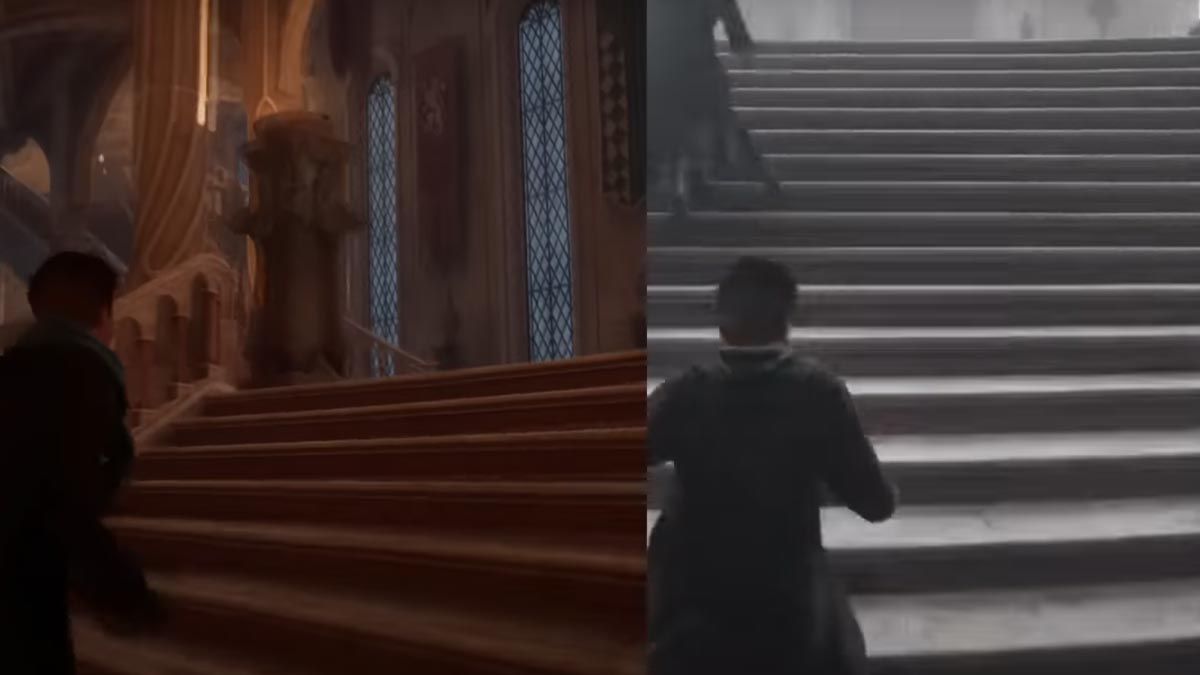
In order to play multiplayer in Hogwarts Legacy, first go ahead and download the HogWarp co-op mod. To do so, you’ll have to subscribe to the Together Team’s Patreon page. If you are already a subscriber, then scroll down for the installation steps.
- After subscribing go ahead and link your Discord account with Patreon to download the mod.
- Next, head to the HogWarp channel in Discord, and under client release, you’ll find the HogWarp zip file, download it.
- Then, simply extract the file anywhere on your Pc. We suggest you make a new HogWarp folder first and then place the file in it to avoid confusion.
- Once done placing the files in the new folder, make sure you create an exclusion in your Anti-Virus for the following Mod folder. Or else it might now allow you to run the mod smoothly.
- After that, head to the new folder and open the HogWarp Launcher exe. Doing so will trigger your browser where you have to sign in with your Discord account for authentication. Also, ensure you give all the required permission asked.
- Once the authentication process is done, launch the game and load your character.
- After spawning in the wizardry world press the Ctrl key on your keyboard to load up the co-op mod servers.
- Next, select the official HogWarp server and start playing with your friends.
Also Read | Best Hogwarts Legacy Mods to Try
Do note that this multiplayer mod is still under development so you might run into some bugs & errors.
https://www.youtube.com/watch?v=bGPS_U2W7aY
That sums up all about how you can download & install the HogWarp multiplayer mod in Hogwarts Legacy. While you are here check out how to get a Voldemort character mod in the game. And if you are a newcomer, then check out some more tips tricks & other strategy guides.











