Playing Devil May Cry 5 or do you have plans to give it a try in the weekend then there is on solid reason to get back into the mystical world of monsters. Yes, there is an amazing mod that will replace the lead character with Kylon Ren, the dark warrior who commands First Order Missions and he is also the student of Supreme Leader Snoke in Star Wars. How can you miss this if you own Devil May Cry 5?.
In this Devil May Cry 5 How To Install Kylo Ren Mod guide you will learn step by step method to apply the mod and enjoy DMC 5 story with an entirely new perspective of Kylo Ren. Remember the mod requires to download and install third party links, do backup your Devil May Cry 5 Save game data before you apply the mods. Incase of things does not work or there is an error you can re-install the game and restore your DMC 5 Save Games.
How To Install Kylon Ren In DMC 5
The best place to get interesting mod is Nexusmod, you can check the Endorsement section to figure whether the mod is working or has some issue. Plus there is an regular on-going discussion that will update you about issues with the Mod.
- To install Kylo Ren mod you will need two things first Fluffy Manager 5000 & Robeless Kylo Ren’s Costume and Lightsaber for V Mod. Visit Nexusmods official site and download both the things first.
- Before we begin ensure all the files in Devil May Cry 5 installation folder are not modified, they have to be intact the original installation files. One way to check on PC is launch Steam > Go to the Game Library > Right click on Devil May Cry 5 > Properties > Local Files Tab > Verify Integrity of Game Files.
- Once you are done, extract the content of Fluffy Manager 5000 in a folder.
- Second download the Robeless Kylo Ren’s Costume and Lightsaber for V Mod. The downloaded package will be in .rar format. Extract it content in some folder and copy everything to Games > DMC5 > Mods inside Fluffy Manager 5000 Folder.
- Run the modmanager.exe and click on Manage Mods. Click the Kylo Ren mod to install. Have look on the screenshots from Nexusmod.
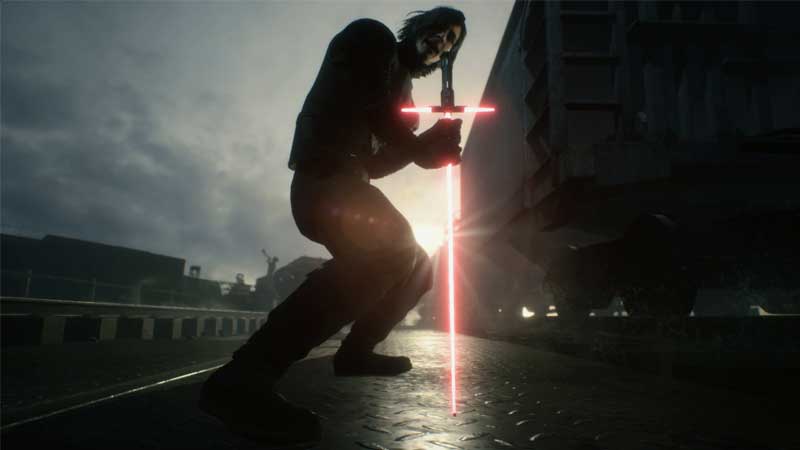
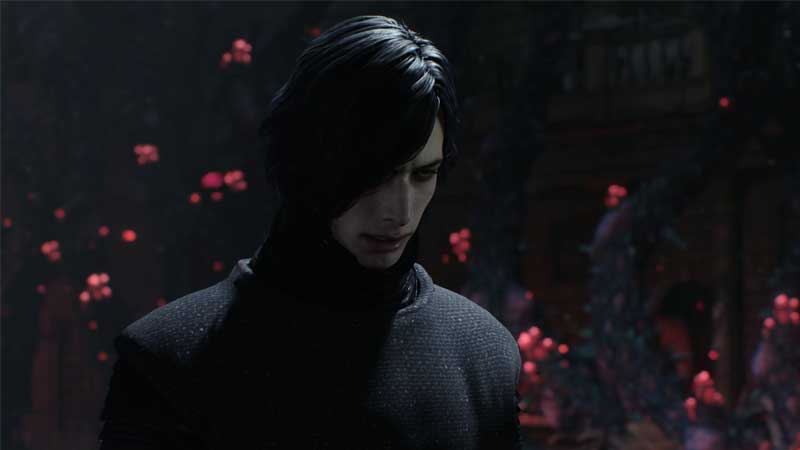
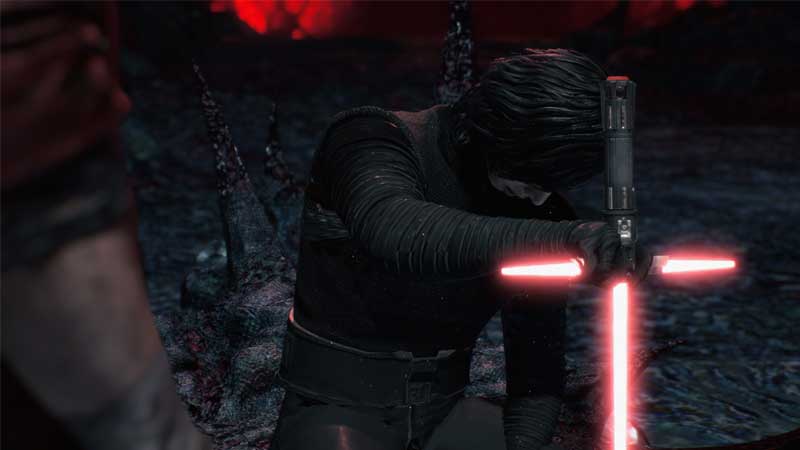
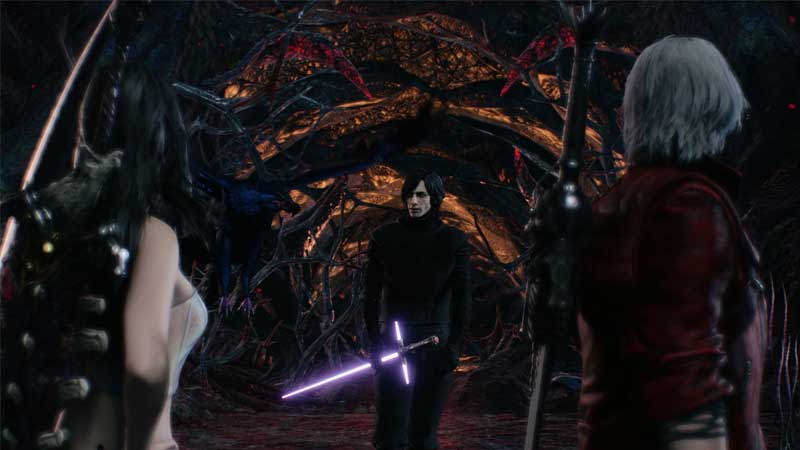
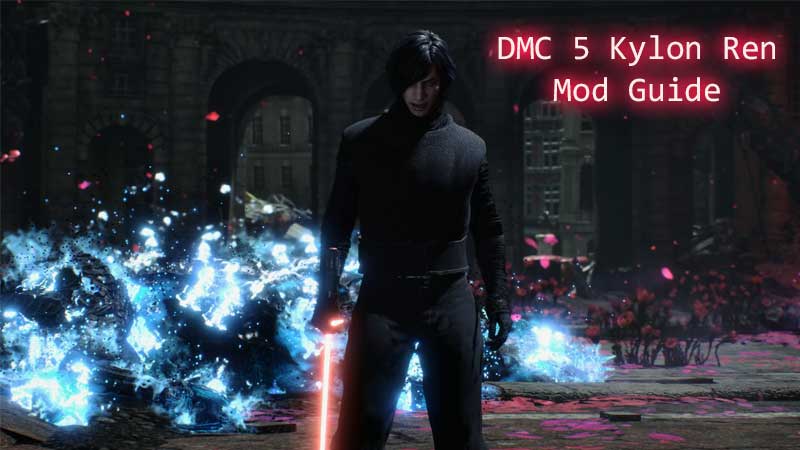
That’s it you can now play as Kylo Ren in Devil May Cry 5. Launch your game and check, if you face any issues remove the mod and try to recheck the integrity of games files through Steam. Follow the entire process back. Have Fun!