Disney Dreamlight Valley is a multi-platform game wherein you embark on a magical journey of creating the island of your dream. However, you are not alone in this journey as you have your favorite Disney characters like Mickey Mouse, Donald Duck, Moana, Wall-E, Simba, Ralph, etc with you. While you get bored of completing the quests, it is possible to take a break and focus on other activities. Things like Crafting, Gardening, Cooking, etc is a doable in this game. Also, these activities require certain resources to be gathered. Like any other crafting game, you have an Inventory to collect resources. On many occasions you may fall short of storage, in such cases, you might have to increase the size of your Inventory. Here’s our guide that features steps to increase your inventory space in Disney Dreamlight Valley.
How to Increase Inventory Space in Disney Dreamlight Valley
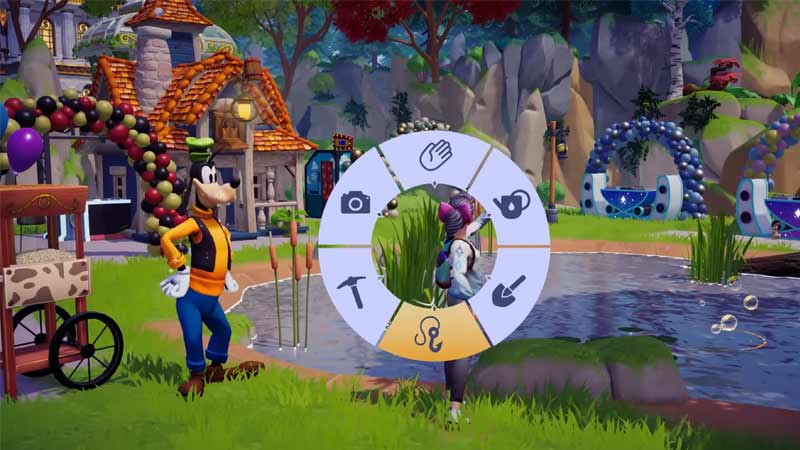
Inventory has 21 slots which fill pretty quickly when you are into crafting or gardening. However, here’s how to increase the inventory space:
- It is possible to increase the Inventory size by upgrading it to gain 7 extra slots. It costs 5000x Star Coins and can be upgraded to a maximum of 42 slots.
- Another way to increase the Inventory size in Disney Dreamlight Valley is by upgrading your house. In this game, your house is an extra source of storage that gets increased after upgrading it.
- Scrooge McDuck is the NPC who can help you with upgrading your house. He can be found wandering near a bank or anywhere in the town. Also, upgrading a house requires 2,000x Star Coins in the game.
- A profitable way to increase the Inventory size is by selling the items in the inventory. The inventory items can be sold at Goofy’s stall in exchange for which, you’ll get Star Coins.
- In addition, build Storage Chests with 25x Stone and 25x Softwood in your house. Get both of these items through foraging. Chests can be built using a crafting bench.
That’s how to increase your Inventory space in Disney Dreamlight Valley. While you are here, make sure to check out our other gaming guides on Gamer Tweak.