The Maxim Turret in Dead Rails is a powerful automatic weapon that can help take down enemies passively while you’re driving the train or handling enemies on the other side. This can come in handy, especially if you’re playing solo. It does need proper placement and use of ammo. This guide will walk you through everything you need to know about using this Turret.
What is the Maxim Turret?
If you haven’t used it yet, know that the Maxim Turret is a mounted, automatic gun that fires whenever enemies enter its range. You can use it to defend your train as you’re traveling or waiting in the middle of nowhere due to running out of fuel. However, it needs a steady supply of Turret Ammo to keep firing.
How to Get and Use the Turret in Dead Rails
To get a Turret in Dead Rails, head to the Gunsmith. It costs $125. You can also potentially find it in abandoned buildings and other structures you explore. Here’s how to use it:
- You can place it at the top of your train’s engine to ensure that any incoming hordes are taken care of. If you’re playing with a group of friends, you can also place it at the back to handle the mob trying to climb the train from there. Meanwhile, a friend can handle enemies with their handheld weapon through the window. Or, you can have two turrets!
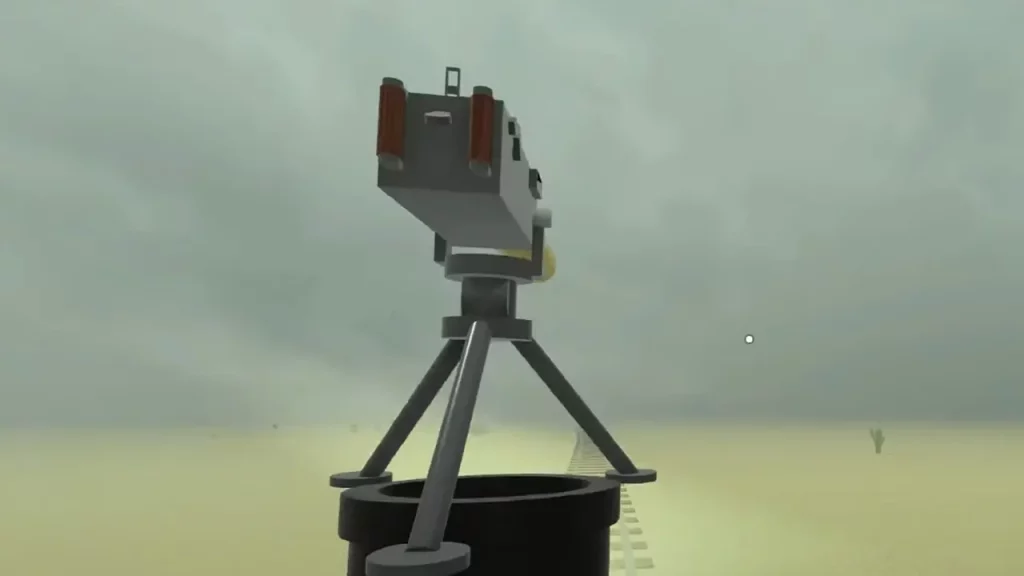
- It needs Turret Ammo, so ensure you have a consistent supply. Running out in the middle of an attack will render the weapon useless, so make sure to weld the ammo to it.
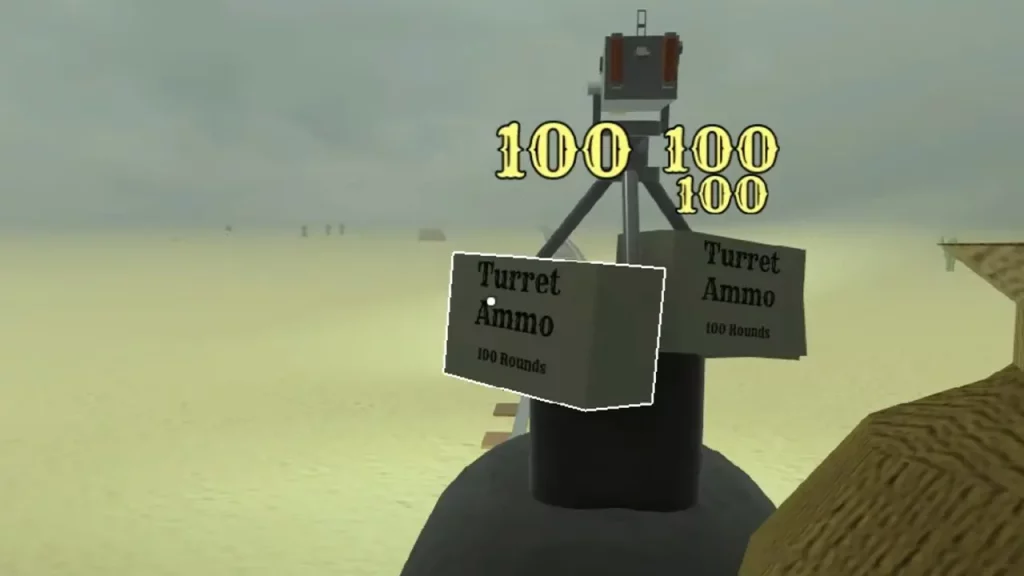
- While you’re on the flatcar of the train next to a Turret, make sure you don’t mount it. Because jumping to get back down while the train is in full speed may throw you off the train.
While the Maxim Turret is powerful, it’s not indestructible. Werewolves can climb onto the roof of the train and destroy it.
This was everything on getting and using the Turret in Dead Rails as a defensive and offensive tool against enemies. For more Dead Rails tips and tricks, explore our guides on Gamer Tweak.