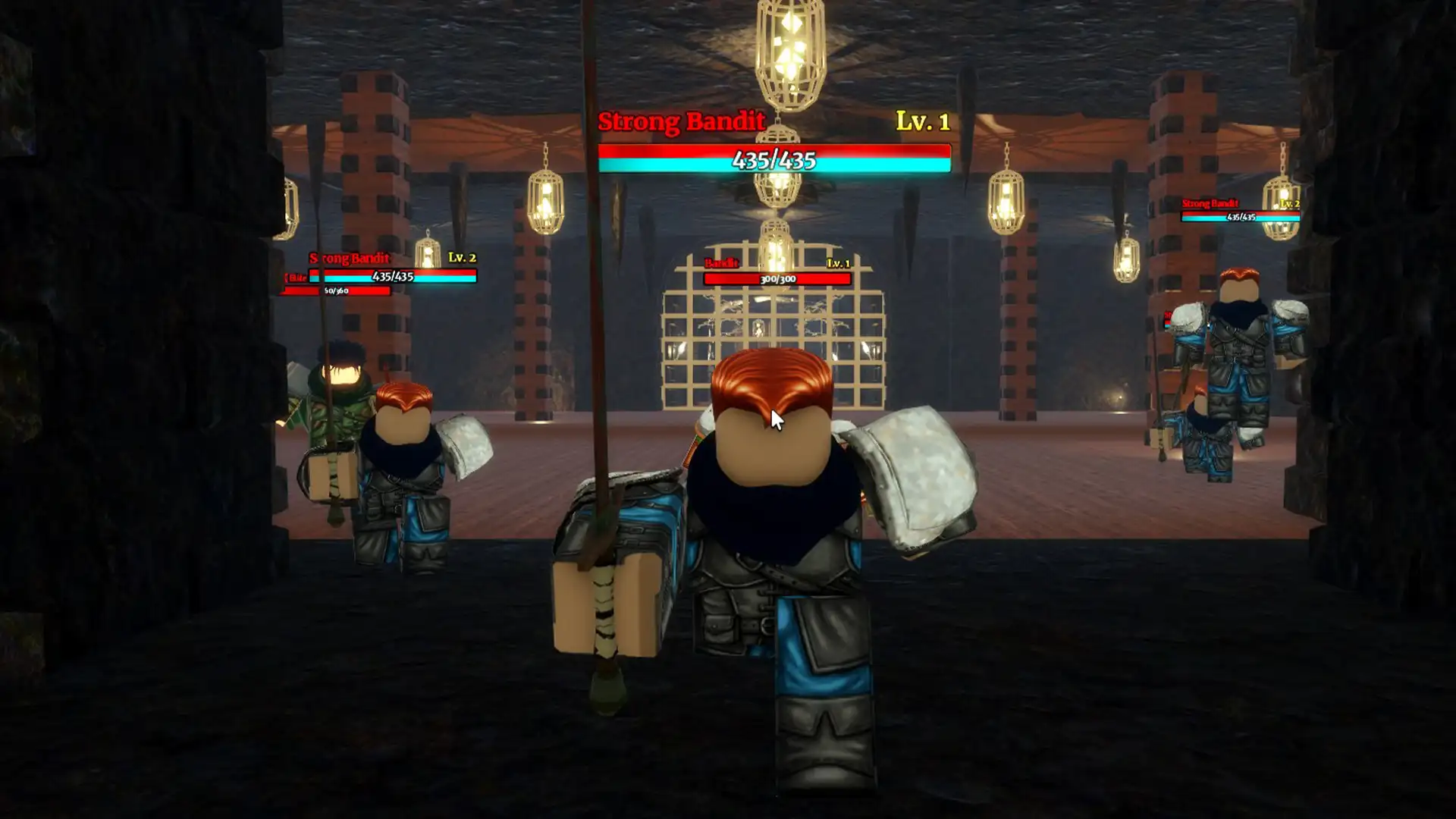
DTI can be overwhelming for new players because as soon as you load up the game, you’re put into a round where you must dress up immediately. The goal is to complete an outfit within 5 minutes! And if you’re not quite ready for the timed rounds, you need to know how to remove the timer in Dress To Impress.
While this does not work in the ‘main’ game, you will have plenty of time to plan outfits for various themes, and explore the rooms without worrying about time running out.
Also Read | Dress to Impress Codes for Freebies
How to Remove the Timer in Dress to Impress?
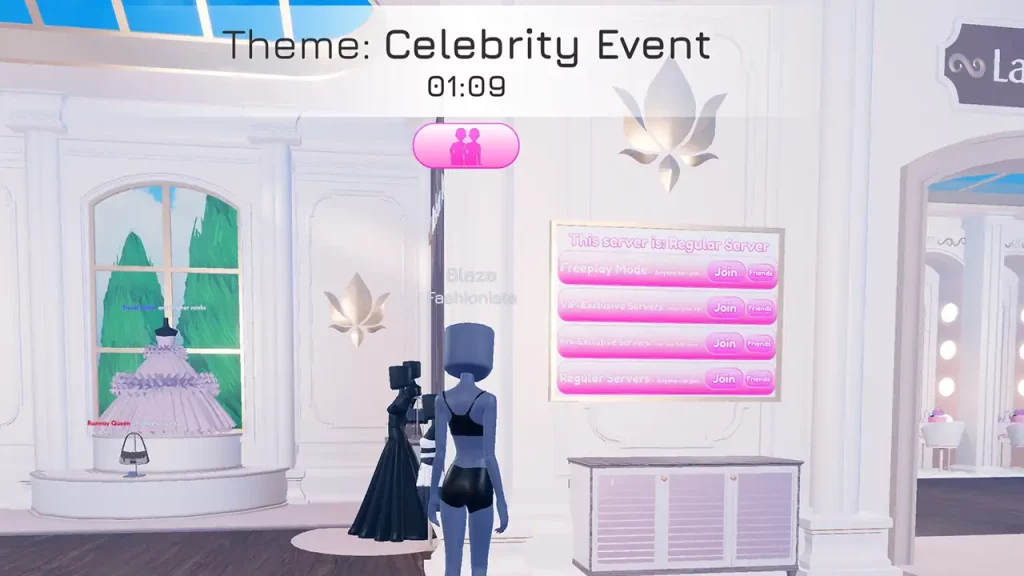
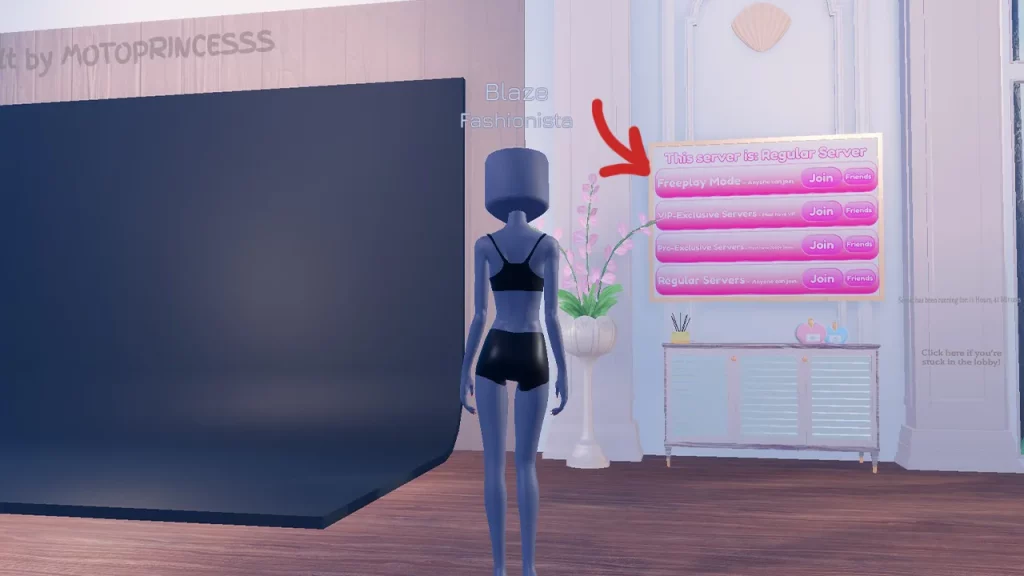
You cannot remove the timer in the main game, but you can click on the Freeplay server to get into a server with no timer in DTI. Here’s how you can access it:
- If you’re in the middle of a round, you can find it here next to Lana’s salon.
- And if you find yourself in the intermission period between two rounds, you can find it on this wall here near the background for photos.
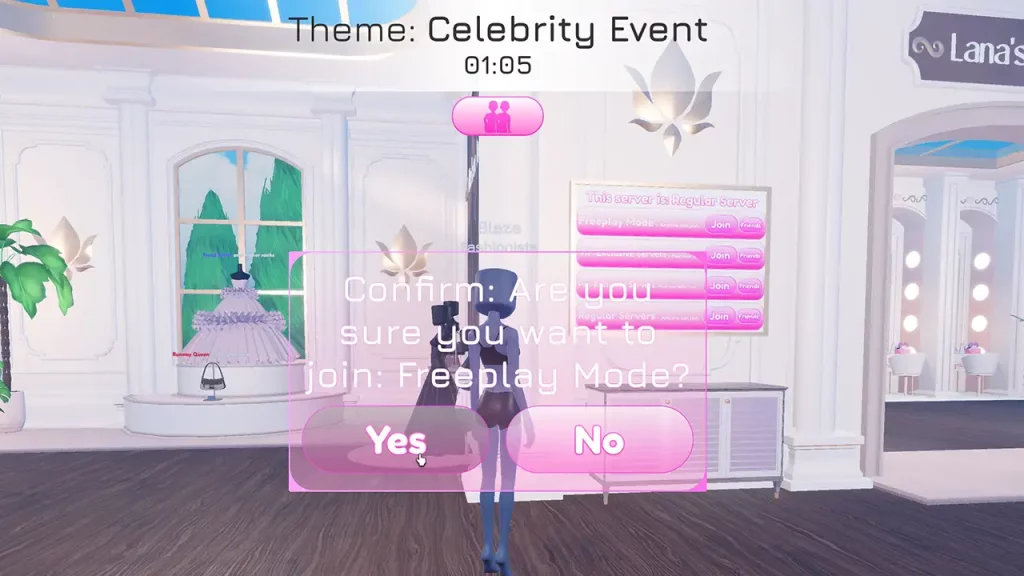
- Click on Freeplay server, confirm that you really want to teleport there. After that, you are free to try on clothes, hair, different makeup, and of course, all the accessories the game has to offer.
- Unfortunately, the VIP room stays locked here as well, so you need to get VIP access to get in.
That’s all for this one! If you’d like to know some hidden secrets like how to get long nails, how to leave the chair, how to duo with another player, and get tattoos to get votes and wins, check out our guides.