Here’s how to play Clash Royale on PC with the Bluestacks Emulator. As you already know, Clash Royale is a tower defense strategy game that has lots of characters/cards having special abilities. The official game is available to play on Mobile devices via the App Store or Google Play Store. But if you want to know how to play Clash Royale on your computer, follow the steps in this guide.
How to Play Clash Royale on PC?
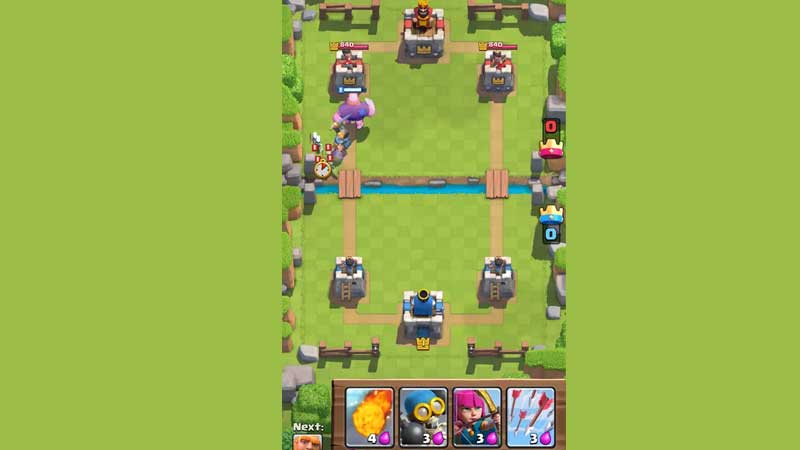
To play Clash Royale on PC, you need an emulator (like Bluestacks, for example). Next, follow the steps below. Note that only those users who have a Google Play Store account can be able to play CR on computer via this method.
- After downloading and installing the emulator from the official site, launch it.
- Click on the Play Store and sign in with your info.
- Next, you will see an interface just like the Play Store on your android phone.
- Search for Clash Royale in the search bar.
- Click on Install.
- Once done, launch the game by clicking on the icon on the same screen where you saw the Play Store icon.
- After a bit, you will see that familiar SUPERCELL logo and then, Clash Royale will start.
If you have a PC or laptop that’s a bit old and has low-end specs, fear not. You can head to the settings of the emulator and edit the Display settings to suit you. Players can lower the display resolution and pixel density to check if the game runs smoothly on the device.
Now, if you are not comfortable with using emulators or don’t have an Android device, you may want to know if there are Clash Royale alternatives that you can play online. Well yes, there are.
Look up Clash of Vikings and you’ll see that it’s similar to CR (too similar). You won’t be playing multiplayer against other players and it’s not as refined as the Supercell title, but it does offer an experience that reminds you of Clash Royale.
So, there you have it. This is how to play Clash Royale on PC. While we are on this topic, check out our Clash Royale guides on Gamer Tweak.