Twitch streams are watched by millions of viewers daily and with such server load, some errors are bound to come up. This can be frustrating especially if you’re trying to watch a stream for time-limited drops. One such Twitch error is “The video download was cancelled. Please try again. Error 1000” which can appear at any time. You may see this due to internet connectivity issues, high latency, network congestion, browser-related problems, and server or hardware issues as well. Here’s how to troubleshoot it.
How to Fix Twitch Error 1000
Check Your Internet Connection
The first thing to do is ensure a strong, stable internet connection. Run a speed test to check for slow speeds or high latency. Restart your router to refresh your network connection.
Clear Browser Cache and Cookies
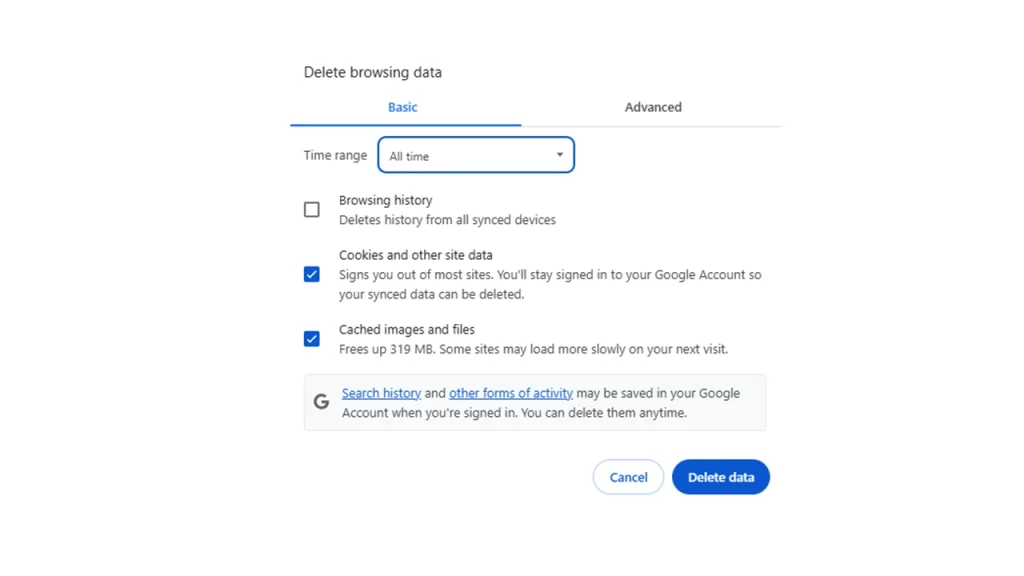
Here are the steps to follow for various browsers:
- Chrome: Settings > Privacy and Security > Clear browsing data
- Firefox: Settings > Privacy & Security > Cookies and Site Data > Clear Data
- Edge: Settings > Privacy, search for “Clear browsing data”
- Clear all data: Select the time range “All time” to clear all cached data.
Keep in mind that this will log you out of websites so make sure you have the credentials to log back in. You can also search Twitch in the browser cookies section and only delete those related to Twitch.
Disable Browser Extensions
Temporarily disable browser extensions that might interfere with video playback (e.g., ad blockers, VPNs) because they are one of the major culprits behind this error.
Update Browser and Drivers
Make sure to update your web browser to the latest version and update your graphics card drivers as well.
Try a Different Browser
If the issue persists in your primary browser, try using a different one (e.g., Chrome, Firefox, Edge) to see if the problem is browser-specific.
Disable Hardware Acceleration
Hardware acceleration is one of the reasons behind the Twitch error 1000 and you can disable it in Chrome to fix it.
- Go to Settings > Advanced > System.
- Uncheck “Use hardware acceleration when available.”
- Restart your browser for the changes to take effect.
Stream at a Lower Bitrate
This error doesn’t just come up for viewers — streamers can also see it and this happens if your stream’s bitrate is too high. To fix it:
- Open your streaming software.
- Go to Settings > Output.
- Reduce the Video Bitrate to 6000kbps or lower.
Contact Twitch Support
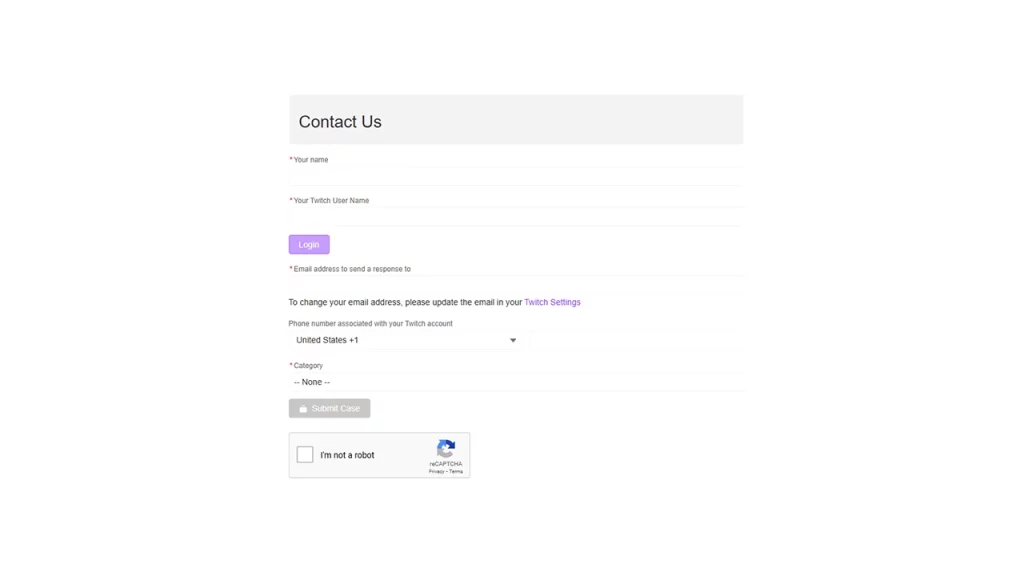
If the issue continues, contact Twitch support directly. They may be able to provide more specific troubleshooting steps or identify server-side issues.