Trying to change servers in Once Human is important when you want to adapt, build, and fight to survive in a post-apocalyptic world. An important aspect of the game players are unsure about is the ability to change servers to optimize gameplay, play with friends, or play when the server is full. This guide will cover the ins and outs of server transfers in Once Human and how to make the most of this feature.
Difference Between Servers and Worlds in Once Human
Before we start, it’s important to understand the difference between servers and worlds. Servers are separate instances of the game where different player groups exist. Worlds are sub-divisions within a server, allowing players to explore different areas without creating a new character. And creating a new character on a different server means starting from scratch.
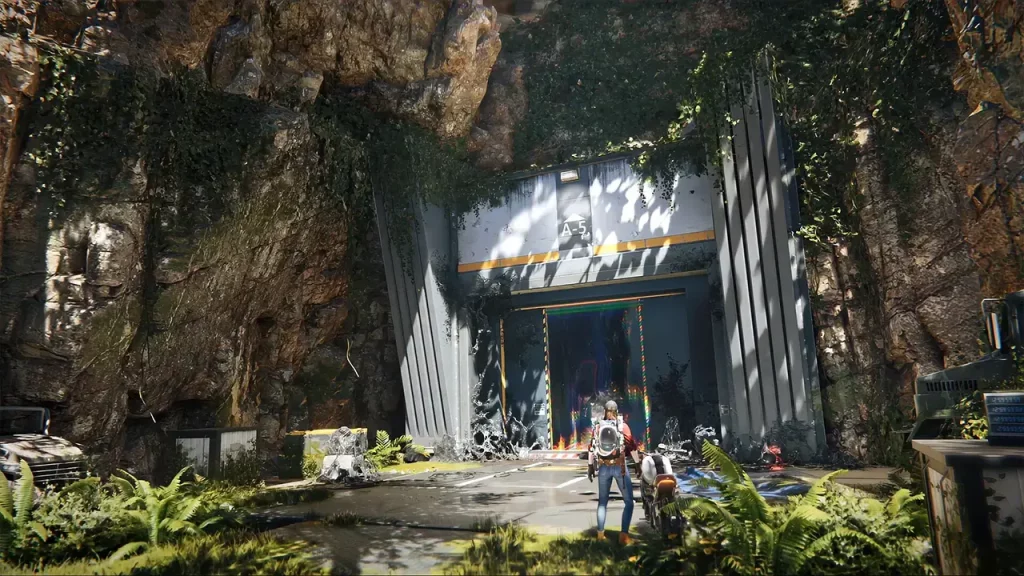
Servers in Once Human are divided into smaller subsections called “worlds.” These sections help scatter players and their structures to maintain an immersive experience. To join your friends in their world, visit any teleportation tower and select the “Switch to Another World” option. A list of available worlds will appear, enabling you to select where your friends are waiting. Here’s how to do this:
- Find a Teleportation Tower structure in the game world.
- Approach the tower and interact with it.
- Select “Change to Another World.” This option will appear after interacting with the tower.
- A list of available worlds will be displayed. Select the world you want.
Remember that any structures you’ve built will remain in the world where you built them. You can also consider dismantling and rebuilding these structures in your new world to retain your progress.
How to Change Servers in Once Human
Switching between servers is simple; the game allows you to do this from the start menu. Unfortunately, Once Human currently does not support server transfers. You must create a new character to play on a different server. This is the only way to play if you want to join with a friend on a different server.
If you plan to play with friends, ensure you all choose the same server before creating characters. Changing servers will result in losing the character and affecting all progress on the previous server.
The Only Workaround for Changing Servers Now
While Once Human doesn’t officially support character transfers between servers, some players have found a potential workaround by contacting the game’s support team. While not guaranteed, contacting support may provide a solution in some instances.
If you find yourself in a situation where you and your friends are on different servers and starting over isn’t an appealing option, you can try the following steps:
- Collect your account details, including your account name, server name, character name, and the server to which you’d like to transfer your character.
- Reach out to the Once Human support team through their official website or email address, clearly explaining your situation and the information you’ve gathered.
- Look for a response from the support team in your inbox. They may ask for additional information or provide further instructions on transferring.
It’s important to note that the game doesn’t officially support this method and may fail in every case. Be patient and courteous in your communications with the support team, and understand that server transfers may not always be possible.