Seasons in Assassin’s Creed Shadows not only change the environment visually, but also affect enemy behavior and the process of resource smuggling. While it automatically changes by fast traveling or completing missions/side quests, you can choose to go from Winter, Spring, Summer, to Autumn manually if you’d like. Here’s how to go about it.
How to Change Seasons in Assassin’s Creed Shadows
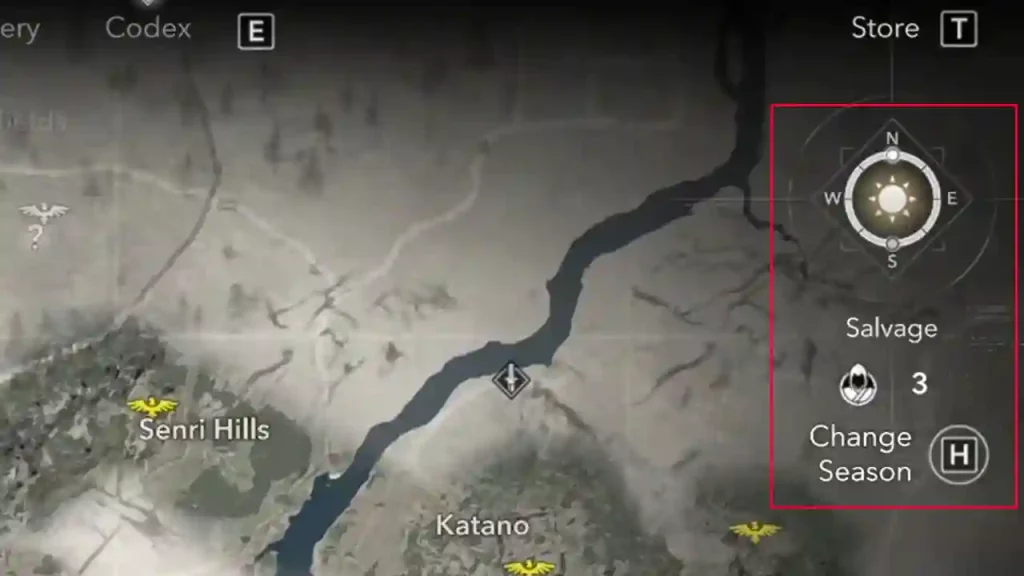
To manually change seasons, you need to complete a specific quest called An Unpayable Debt. This is the 6th quest overall and comes in two parts. Once that’s done, go to the World tab in the menu and hold the Change Season option. This is H on PC, right D-pad on Console). The symbol looks like a compass, with the current season’s icon in hte middle and has a progression bar around it.
Also Read | How to Use Scouts in Assassin’s Creed Shadows
You can only change seasons when the season progression bar in half full or full. A full season may last for around 140-180 minutes in-game and at the end of the season, Scouts complete their smuggling operations and you get resources for upgrading and customizing your Hideout.
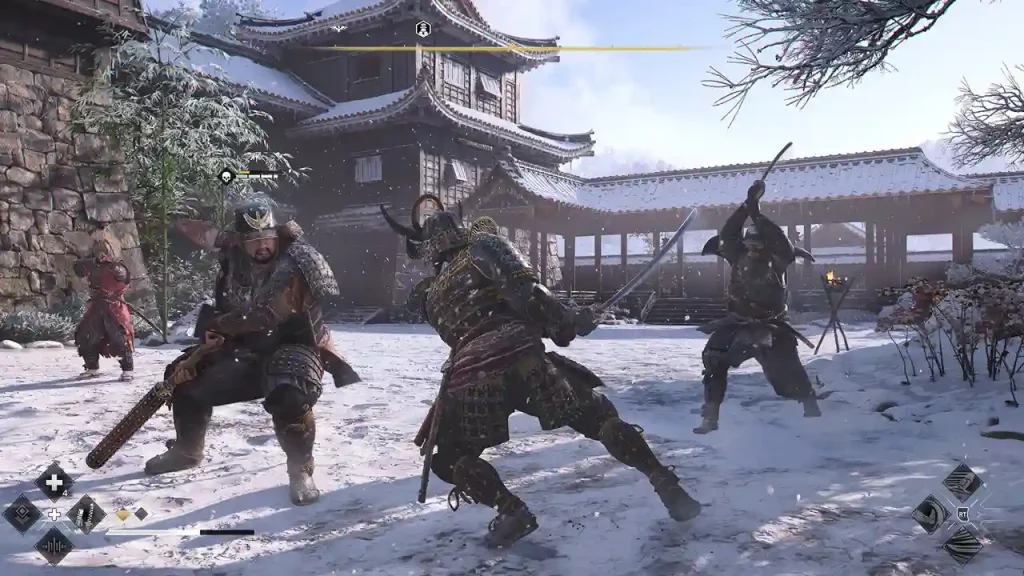
When seasons change, there are various things that reset or replenish—your scouts, contracts at Kakuregas, Wanted Level, Local Factions, and enemies/NPCs. When enemies ring an alarm bell in their territory, you get a regional alert which works like a Wanted level. This increases the difficulty of that region and Scouts can help clear it for you. You can do this by upgrading the Kakurega in your Hideout and choosing the Clear Regional Alert option from the map.
Resources at various locations will respawn and vendors will also restock their items. Moreover, you can use the visual changes (such as grass) to your benefit for your stealth missions.
That’s everything about changing seasons in AC Shadows. For more tips and tricks like finding the location of the Executioner in The Killing Field and choosing between Otama or Wakasa with consequences, check out our linked guides.