
Best friends in life are some of the strongest bonds we create and the same goes for Animal Crossing New Horizons, though you can make as many friends as you like, having a best friend gives you more options and you can your bestie can progress together. If you want to add a best friend in Animal Crossing New Horizons, this guide will show you how to do that.
Having a best friend is great and all, but it is advisable that you keep adding people as best friends only those you trust and know. Let’s see how you can add best friends in Animal Crossing New Horizons.
How To Add Best Friends In Animal Crossing New Horizons
Adding best friends is easy, though you have to wait for a bit when you start your adventure on your new island. You have to wait at least a day before you can begin adding new friends. Once the time period has ended you will have to go to the Airport and talk to Orville.
From there you can either invite someone using local or online play. If you select the option that you want to play with other online, you will unlock the Best Friends app on your Nook Phone.
Use this app on your phone to add friends that you meet in the game and you can also add random players that you encounter in the game.
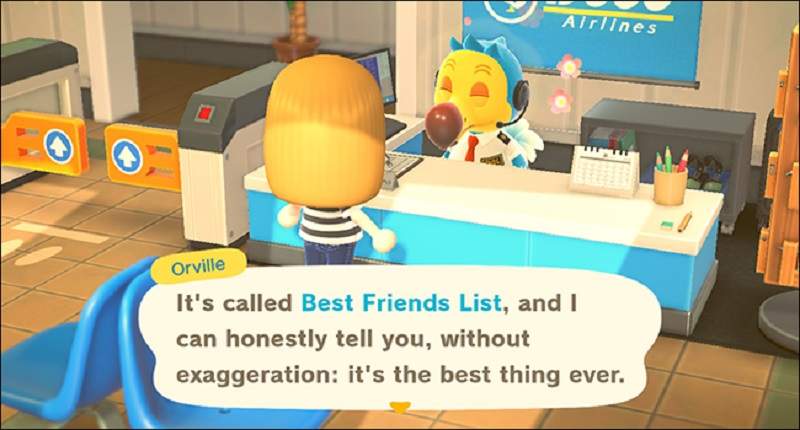
You can even add them as a best friend in the game, this will give them access to build things and edit on your island and you can do the same on their island too. Talk to Orville and you can set up a temporary code that you can give to your friend.
Once your friend adds in the code, you will see a small animation take place and you will see each other on your friends’ list.
Once you are friends, open up your Nook Phone and select the Best Friends App. You will see all the people you have added as friends, from that list select the player you wish to become best friends within Animal Crossing New Horizons. To do this select the “Ask to Be Best Friends”.
As soon as your friends accept this, you will have become best friends in the game.
That’s the key to becoming best friends in Animal Crossing New Horizons, having a best friend mixes in the fun and enjoyment of the game, but be careful of whom you add.
Check out other guides on Animal Crossing New Horizons in case you are stuck on any part of the game.











