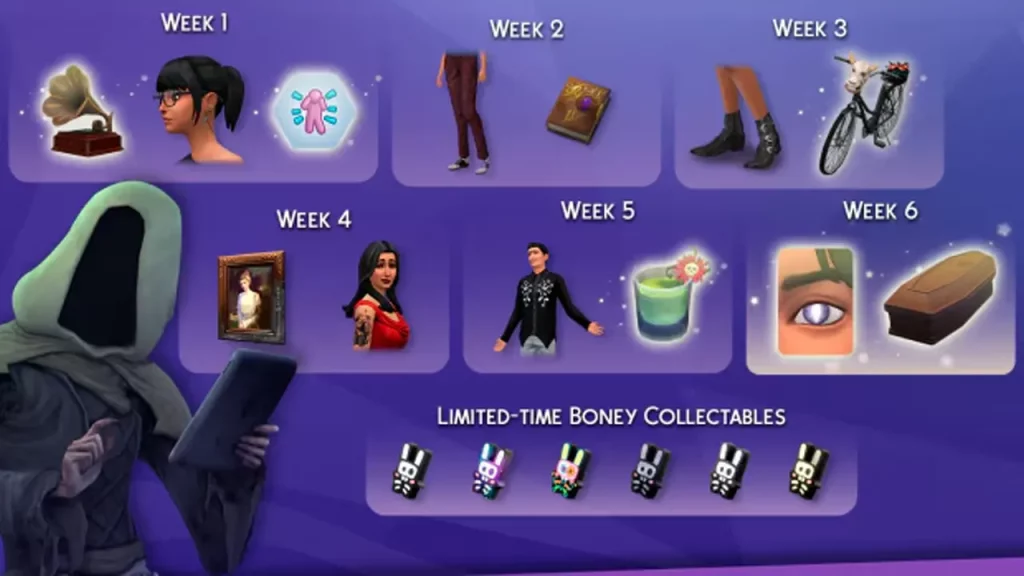
The Sims 4 Reaper’s Rewards is a limited-time event that runs until November 19th, 2024, but for quite a few players it’s not working, leading to understandable frustration. There’s a lot to do when you get this event up and running — you can summon the Grim Reaper, complete specific tasks to earn unique rewards, and more. There could be several reasons why you’re not able to trigger the event or complete it. However, there’s one main reason that needs your attention. Here are the details.
Sims 4 Grim Reaper Event Not Working After Update Fix
Very important: Make sure to keep a backup of your files so that you have something to go back to if things go wrong.
Remove Mods
If you’ve been using mods or custom content, it appears that removing them will help activate the Grim Reaper’s Rewards event in The Sims 4. To make things easier, just disable mods in-game instead of manually removing the mods folder. If you have Better BuildBuy, first turn off organized debug.
Be sure to also check the updates related to mods that appear to be interfering with the Grim Reaper Rewards Event UI.
Verify Game Files
After this, verify the game files. This will repair the game and should potentially help you initiate the event.
To verify the integrity of files, open your Steam library and right-click on Sims 4. Select Properties > Local Files > Verify integrity of the game files. Wait for the process to complete and then relaunch the game.
Similarly, here are the steps for the EA app:
- Launch the EA app and go to your Library.
- Find Sims 4 and select the three-dot menu in the top right-hand corner of the game tile.
- Choose Repair.
- When the game finishes repairing, launch it again.
Reaper Event GUI Issues
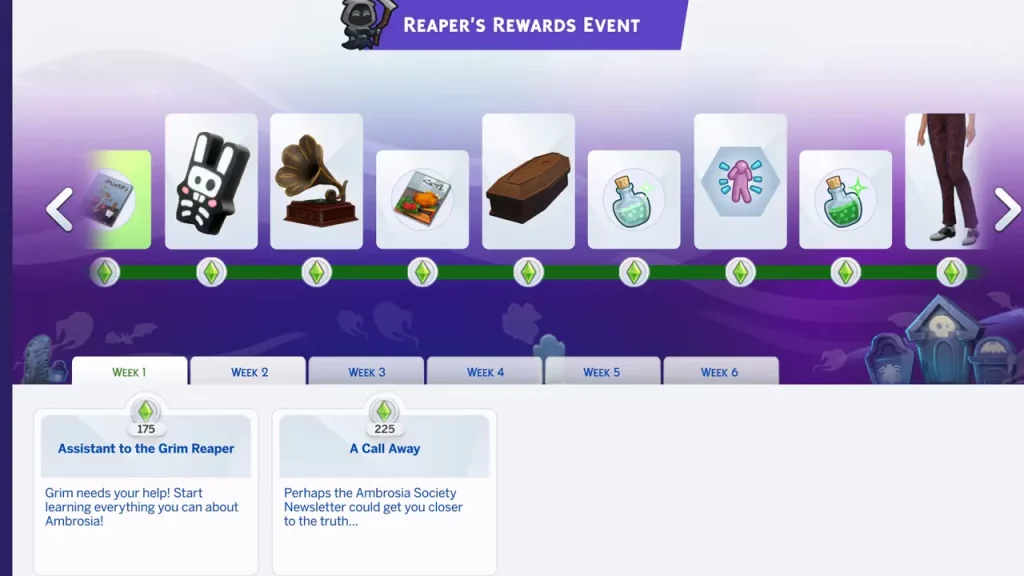
For some players, the event is bugged despite the fixes, and the primary problem here is that the tasks are blank. There’s no text to show what to do for the quest and no icons related to the quest when interacting with objects or Sims.
This is a known issue and you can go through the comments on linked EA bug reports to know more about what’s causing this error.
Apart from this, players are also facing issues while claiming rewards and it seems to be caused by pausing the game before a loading screen and saving before the GUI has fully loaded. It could also be tied to other events happening. The workaround shared in the community is to avoid pausing the game before or after a loading screen (travel, CAS, turning the game off) and wait until the GUI and tasks have fully loaded before you start interacting with the game.