Players are excited to complete the numerous achievements and quests in this game. Similarly, if you want to find out how you can get photographed and unlock Photo Mode in Little Kitty, Big City, we’ve got you covered.
In this guide, we will mention the process you will have to follow so that humans passing by will take pictures of you. Along with this, we will also tell you how you can capture your favorite moments in the game to share them with others. Here’s everything you need to know if you want to complete both of these tasks in Little Kitty, Big City.
How to Get Photographed by Humans in Little Kitty, Big City
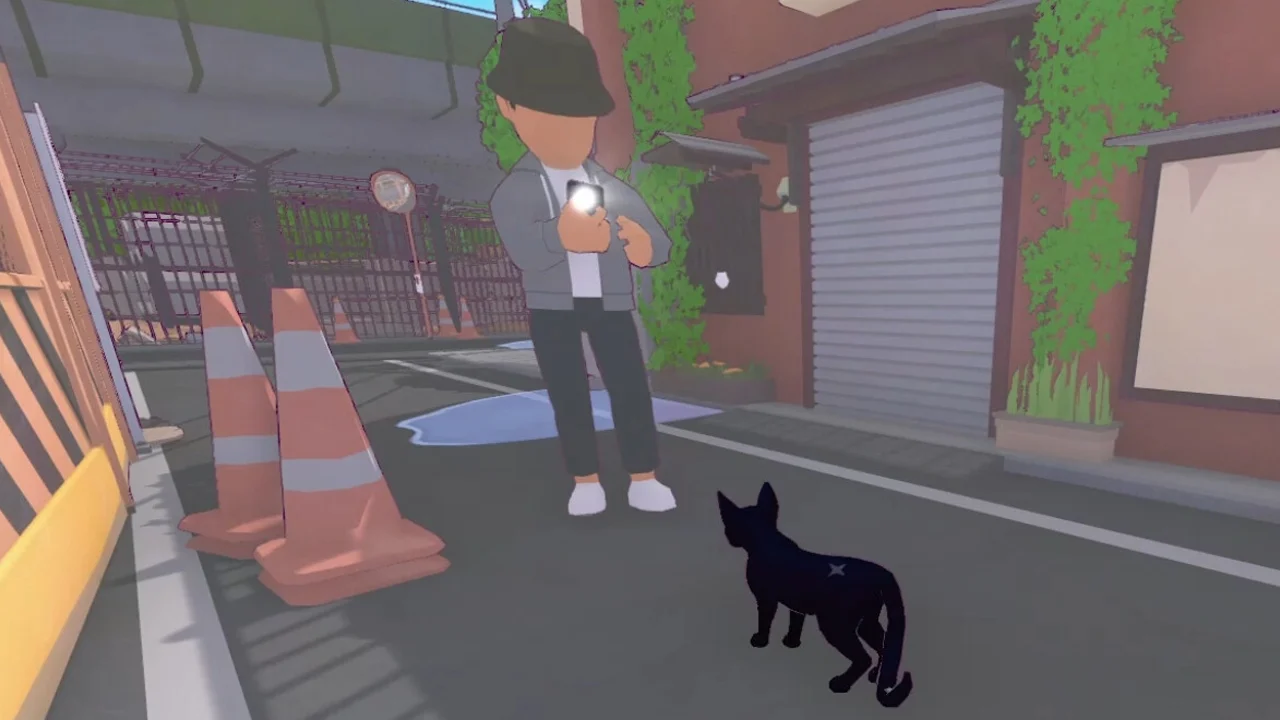
Once you learn how you can get photographed by humans in Little Kitty, Big City, you can work on completing the “Local Celebrity” achievement. However, to do this, you will have to be photographed twenty times by humans. Although this feels like a lot, once you have mastered the technique, you can easily get it done.
One of the best ways to get humans to take pictures of you is by going near them and meowing. After you start repeatedly meowing, you will grab their attention. However, it is important to note that most of these humans will pet you and carry on with their day.
As a result, make sure to notice the objects/items in their hands before you meow near them. If they are carrying items like bagels, sandwiches, or even briefcases, and soda cans, chances are, they will only pet you.
You must focus on targeting humans who are carrying phones in their hands, because, along with petting you, they will also take photographs of you. After you have done this a few times and have understood the process, try to get twenty photographs of you and complete the “Local Celebrity” achievement.
How to Unlock Photo Mode in Little Kitty, Big City
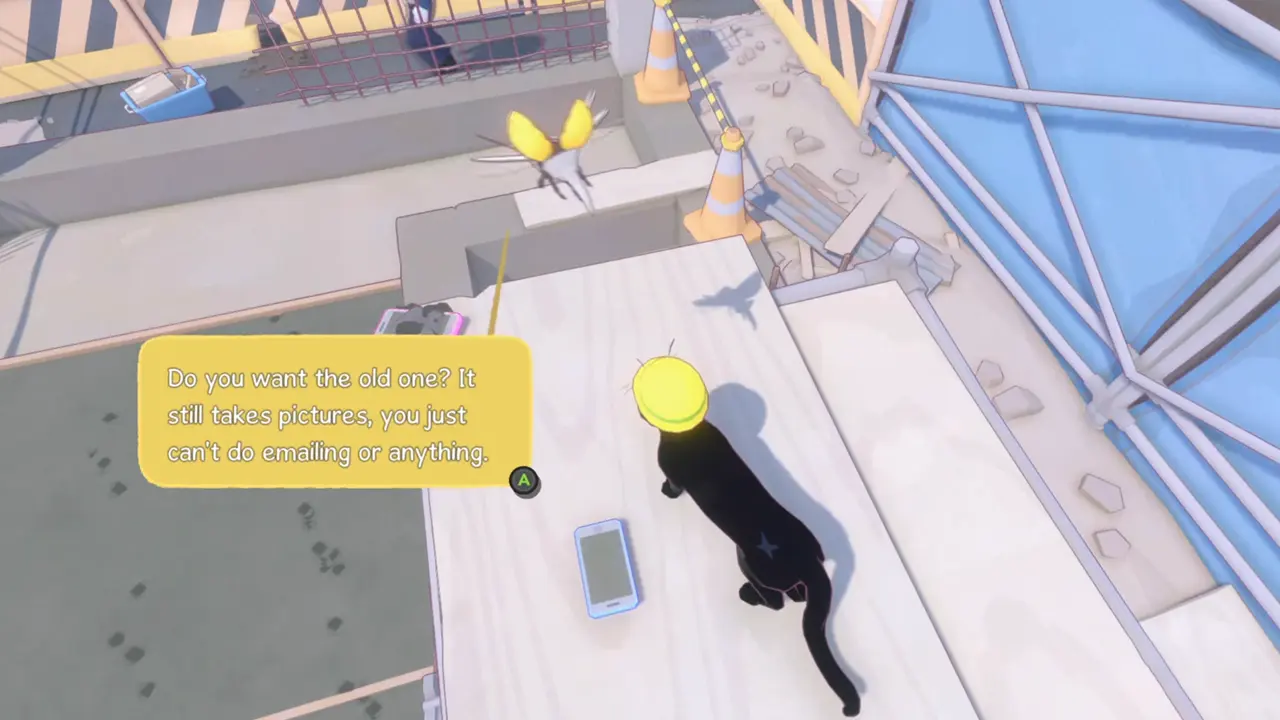
If you want to unlock and use the Photo Mode in Little Kitty, Big City, you will complete the “Replace Beetle’s Phone” quest. Once you interact with Beetle, who can be found at the construction site, you will get to know that Beetle’s phone was ruined due to wet cement and because of this, he can’t work on it.
He wants you to get him a phone and in return, he will give you his old one. Now, to complete this task, you will have to steal a phone from a human that is walking by. Firstly, locate a human that has a phone in his/her hand. You will then have to get near them and swipe at their feet so that they trip and fall on the ground.
Once they fall, they will drop the phone they were holding and you will have to quickly grab it and run away. After stealing the phone, bring it back to the Beetle at the construction site and drop it near him.
He will then offer his old phone in return, which is perfect for you, as you can take pictures with it, even though it was damaged. Once you have completed this, you will unlock the Photo Mode in Little Kitty, Big City.
That’s all you need to know about how you can get photographed and unlock Photo Mode in Little Kitty, Big City. Additionally, find out how you can climb vines and how you can get back home.