Are you wondering how to get the Infant Update in Sims 4? Then you are at the right place as this guide is all you will need. Sims is probably one of the most famous games and the constant updates that it provides keep its fanbase constant and happy. For the longest times, players have been waiting for an update that adds the ability to have infants and finally the developers have listened. Since you are here, you are also excited by the prospect of having an infant in the game. Since the mechanism is new, most players don’t know how to use it. But before you can use it, you will have to know how to download it. Fortunately, we know what to do and with this guide, we have you covered.
How to Download Infant Update in Sims 4
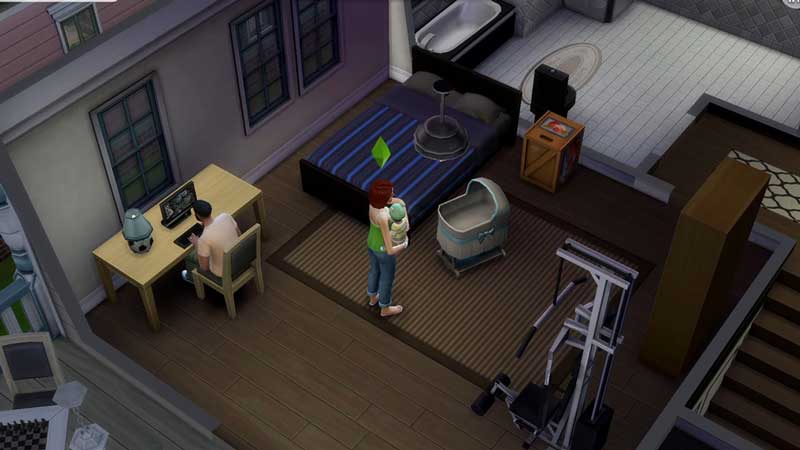
If you are a PC player, you don’t have to worry about downloading the Infant Update for Sims 4 as you will get it updated once you log in to your EA play application. If the automatic download does not start, you will have to check for update manually under the Installed Games sidebar. That should do it for your PC.
For PlayStation users, you will have to boot up the game while you are connected to the internet to get the Infant Update. If the automatic download does not start after that, hover over the icon and press the Options button and then check for updates.
For Xbox Users, you will have to manually go to My Games and Apps from your Xbox menu and then look for Sims 4 in your library. You can head over to the thumbnail of the game and manually check for updates. That covers all on how to install the game on all platforms.
Sims 4 Infant Update Not Showing Up
If you have been plagued with the error where the Infant update does not show up, there are a few troubleshooting tips that will help you fix this issue. Here’s what you need to do:
- Restart Your Device – This is the common fix to this problem and has worked for most players.
- Clear EA Cache – If restarting does not work, you will have to clear the cache from your EA play application
- Run EA play application as an administrator to clear up this issue.
- Uninstall your Origin application manually and then reinstall it.
These are the common troubleshooting tips that will help you get rid of the error. However, if it does not clear up soon, we recommend you contact EA Support to get some professional help.
That’s all there is on how to get Infant Update in Sims 4. While you are here, make sure you check out our other Sims 4 guides right here at Gamer Tweak.