The wait is finally over Warhammer 40,000 Darktide beta version is out and now accessible for pre-ordered players. However many players are already pretty disappointed by the game because of its silly errors. As the game is in beta version, it’s kind of expected to run into some bugs & errors. But some of the errors are not allowing players to join the game or even kicking out the players from ongoing matches. This bug appears stating a Backend Error message. If you are also running into the same WH40K Darktide Backend error, then we’ll help you fix it.
Fix for Warhammer 40K Darktide Backend Error
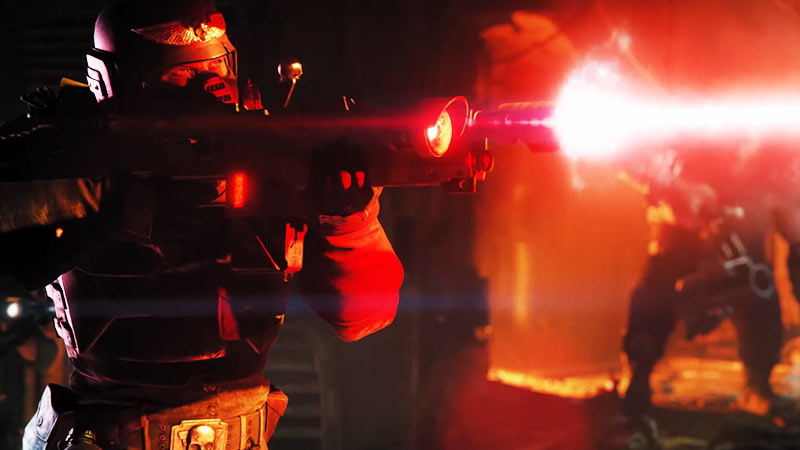
Check out all the ways to fix the Warhammer 40,000 (WH40K) Darktide Backend error. Before you move ahead, let us put your mind at ease. The problem behind this error is not on your end, and solely on the developer’s end. So without any further ado let’s get into the possible fixes to remove this bug.
- Restart Pc & Internet Connection
- Verify Files Integrity
- Use VPN
These were the possible fixes to remove the Warhammer 40,000 Darktide Backend bug. For better understanding let’s dive into the methods to fix the issue in detail.
Restart PC & Internet Connection
The first & simple fix you should try out is by checking your internet connection & restarting the PC. So go ahead and disconnect the router or any other internet you are connected to. Once done, simply restart your PC and then plug in the internet again. Doing so might fix the bug and you’ll be good to go.
Verify File Integrity
Verifying the Integrity of game files can fix the Backend Error in WH40K Darktide. If you are unaware of the process to do so, then check out the steps mentioned below.
- First, go ahead and launch Steam on your system.
- Next, head to your Library and right-click on Warhammer 40K Darktide.
- After that, click on the Properties option.
- Then, select the Local Files tab.
- And there, click on the Verify integrity of game files option. Doing so will start the scan.
- Once the scan is completed, all the corrupt game files will be repaired if there are any.
- Now simply restart the Warhammer 40,000 Darktide game and the error should be gone for good.
Use VPN – Fix For WH40K Darktide
Another fix you can try to remove the bug is by using VPN to launch and play the game. Many players have reported that this method has worked for them, so why not just give it a try. Simply install one trusted VPN & launch the game and that might do the trick.
That sums up everything about how you can fix and remove the Backend Error in WH40K Darktide. If your issue is still not fixed then now all you can do is wait patiently for the developers to resolve the issue. Until the bug is getting fixed take a look at other Video game guides for more tips & tricks.