
Wo Long Fallen Dynasty has just been released and is already stuck by poor performance issues. Since it is a new game, facing lagging, stuttering, or sudden frame drops issues is not something strange. Such errors are mostly faced by players who have downloaded this game on a PC with Steam. If you are one of those players experiencing it, then you have just arrived at the right place. Here are a few solutions to get this issue fixed.
How to Fix Lagging, Stuttering, or FPS Issues in Wo Long Fallen Dynasty – Performance Boost
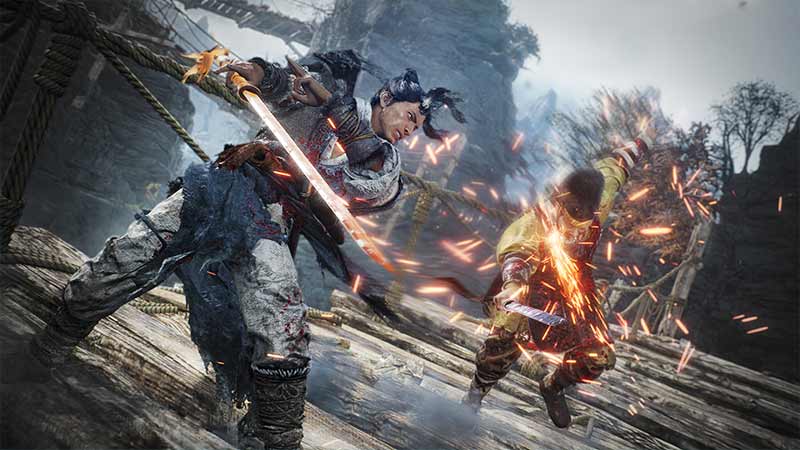
Before me move any further, make sure that your system is capable of running this game. Here are the minimum system requirements to run Wo Long: Fallen Dynasty Smoothly.
- OS: Windows 10 or Windows 11, 64bit
- Processor: Intel Core™ i5-8400, AMD Ryzen™ 5 3400G
- Memory: 8 GB RAM
- Graphics: GeForce GTX 1650 4GB, Radeon RX 570 4GB
- DirectX: Version 12
- Network: Broadband Internet connection
- Storage: 60 GB available space
If your hardware does not meet the above requirements, then this may be the reason why Wo Long Fallen Dynasty is performing poorly on your PC. Besides that, you can try the following solutions to solve lagging or frame drops:
Update Graphic Drivers
Having an outdated Graphic Driver can cause several visual issues like frame drops or stuttering. Here’s how you can update the GPU driver on your PC to improve performance:
- From the Search bar, look for Device Manager.
- Next, open the Device Manager and then double-click the Display Adapters option.
- After that, you will get the name of your Graphics Driver.
- Right-click on it and select the Update Driver option.
Alternatively, you can also access the Nvidia or AMD website to download the latest Graphic Drivers for your respective PCs.
Repair the Game
Further, there is a chance that some of your game files are corrupted. This may have caused the game to access the full potential of the system. In such cases, it is better to repair the game instead of re-installing it. Here’s how you can get the job done:
- Head over to the Steam Library and right-click on Wo Long Fallen Dynasty.
- Now, click on Properties > Local Files tab.
- From there, navigate and click on Verify Integrity of Game Files to repair the game.
Close Unnecessary Applications
Most of the time, Windows runs multiple applications in the background. These applications running the in the background might cause Wo Long Fallen Dynasty to lag or crash. So, try to close all the unimportant background apps and relaunch the game again. It will definitely improve the performance.
Might be a Bug
As the game is recent, there are chances of a potential bug causing Wo Long to stutter or crash. In such cases, there is nothing you can do besides waiting for the devs to launch a patch update.
Although, you can visit Koei Tecmo America’s (devs) Support Website to report the issues.
That’s everything you can do to fix the lagging & frame drop issues in Wo Long Fallen Dynasty. While you are here, make sure to check out our other Wo Long Fallen Dynasty Guides on Gamer Tweak.











