Although it is one of the most trusted downloaders for E-books, many users have complained about PDF Drive not working or downloading. While it is annoying since it is one of the best, there is a way to fix it. Do note that the troubleshooting tips are working for a few people and you might not be able to fix it just yet.
PDF Drive Not Working or Downloading Troubleshooting Tips
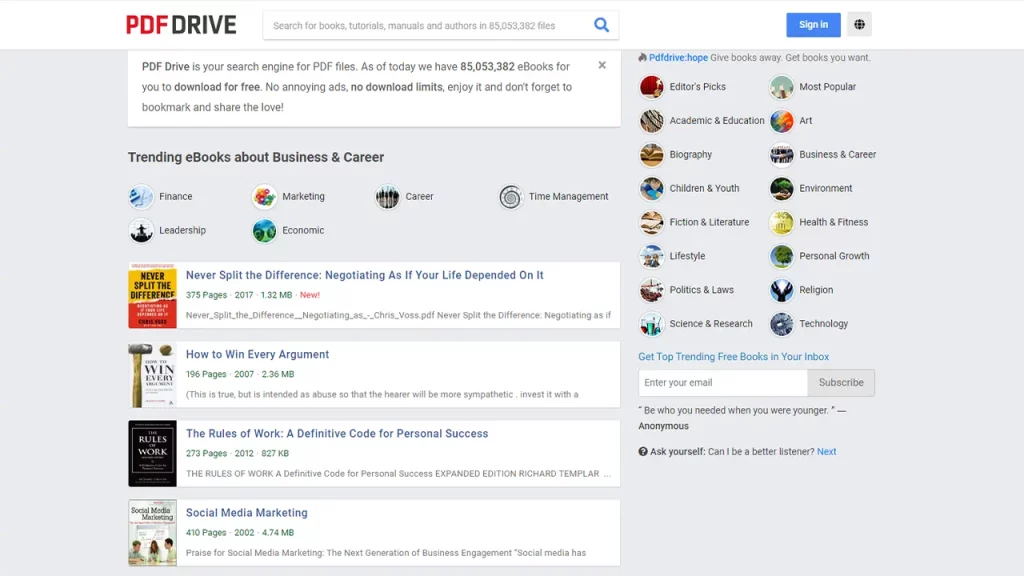
The PDF Drive Not Working or Downloading issue is mainly common if you are still trying to access the old link. Instead, try using the new link by clicking here and you should be able to start downloading once more. Having said that, there could be other root causes for the error as well. Most commonly, the issues are quite simple that viewers have been ignoring. So if you still find the issue after trying out the new link, here’s what you need to do.
Check Internet Connection
Since the problem could be connected to your Internet network, the first thing to do is make sure your Internet Connection is working. A speed test works splendidly and will give you an idea if this is the reason of the issue. Along with that, avoid any major download on any of your devices that might use up more Bandwidth to steer clear of connection issues.
Restart Modem & Router
Your modem and router might have collected a lot of unnecessary cache which might be giving you troubles. Restarting them will help you get a much faster and resolved network connection. Additionally, since modem and routers are running 24/7, they might get overheated on occasions. A simple restart is enough to cool it down and help it function better.
Clear Device Cache
Before you start downloading on PDF Drive, first clear the device cache since it might affect with your download. Hopefully, this will help you fix the PDF Drive Not Working or Downloading issue.
You can try to connect with PDF Drive via email regarding this error if it’s still not fixed. If you found this guide useful, we have more such Guides right here at Gamer Tweak.