Gotham Knights on Windows 10 & Windows 11 is going through some performance issues. Common ones are lag, freezings, or crashing. For some users, the game crashes on launch or during gameplay. The developer has addressed the issue and related patch for overall performance improvement. Still, if you are not happy with the game’s performance then try useful tricks in this guide. It will help you to get more fps on Gotham Knights, improve game speed and stop crash-related bugs.
Gotham Knights Not Launching, Crashing Fix
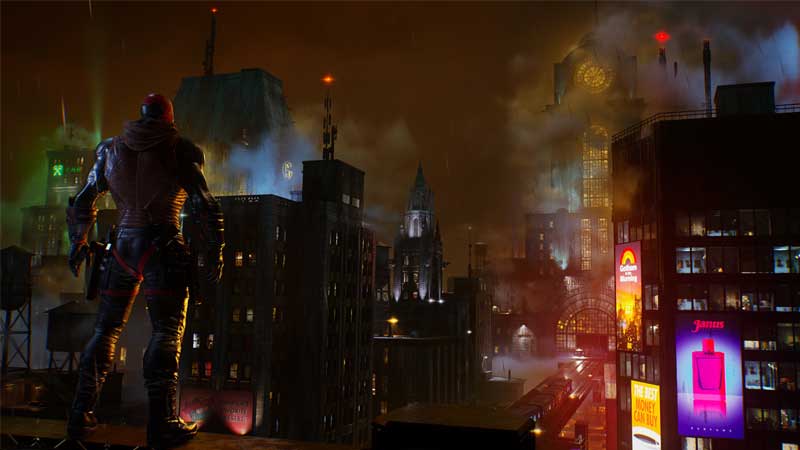
The issue can be common to Gaming Laptops. This can be due to hardware limitations, heating, and outdated graphic drivers. So here are the most basic yet important steps to fix the problem.
- Update to latest graphic drivers.
- Verify game file integrity on Steam and on Epic Store.
- Disable background Apps.
- Restart your PC once if the game is freezing.
- On the Laptop switch to High-Performance Power Plan. Connect the Laptop Charger and play.
- Install the latest game patch. This is done via auto-update but in case it fails you can check for updates through Steam or Epic game library.
- If the issue is serious then submit a bug report to the developer.
How to verify Game File Integrity on Steam?
- Right Click on the game > Properties.
- Local Files > click on Verify integrity of game files.
How to verify Game File Integrity on Epic?
- Right Click on the game > Properties.
- Local Files > click on Verify integrity of game files.
Verifying file integrity will restore any damaged game files. This occurs due to mods or because of failed updates. Steam or Epic will check all the game files and replace them in case any of these are damaged. Also if you had turned on cloud save then do not worry about save-game. It will be restored once the game is fixed.
Also once do check the minimum system requirements to run Gotham Knights. The game requires a minimum GeForce 1660Ti or Radeon RX 590 Level card. A minimum of 4GB of Graphic memory is good enough to run the game on medium settings. For the processor, the system must have a CPU at a level of Core i5-9600K or Ryzen 5 360. The minimum RAM recommended is 8GB and 45GB of storage space. If your system is upto the mark then definitely the issue is with the drivers or with the game itself. If nothing helps much try re-installing the game once by removing it completely. This fixes most of the performance-related issues.
There are also some issues with Gotham Knights Multiplayer. We have covered some guides that can help you to deal with issues like – Unable to Join Multiplayer Sessions. Do check the link for details.