Encountering error codes while playing games can be frustrating, and Marvel Rivals players are no exception. One of the most common issues is error code 220, which usually indicates a connectivity or configuration problem. Fortunately, this issue can often be resolved with a few straightforward steps. In this guide, we’ll walk you through troubleshooting and fixing error code 220 so you can return to enjoying the game.
How to Fix the Marvel Rivals Error Code 220?
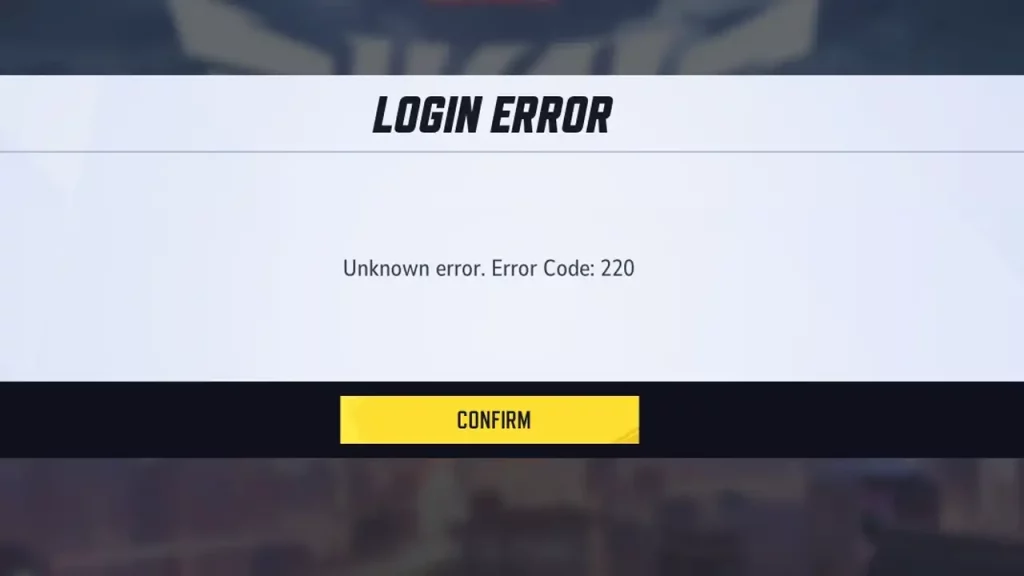
Error code 220 is most likely related to issues with the game’s connection to its servers. This can come up due to unstable internet, server outages, or conflicts with your device’s settings. Go through every step below to know the root cause and fix it accordingly.
Check Marvel Rivals Server Status
Before troubleshooting, ensure the issue isn’t with the game’s servers. Visit Marvel Rivals’ official website, social media pages, or third-party platforms like Downdetector to check for any server downtime or maintenance updates. If you see many reports of similar problems faced by other players, wait for a few hours and try again.
Disable your Firewall
For some players, disabling their Firewall temporarily worked out, so try and see if that works for you as well. If you’re also using server or website blockers for other games, it may interfere with your connection to Marvel Rivals. Remove or disable them and check if the error persists.
Restart Your Device and Game
If it’s the first time you’re seeing this error, close Marvel Rivals completely, restart your device, and relaunch the game. This refreshes the client and clears any temporary cache files causing the error.
Verify Your Internet Connection
An unstable or slow internet connection can bring up the error code 220. Switch from Wi-Fi to mobile data or vice versa to test different networks and restart your router if you’re on Wi-Fi. Run a speed test to ensure you meet the game’s minimum bandwidth requirements.
Use a VPN
For some players, using a VPN while playing the game is what helped them fix the Marvel Rivals Error Code 220.
Change your DNS Server
Default DNS servers provided by your Internet Service Provider (ISP) may not be optimized for gaming. Switching to a faster or more secure DNS server (like Google Public DNS or Cloudflare) can reduce latency, improve connection stability, and resolve issues with accessing game servers. Make sure to only make these changes if you’re proficient with configuring operating system settings.
Reinstall the Game
If the issue persists, as a last resort, uninstall and reinstall Marvel Rivals. This ensures you have a fresh copy of the game without corrupted files.
In case none of the above steps work, contact support for further assistance. The Marvel Rivals error code 220 is already listed among the known bugs in the Megathread on r/marvelrivals, however, you can contact support to know if there’s any update regarding the fix.