Roblox is one of the most famous platforms for the most unexpected and lovely games. These are never close to AAA games but there is always something for a timepass gamer or even a seasoned gamer. While it packs a lot of fun and entertainment, Roblox brings in a lot of traffic. This in turn can trouble the servers of Roblox and then create unwanted errors. One such error that players are looking to fix is the Experiences failed to load in Roblox. If you are here looking for the same, we have you covered with this guide.
How to Fix Experiences Failed to Load in Roblox
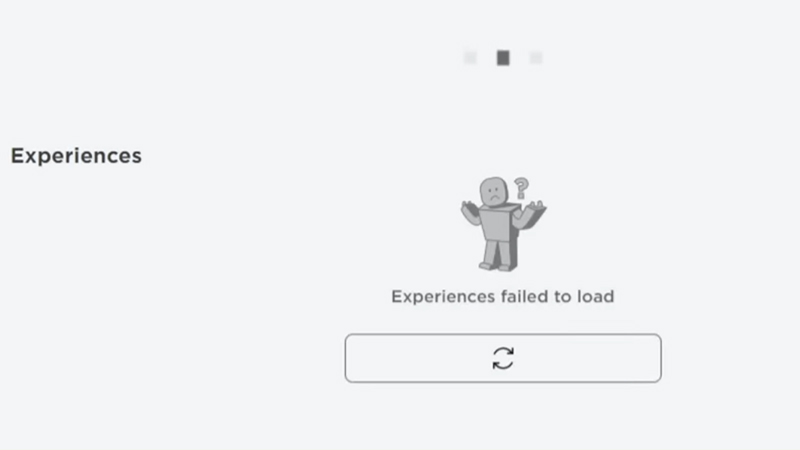
Experiences failed to load is one error that you usually face when the traffic on the servers is too high. This may cause a malfunction and lead to the servers going down at Roblox. If that is the case, there is nothing you can do to fix the experiences failed to load error. Patience will be key as you wait for Roblox to fix this issue. You can check out the Roblox Server Status here.
Another possible fix to this error in Roblox is to search the game directly from the search bar and not the homepage. Players have found this to be a common fix for the error. While it does not fix the error completely as the issue is server related, you can at least have some game time with this.
Although not a fix, there are a few things that you need to check from your end as well. This allows you to be sure whether the problem is from your end or Roblox. Here’s what you need to do:
- Make sure your internet connection is running properly. Halt any ongoing downloads on other devices in order to avoid the bandwidth being eaten completely.
- Check if there are any pending browser updates that might be disrupting your Roblox experiences.
- You also need to make sure that the Antivirus or Firewall Defender is not blocking any part of the game.
That’s all you need to fix the Experiences failed to load in Roblox error. If you liked this guide, we have more Roblox guides, tips, and tricks that you might be interested in at Gamer Tweak.