Are you looking to fix Error Code 403 on Roblox for your Windows PC? Then you are at the right place as this guide will provide you with all you need. Although there is no permanent fix for this issue, there are a few workarounds and troubleshooting tips that have solved this issue for many. So if you are disappointed that you cannot play any game on the platform, we might be able to help you.
It is also a common problem that is faced by players using the web version of the game. So if you are trying to play the game from the Roblox website, we recommend you search for the Experience via their application and then try to play it.
How to Fix Error Code 403 on Roblox
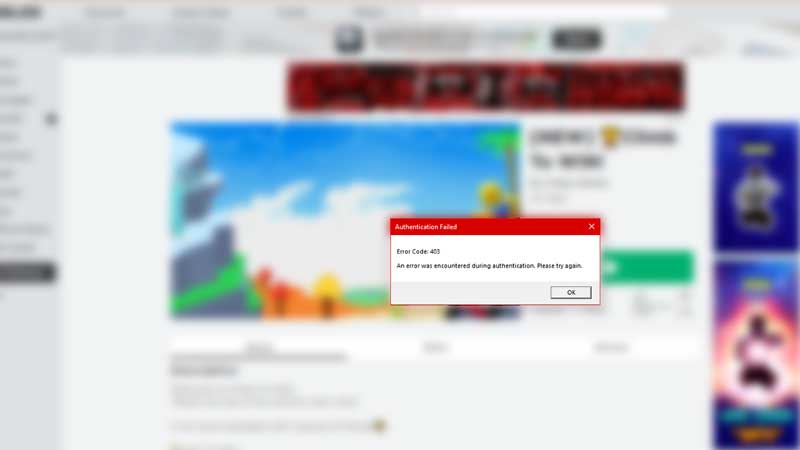
Although Error Code 403 is a server issue, it has deeper roots and might have to do with other issues. But before we go there, we recommend you check out the Roblox Server Status. While you are at it, keep in mind that internet issues can also lead to this error. Along with that, VPN may also create unnecessary problems so keep it off. If you are clear in this area, we recommend you delete the Cache in order to fix Error Code 403 on Roblox. Since some malware may have corrupted the files, here’s what you should do:
- Once you are out of Roblox, you can also press Win+R.
- In the window that opens, you need to type in “%localappdata%”.
- This will take you to your ‘Local’ folder.
- Now all you have to do is locate the Roblox folder, open it, and then delete all the content there.
- After that, restart your PC and then check if Roblox Error Code 403 is now gone.
While it is a common suggestion to reinstall the game and go through all the hassle, we recommend you contact Roblox Support. They are great at solving problems for their clients and you would get better solutions.
That’s all there is on how to fix Error Code 403 on Roblox. While you are here, make sure you check out our other Roblox guides right here at Gamer Tweak.