
Nightingale is a fine addition to the survival-crafting genre that people are enjoying right now. But at the time of writing, it is in Early Access which means there are more updates to come. Due to this reason, you can expect several issues to pop up during your playthrough. One of those is the Crashing issue which is already encountered by many players. Even after restarting, this issue seems to remain stuck as the game crashes randomly at any moment.
To help you deal with it, we have mentioned some solutions to fix the Nightingale Crashing Issues. So let’s get started.
How to Fix the Nightingale Crashing Issue
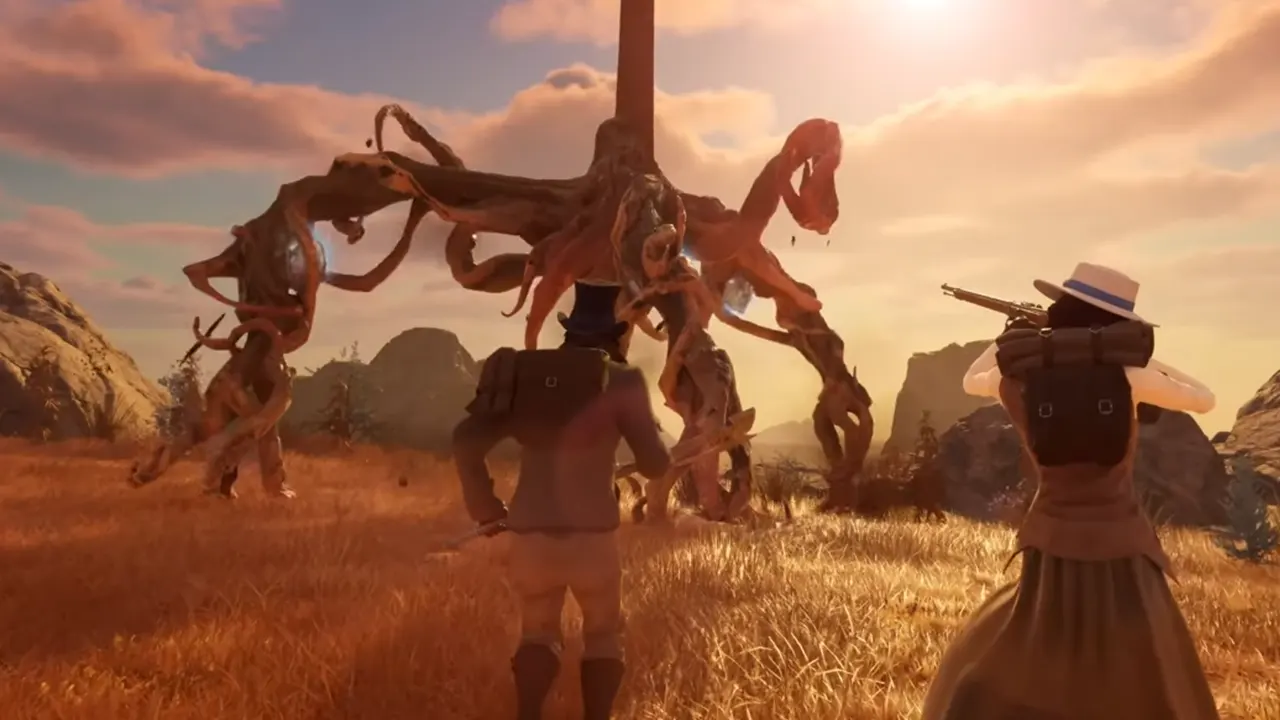
At this point, there is no official solution to fix the crashing issue. Since there are more changes to be made in the game, this problem may arise again. However, there are some quick workarounds that can help you through it. Here are they:
Verify Game Files
A corrupted or missing game file can be the main reason why Nightingale is Crashing on your PC. To fix it, you can verify and repair game files instead of reinstalling them. If you are not sure how to do that, simply use the steps below:
- Go to your Steam Library and right-click on Nightingale
- After that, click on Properties and go to the Installed Files section
- From there, select the “Verify Integrity of Game Files” button to get the job done.
It might take a few minutes but any missing or corrupted file will be dealt with. Restart the Nightingale once the process is completed and you are good to go.
Run Nightingale as Administrator
There’s a chance that Nightingale is crashing because it does not have the right to make minor changes in the system. This can be because the game does not have Admin privileges like other games on your device. Anyways, if that’s the case, then you should fix it by running the game as Admin. To do this, right-click on Nightingale > Properties > Compatibilities > Run this program as Admin. Next, click on Apply and then launch the game. The crashing issue should be fixed now.
Check for Updates
It is possible that the developers have already fixed this error in their latest patch. So check on Steam if there is any pending update available to download.
If nothing works for you, then you should get in touch with the developer’s team. As of now, the best way to do that is by joining Nightingale’s Discord Server. The developer’s team is pretty active and should reach out to you soon.
For now, that’s all you can do to get rid of the Crashing issue in Nightingale. For more content related to Video Games, feel free to stick around on our website.











