Facing a connection error on Roblox mobile and unable to play your favorite game? We’ve all been there. Roblox is one of the most popular platforms to create and enjoy games across all operating systems but the “connection error” on Mobile is one of these problems that gamers run into frequently, interrupting their gaming sessions. If you are someone who is experiencing this same issue and looking for a solution, this guide will walk you through all the methods to possibly fix this error.
Fix Connection Error in Roblox Mobile
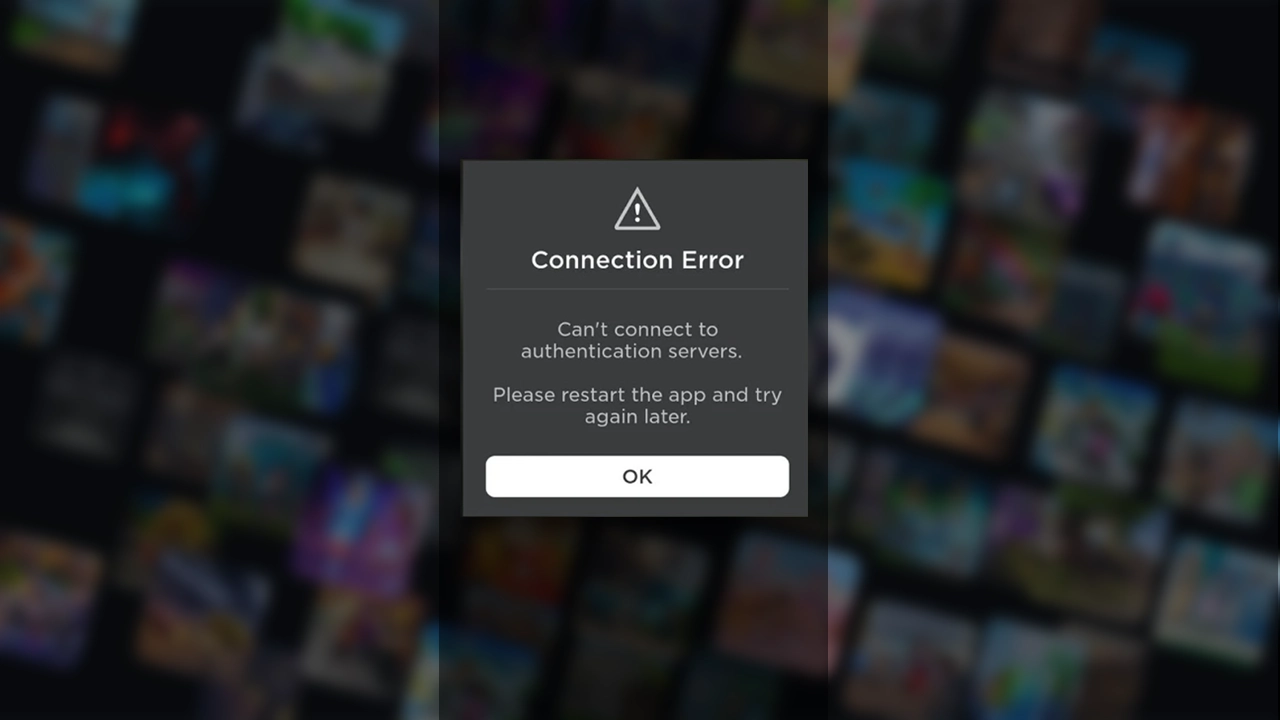
First, before starting with the solutions, you should check for the Roblox server status, sometimes server down leads to such a connection error. Here’s how to see if the Roblox servers are down. If this is the issue, the only thing you can do is wait until the developers address the problem.
Further, you can try the following small solution given below to possibly fix this error quickly.
- Restart App
- Set VPN
- Update the app
- Reinstall the App
Now, after trying the upper solution, below are some major fixes you can go ahead with.
Check Internet Connection and Speed
Roblox recommends about 4 to 8 Mb/s constant internet connection for smooth work of the App. Hence, this issue can be brought on by the fact that there isn’t a suitable connection speed.
To check your internet speed:
- Firstly, open any browser on your device.
- Now type speed test into the search box and hit search.
- Further, from the list, click on the first result (we recommend the Ookla speed test for accurate results).
- Now, once the site is loaded, start the speed test following the on-screen instructions.
Clear Cache Data on Mobile
On Mobile, sometimes temporary files build up in the storage of your app and may include corrupted components. This might be the reason for the Roblox App not working properly. So, another method to resolve the Roblox can’t connect to authentication servers issue is to erase the device’s cache. Below are the steps to do this on iOS and Android devices.
How to Clear Roblox Cache on iOS
- On our iOS device, open the “Settings” app.
- Now, search for the “Roblox” app in the Apps list.
- Once found, click on it and scroll below to an option, “Clear temp data on next start”.
- Lastly, toggle it “On”.
Now you can exit the settings and the start Roblox app again.
How to Clear Roblox Cache on Android
- Firstly, on your device, open the “Settings” app.
- Now, look for “Storage” and then click “Apps”.
- Next, in the App list, find the Roblox app and click on it to open its storage and permission settings.
- Lastly, click on the “Clear Cache” option.
Now start the app to check if the solution worked for you.
If none of the above solutions works for you, the only way to address this issue is by contacting Roblox support. And that’s everything covered on how to fix Roblox connection errors on mobile.
If you find this guide helpful, check out our dedicated section on Gamer Tweak for everything related to Roblox, from codes for freebies and rewards to guides and much more.