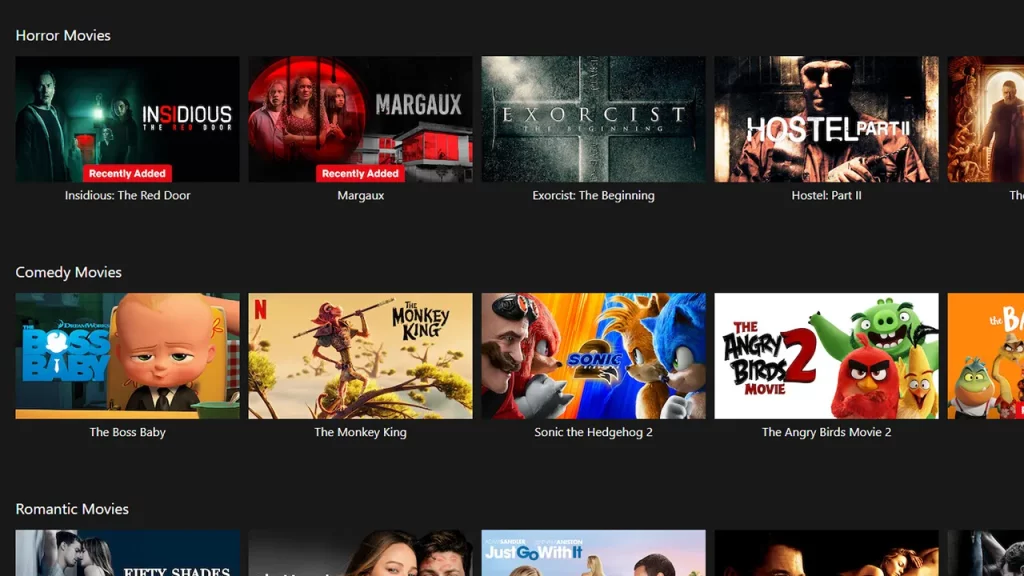
Many Netflix users have recently come across an annoying error where they are greeted with the “Cannot Parse Response” message while accessing the website on Safari Browser. While the error is prominent in iOS users, many users across the globe have come across the same issue on the OTT streaming service. There are many reasons why the error may occur ranging from connection issues to server outages.
The error can be frustrating as it’s occurring on multiple devices at once. Many rely on Netflix for their daily dose of entertainment with the vast library of movies and TV shows it has to offer. So if you are unable to watch their favorite movies and TV shows because of the error, here is everything you need to know about it and some possible workarounds you can try.
How to Fix Cannot Parse Response in Netflix
According to the official Netflix Help Center, it is confirmed that the streaming service is facing some sort of technical issues for now. This technical issue can occur due to various reasons and users will have to keep tabs on updates patiently. There is no definite time for such issues to be resolved. We would recommend following the updates and keeping track of all the latest news. If the issue persists even after the updates and there is some issue from your side, here are some of the workarounds you can try:
Check Internet Connection
A stable internet connection is required to stream movies and TV shows properly on Netflix. An unstable internet connection can cause various issues and errors which might affect the quality as well the website in general. We would recommend you check your internet connection first to resolve the issue. You can always switch your networks if the problem persists or connect different stable networks altogether.
Clear Website Data & Cookies
Another option to resolve the Cannot Parse Response Error on Netflix is to clear all the website data from the Safari Browser. Here are the steps you can follow to do so:
For Mac
- Launch Safari and head over to the settings.
- Here, select the Privacy option and click on Manage Website Data.
- Search for Netflix in the list and select it.
- Click on Remove and after the confirmation pops up select Remove Now.
For iPhone
- Head over to the settings on your devices.
- Search for Safari and head toward the Advanced option.
- Select the Website Data option.
- Hit the Remove All Website Data.
Restart the Device
Sometimes restarting the device will help you resolve the issue and you will be back watching your favorite content on Netflix.
What Does Cannot Parse Response Mean?
The Cannot Parse Response error occurs when the Safari browser is not able to understand the response from the Netflix servers. Such issues can occur due to ongoing outages or server maintenance. These server issues are resolved during the maintenance and the site will get back to normal in no time. However, users will have to wait patiently for the update from Netflix itself. As mentioned before some technical issues are going on as confirmed by the help center.
Is Netflix Website Down?
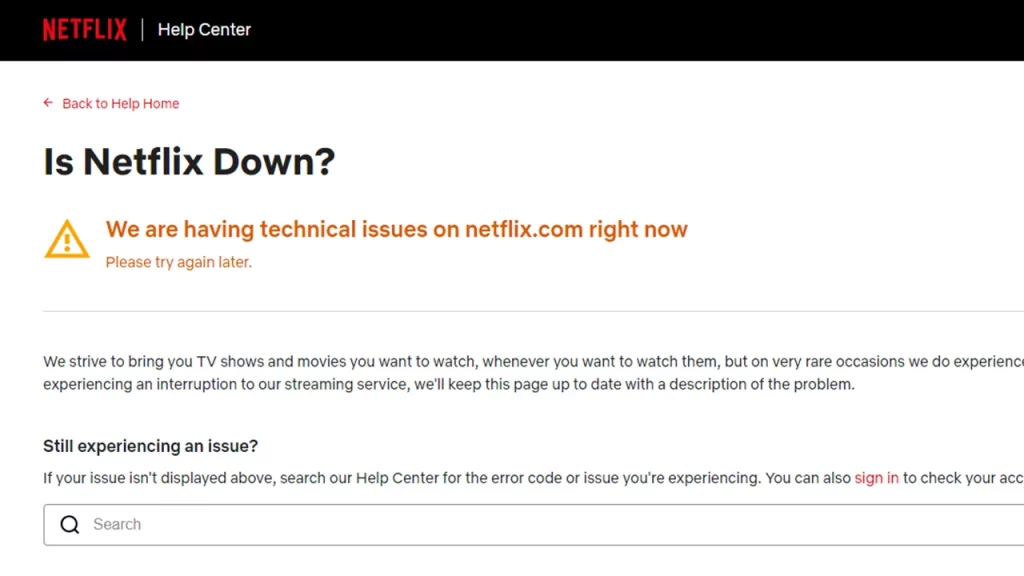
Whenever servers are down, users will come across issues like Cannot Parse Response on web browsers like Safari while accessing the Netflix website. The best bet for you to track down server outages or any ongoing maintenance would be to visit the official Netflix Service Status page. It is updated regularly if there are any ongoing issues with the Netflix servers.
There is also an official Downdetector page for Netflix where other users report server issues. You can check out both of the pages to know if you are not the only one. The server issues will be resolved back to normal, although there is no certain time.
That’s everything covered on how to fix Cannot Parse Response in Netflix. For more interesting guides like these do check out our dedicated Tech section, right here on Gamer Tweak