Apex Coins not showing up is a major issue for PC and console users like Xbox and PlayStation. This in-game currency is used to buy items in Apex Packs, which contain cosmetic items like character and weapons skins. Since you have to spend real money to buy these coins, it can be worrying if they’re missing. These Apex Coins can range from $9.99 to $99.99. Considering the price of this currency, losing them can be a huge loss. In this guide, we’ll tell you how to fix this issue.
Apex Coins Not Showing Up On Xbox: How to Fix It
If your Apex Coins are missing and not showing up on Xbox, then it can be due to a poor network connection or server outage. To fix this issue:
- Check your Internet Connection
- Restart the Game
- Powercycle the Console
- Check Official Sites
Fix 1 – Check your Internet Connection
Due to a poor internet connection, the coins may not show up in your account even if they are there. Make sure you first check your network connection before trying other methods or purchasing more coins. If you’re using a router then, restart it to clear any cache files.
Fix 2 – Restart the Game
The next thing you can try to fix this issue is to restart the game. This simple method will clear any in-game cache files which may interfere with your purchase. Make sure you wait for a few minutes before you restart the game. Then, check if the coins show up in your account.
Fix 3 – Powercycle the Console
If you’re using a console like Xbox or PlayStation, then try restarting it to fix the “Coins not Showing” issue in Apex. Sometimes, the console may have cluttered files in the form of cache data as well. Restarting or Powercycling your console will clear out all the unnecessary files.
Fix 4 – Check Official Sites
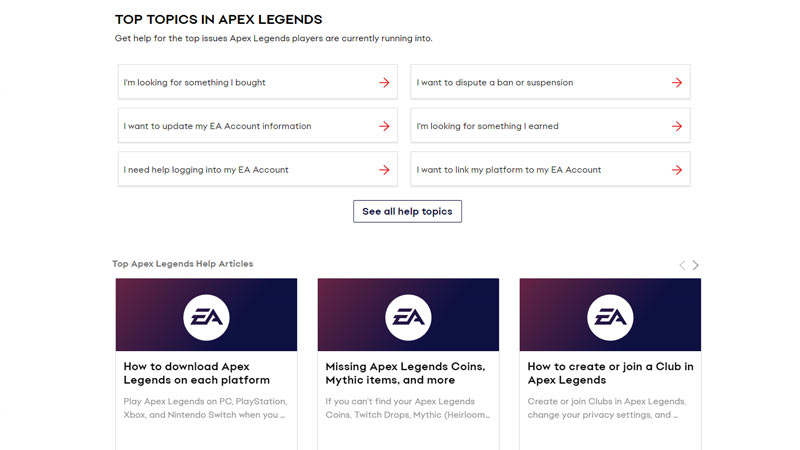
If none of the methods are working then the issue might be from the game’s end. Server outages or routine maintenance may cause this issue to show up. To get updates, make sure you check out the following official websites:
If none of the methods work, then wait for another 24 hours and contact official EA help.
That’s all from us on how to fix the Apex Coins Now Showing Up on Xbox issue. While you’re here, check out the most popular character picks to choose your next character.