You can enjoy racing games like Forza Horizon 5 the most when playing with a controller. And while you can also play it with a wheel, it is problematic when either of these devices disconnects. If you happen to have come across this issue then don’t worry as the fix for it is easy. So in this guide let us take a look at how to fix controller disconnected error in Forza Horizon 5 (FH5).
How to Fix Controller Disconnected in Forza Horizon 5
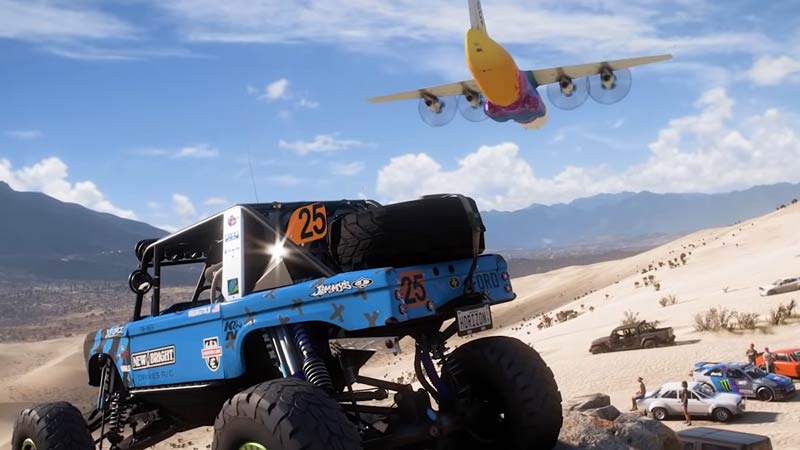
These are some fixes that you can try if you get this error message.
- Test your controller: Press Windows + R on your PC and enter the command “joy.cpl“. Once you do you will get a popup that shows a list of all the controllers. Click on the controller you wish to test then click on properties. And test if the controller is working. If the controller doesn’t appear in this list then it is faulty.
- Check if connected: If you use a wired controller then disconnect and reconnect your controller, and if you use a wireless controller then check if Bluetooth is switched on, on your system.
- Is it charged?: If your controller runs out of battery then it might abruptly disconnect. In such a case replace the batteries of your controller or charge it depending on the type of controller you use.
- Check your controller drivers: This fix is applicable for those who use third-party controllers. As many of these types of peripherals come with their own drivers, make sure you install them before using them. If you did install them then check if they are up to date.
If you use a Wheel then you can try these fixes.
- Check Control panel for your device: You can open the control panel and find your device in the device and printers section under hardware and sound.
- Reinstall drivers: You can try this fix for any wheel that you use simply disconnect them from your PC. Uninstall their drivers and reinstall them.
That sums up this guide on how to fix controller disconnected error in Forza Horizon 5 (FH5). If you like playing this game then be sure to check our other guides on how to fix getting disconnected from server and why forzathon shop isn’t working in Forza Horizon 5.