Are you an avid Fallout Shelter player looking for cheats? If so, you are at the right place. Today, we will look at all the available cheats in the game and how to use them.
All Fallout Shelter Cheats (May 2024)
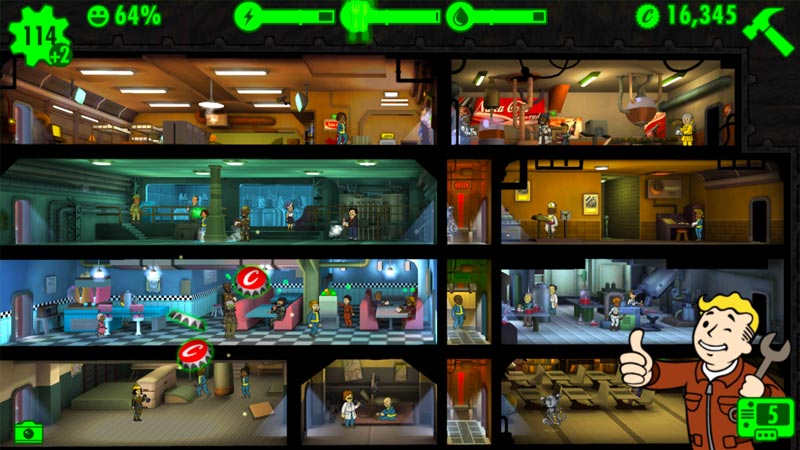
Here are different methods you can use to cheat in Fallout Shelter. All of them are mentioned below.
Time Lapse
Many tasks and upgrades in Fallout Shelter are time-dependent, but there is a way to override this instead of waiting for it. You can advance the game’s time to get all upgrades fast. Here’s how to do this:
- Go to Settings
- Click on General
- Select the Date & Time
- Disable the Auto option to manipulate the time yourself.
Save File Cheats
You can edit or save the file on your device to max out Caps, pets, dweller stats, and more. Just head towards the path mentioned below as per your device and replace your savefile with the one here:
- First, go to this website to edit the values of your saved files.
- For the PC/Launcher Version, the save is in:
“Documents\My Games\Fallout Shelter“ - For the Windows 10 Store version, click here.
- For the Steam Version, the save is in the:
“C:\Users\YOURUSERNAME\AppData\Local\FalloutShelter“ - For the Android Version, the Save is in the:
“storage/sdcard/Android/data/com.bethsoft.falloutshelter/files“ - Once you upload your .sav file, you can edit its values.
- After you have the desired values, replace your system’s old save file with this new one.
- Now, start the game to get all the free rewards.
Alternate website for editing the save file values: dinoz.mobi
Fallout Shelter Cheats Trainers
You can get all the stats you require using the save file editor. But if you don’t want to mess with your save file, you can use trainers to get these stats. Here’s a YouTube video from AkemiCloud showing this in detail:
That’s everything you need to know how to use all the available cheats in the game Fallout Shelter. Also, check out our Video Game Guides to know hidden secrets and a lot more in all popular games.