The early access of Diablo 4 has begun and many players are getting their hands on the game. The ones who did, are reporting an issue with the error code 1910. Many players have encountered this issue once they get through the queue. After encountering the error multiple times players are unable to play as the game closes right after. This can get frustrating for players that have got their hands on the game recently and wanted to play the game for so long. So here is our guide on potential fixes to help you resolve the error code 1910 in Diablo 4.
How to Fix Error Code 1910 in Diablo 4?
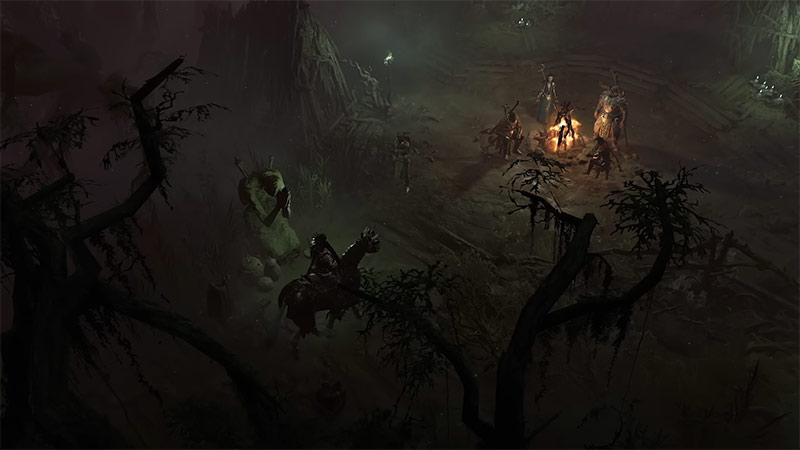
Unfortunately, there are no definite solutions for the error code 1910 in Diablo 4. Many players have reported the problem to customer support but it is yet to be confirmed as to why players are encountering this error. In this thread, customer support states that the error might be occurring due to server issues and that it is being investigated by the developers. As the early access for Diablo 4 is live now for players across, server outages can occur as they try to access the game. Here are some of the possible fixes that may help you resolve the issue
- Check your internet connection
Ensure that you have a proper internet connection on your PC or Console, and also check the network. - Verify The Integrity Of Game Files
Players can check for corrupted files that may lead to errors and update them with their game client. - Restart your game
You can always try to restart your game. As the error might be temporary it will get resolved once you restart Diablo 4. - Try re-login
You can also try to log in again in the game, as it can be a possible way around the error.
Players will have to wait for a definite solution until the issue is addressed. Till then you can try one of these fixes to resolve the issue.
That is everything on how you can fix the error code 1910 in Diablo 4. You can check out our guide on how you can fix PC stutter in Diablo 4 and for more dedicated guides like this check out our video game guides section.